These are the questions we actually answer in support tickets — not the brochure ones. If yours is missing, message us and it will appear here with the answer.
1. Which programming software do I need, and is it free?
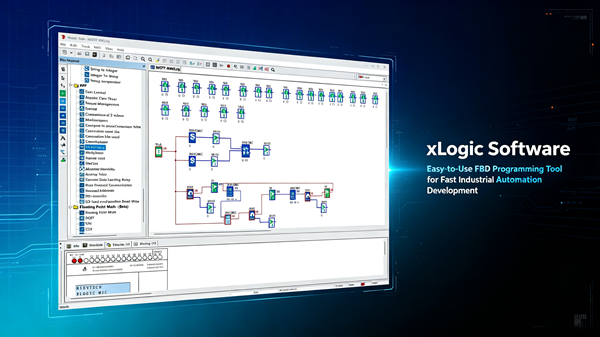
Both editors are free downloads. xLogicSoft is the FBD (function block diagram) editor for SR and PR series — 70 built-in function blocks cover timers, counters, PID, analog math and PWM. xLadderSoft is the ladder editor for SR/PR series with an S7-200-style instruction set, and the current version also supports ST programming. Install either (or both) on Windows XP through Windows 10/11.
2. How do I upgrade the firmware?
Use the dedicated firmware update package for firmware upgrading. Current SR series versions: SR-12 = V0.16, SR-12-B = V0.05, SR-22 = V0.05, SR-22-B = V0.05. The latest firmware unlocks features like the expanded 512 function blocks and 32K program memory on SR models, plus the additional AB encoder, VB/VW/VD data blocks and, on SR-22DC models, 256 auxiliary flags and 256 flags.
3. Which communication protocols does xLogic support?
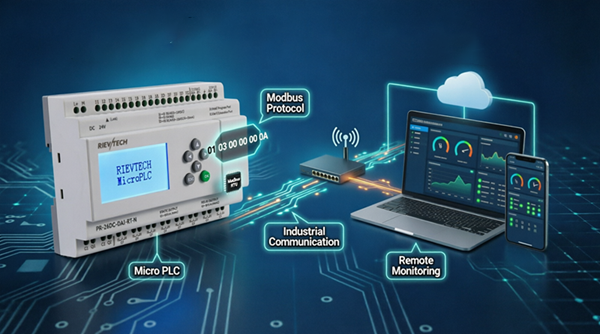
Modbus RTU, Modbus ASCII, in master or slave role, on the same RS485 bus. Ethernet models add Modbus TCP, MQTT, BACnet IP, a built-in web server, and remote access via WiFi, 4G/GSM, SMS alarms. One compact CPU can talk to a local HMI over RTU and to a cloud dashboard over MQTT at the same time.
4. How many function blocks does the CPU hold?
It depends on the model: SR series = 512 blocks with 32K program memory on current firmware; PR-12/14/EXM = 512 blocks; PR-18/24 = 1024 blocks; and
-N
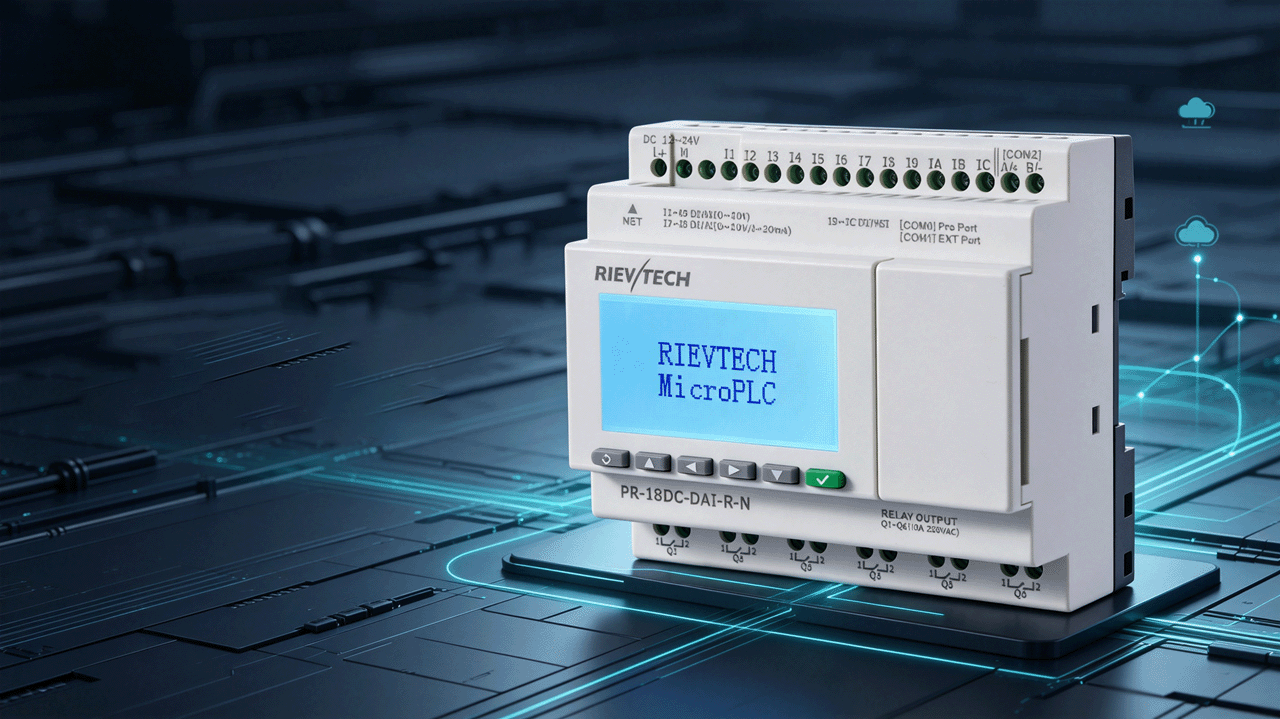
suffix PR models (PR-12N, PR-18N, PR-26N, etc.) = 1024 blocks with a 64K program. Do the block count before buying, not after writing the program.
5. Do I need high-speed counting?
Only for fast pulses — packaging counting, encoders, flow meters. TAll xLogic DC models feature 4-channel high-speed counting, up to 65 kHz (inputs I5-I8 or I9-IC), which replaces a dedicated counter module. Standard inputs are fine for switches, buttons and slow sensors.
6. Is PID control built in?
Yes. PID loops run directly in the CPU — tune temperature, pressure or flow without an extra controller. PR series models with analog inputs (e.g. PR-18DC-DA-R) and PT100-ready models (PR-23DC-PTDAI-RT-4G) are the usual choices for closed-loop control.
7. How long does the real-time clock keep time without power?
20 days at 25°C via the internal battery backup. That covers power cuts and holiday shutdowns without re-syncing timers, and program/settings backup lasts 10 years. A battery module is available for extended protection.
8. How far can I expand the I/O?
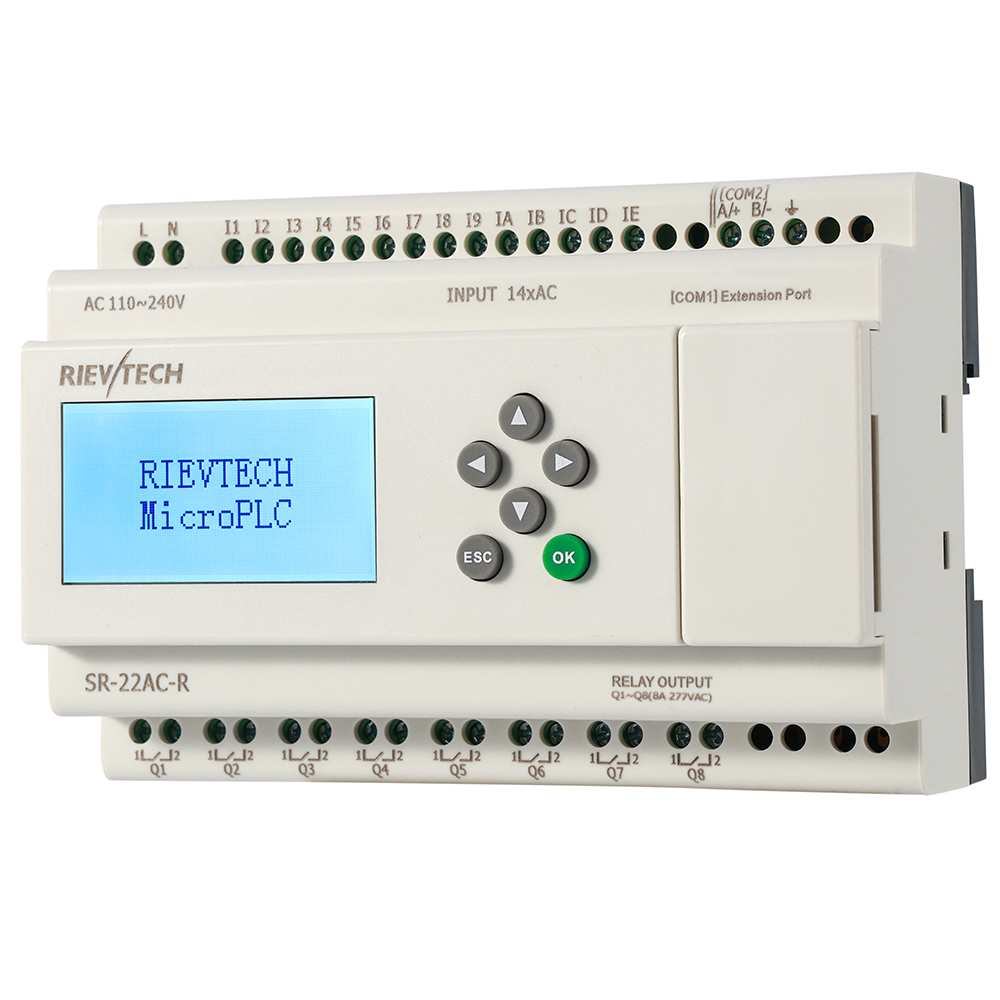
PR series expands over the built-in CAN BUS — up to 16 expansion modules for a total of 282 I/O points from one pocket-sized CPU. SR series accepts up to 3 SR-E modules. Expansion choices include digital in/out, relay, analog and PT100 modules.
9. AC or DC power — which model do I order?
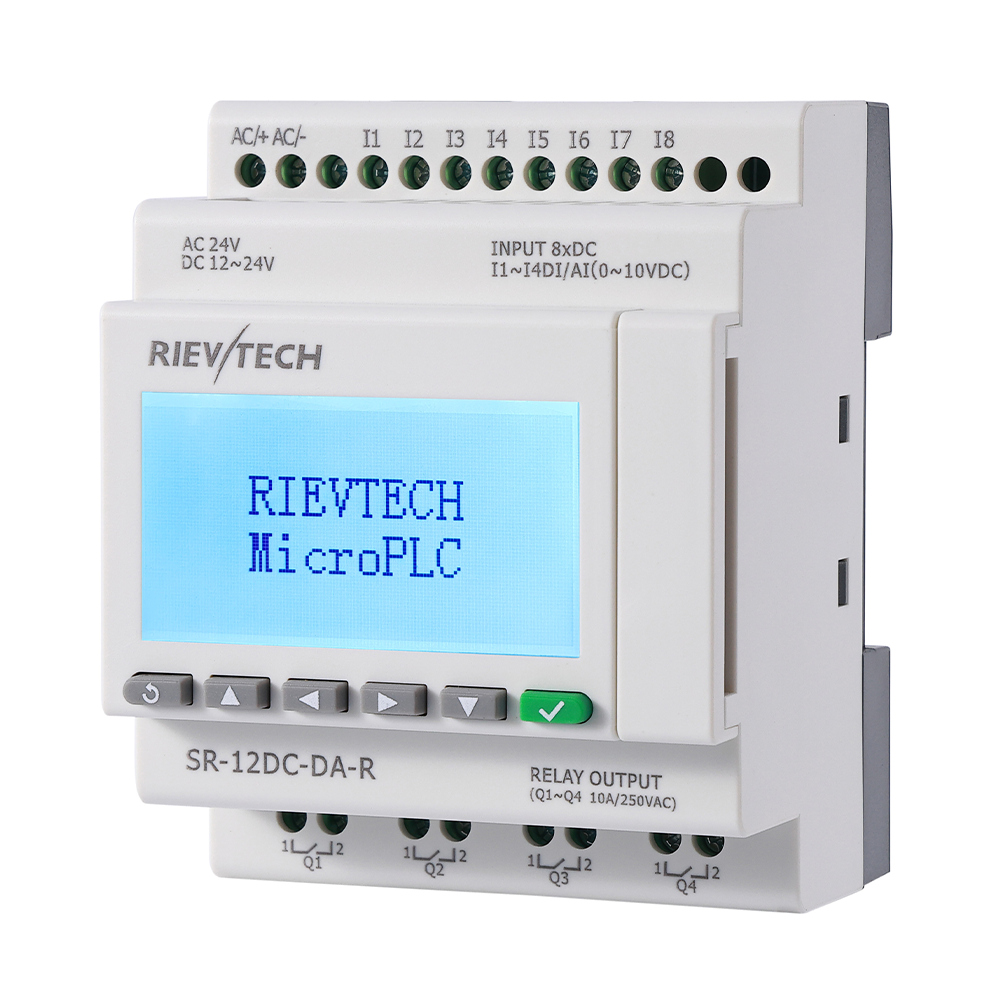
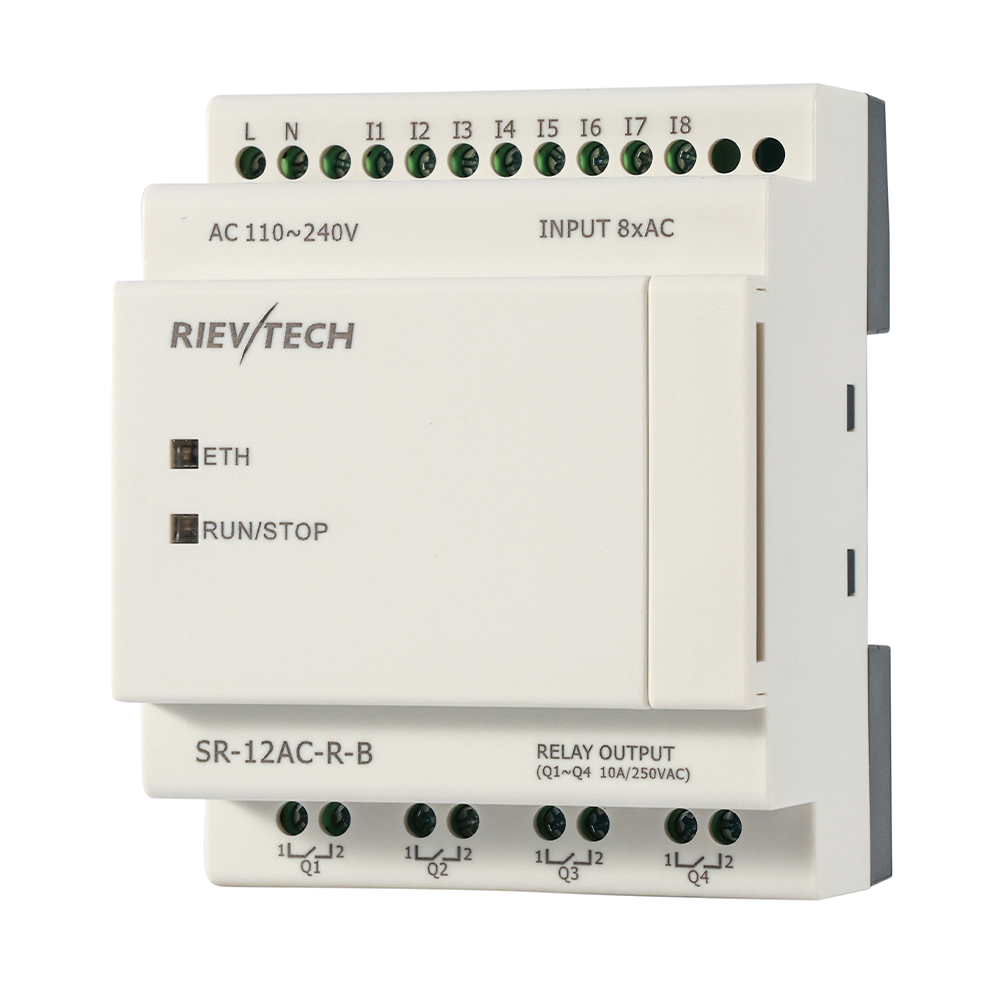
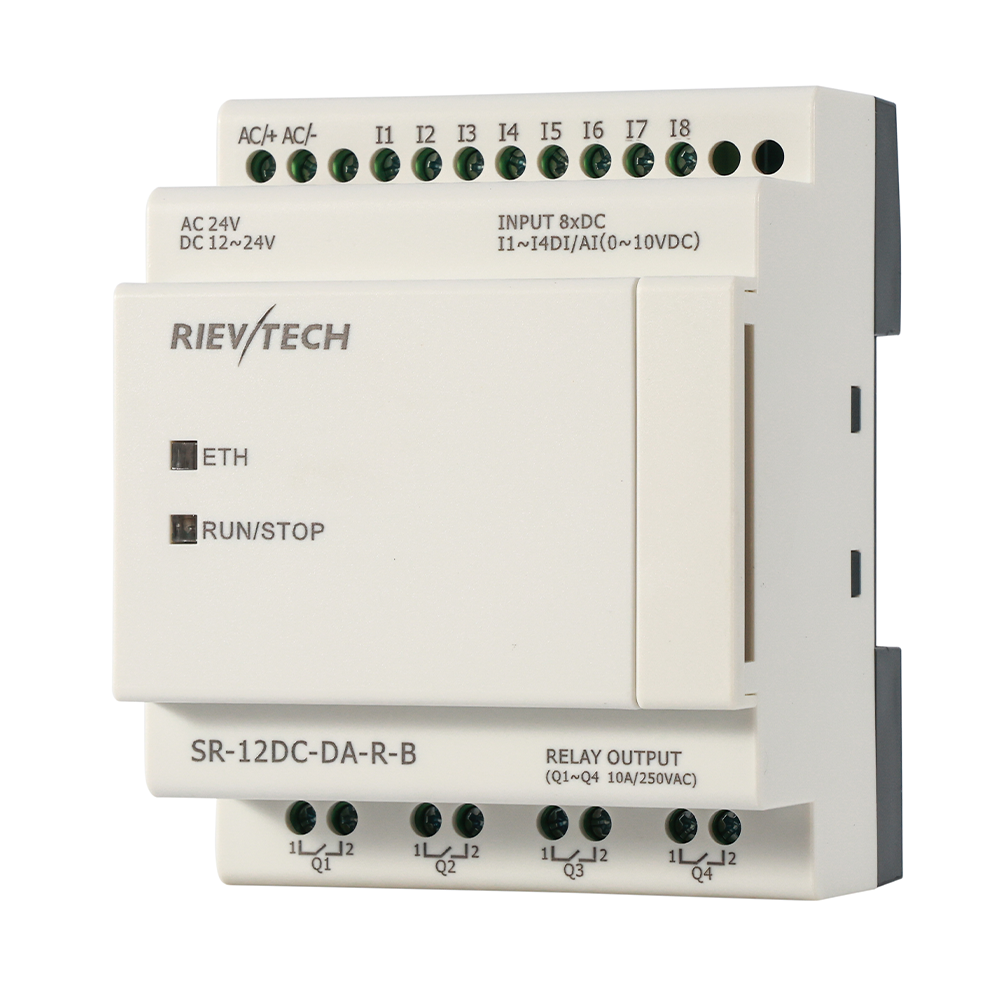
Models come in two classes: AC110-240V (powered straight from mains) and DC12-24V (from a control supply). If the panel has a 24V rail, order DC; if it runs on mains only, order AC and skip the extra converter.
10. How do I connect the PLC to SCADA?
Every model speaks Modbus, so any Modbus-capable SCADA works. For a zero-cost start, use the free EasySCADA package for Windows — it connects over RS485 (Modbus RTU) or Ethernet (Modbus TCP) and runs on modest PCs. The default ports in its sample project (6365/6364, example 5001) are examples; your HMI master will normally use port 502 for TCP.
11. Can I use xLogic to replace a Siemens LOGO! or a timing relay panel?
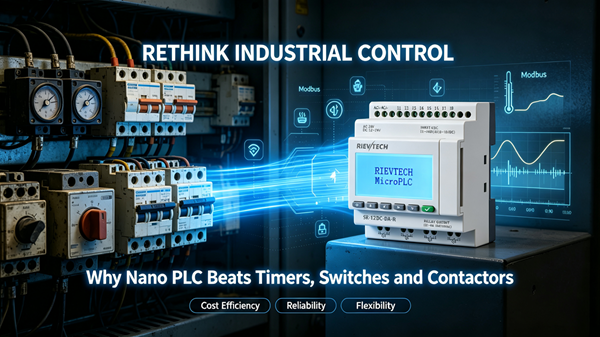
Yes — that is the classic retrofit. A nano PLC replaces stacks of timers, counters and contactors with one DIN-rail unit, and the program is editable on the LCD or from a PC. See the LOGO! alternative comparison for what changes and what stays the same.
12. What is the warranty?
18 months from delivery, with RoHS, CE and UKCA certification. Technical support is free and we usually reply within one working day — including help with your program logic, not just the hardware.
13. Do you support OEM / custom branding?
Yes. We offer OEM branding, customized I/O and programs, regional distribution and special project support. Tell us the volumes and the target market and we will tailor the product and the packaging accordingly.
14. Which programming cable do I need?
An optically isolated USB cable for modern laptops, or the RS232 cable for legacy serial ports. The isolation protects the PLC from PC ground loops — worth the few dollars it costs. On Ethernet models you can also download over the network with no programming cable at all.
15. Can I monitor the machine from a browser?
On Ethernet models, yes. The built-in web server shows live I/O and key values from any browser — no SCADA software installed. It complements the free EasySCADA desktop package and the 4G remote channel on cellular models.
Still have a question? Use the contact form or chat — a human engineer, not a bot, answers.