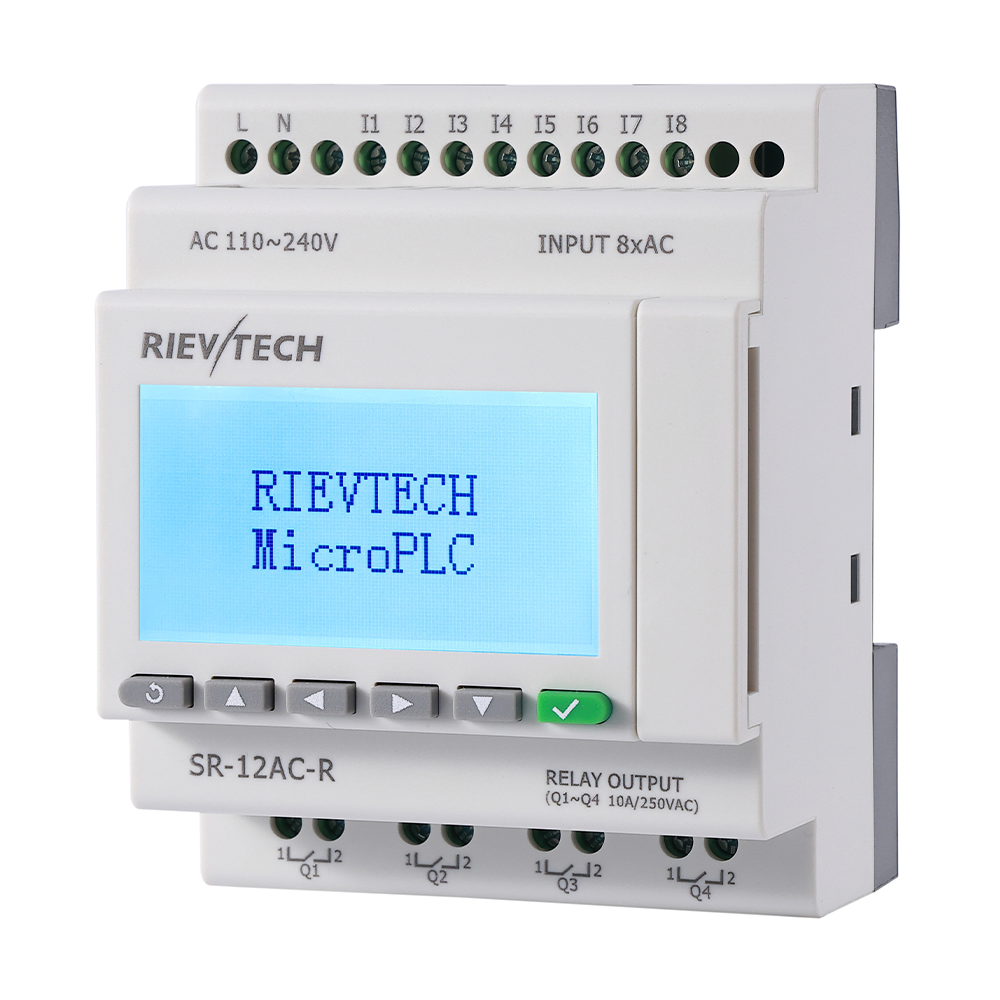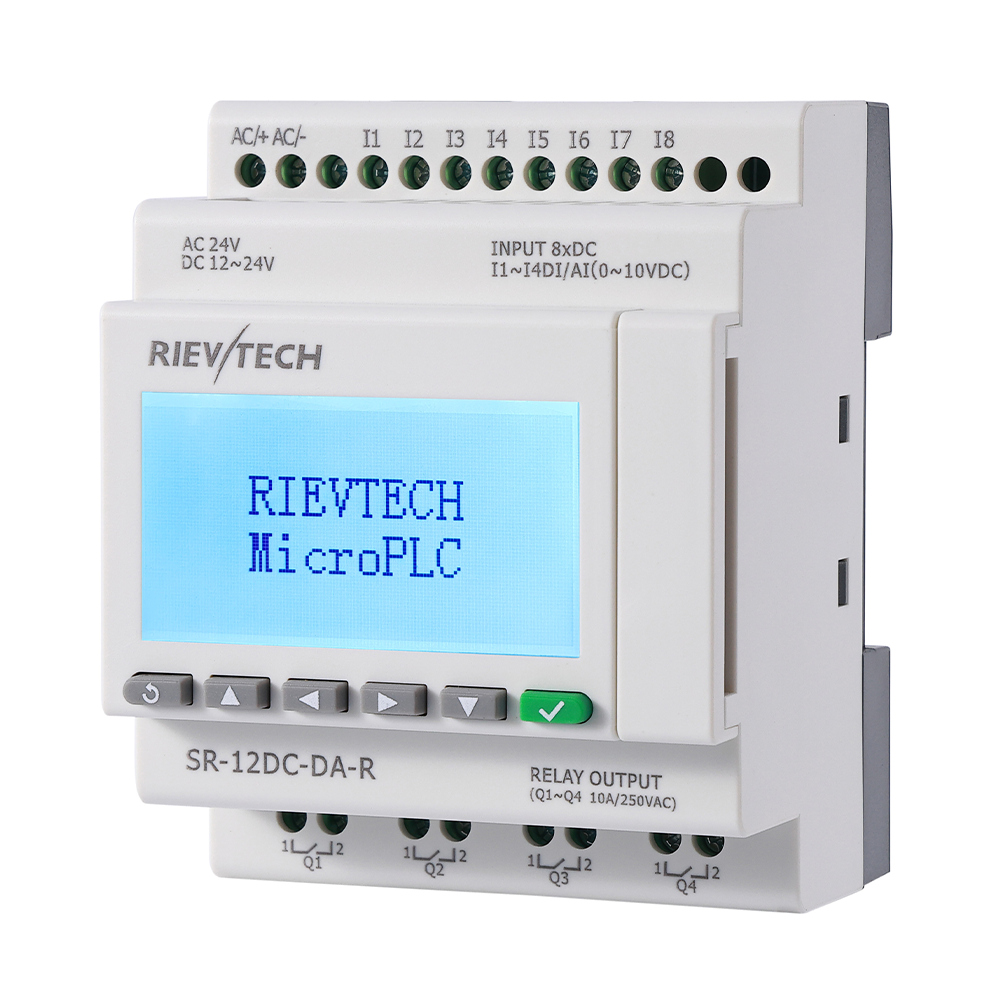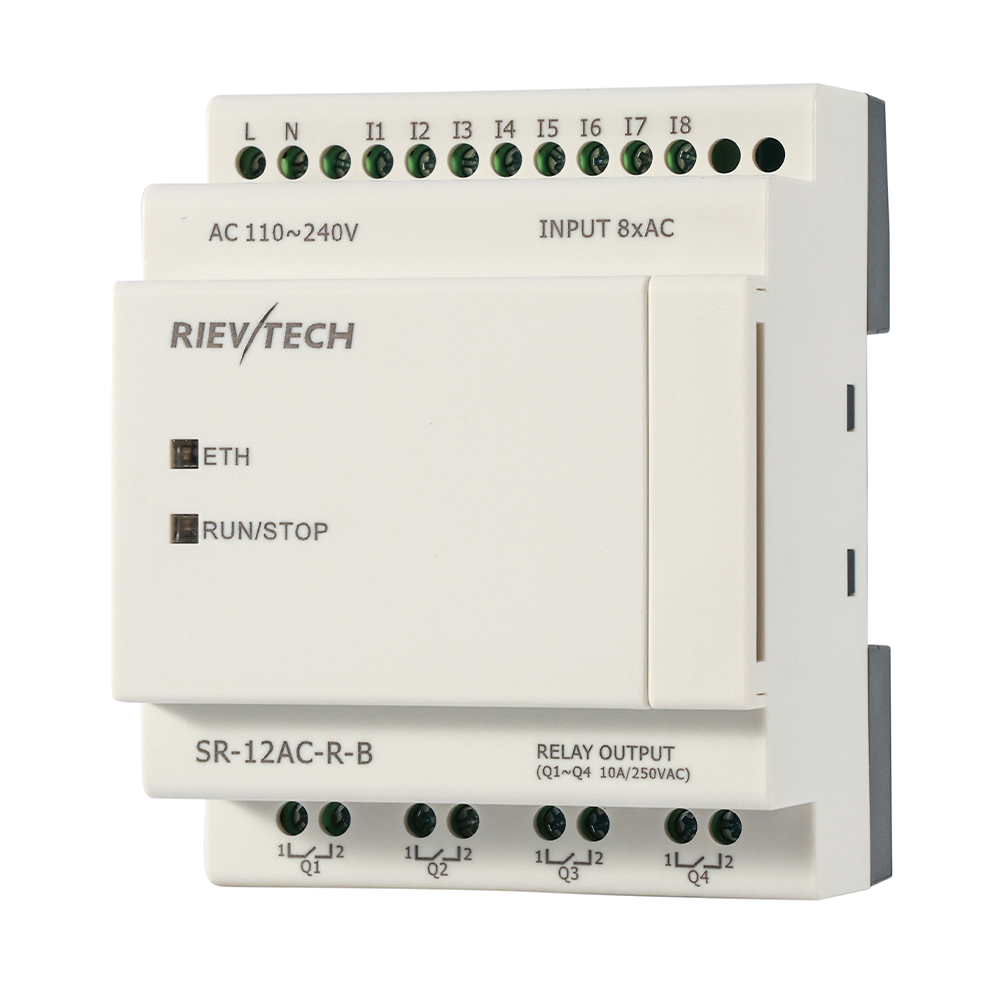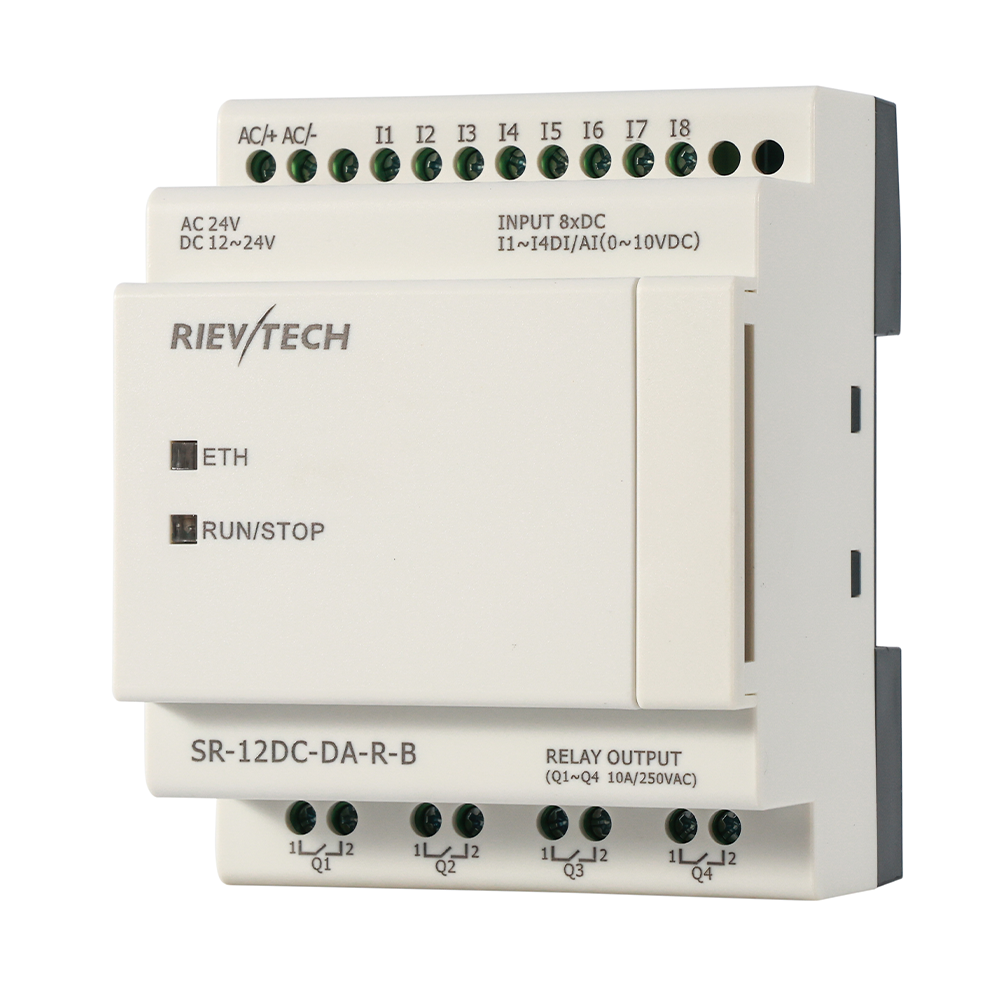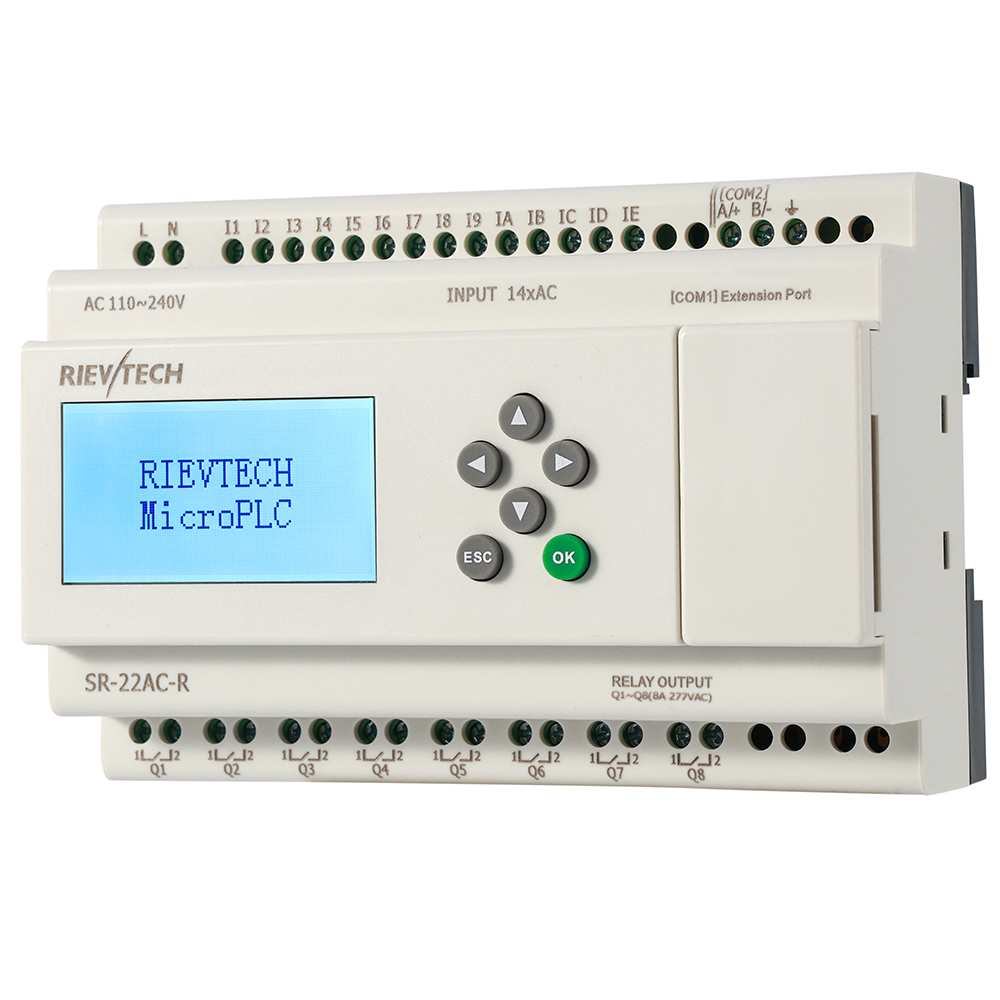
Your laptop has no serial port. It has not had one for three generations. Yet half the field-programming guides on the internet still assume a COM port, a 9-pin cable, and a screenshot from 2010. The xLogic family solved this twice over: a USB programming cable, and full download-over-Ethernet on the network-capable CPUs.
Neither option is a hack. Both are documented, first-class paths in the manual.
The USB Cable: Your New Best Friend
The USB cable behaves exactly like the classic RS232 one — same photoelectric isolation, same programming functions — but plugs into any modern laptop. Isolation is the point worth repeating: it protects the CPU and the laptop from ground-loop surprises that kill ports. A non-isolated cable in a noisy cabinet is a lottery ticket you do not want to win.
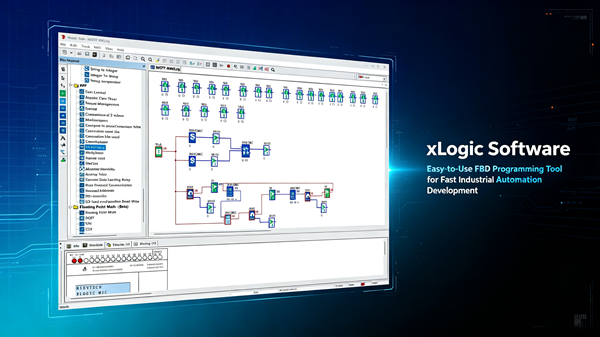
Install xLogicSoft or xLadder, plug in, select the port, download. The software finds the CPU, transfers the program, and you are done. Fifteen minutes from opening the laptop to running the machine.
Ethernet Download: No Cable at All
On the Ethernet-capable models, the program uploads and downloads over the network. That is the difference between a service visit and a remote session: the integrator updates the machine from the office, the OEM patches a fleet of machines without travelling, and commissioning happens with a phone and a VPN instead of a flight.
Set the CPU to a fixed IP, keep the port reachable through the router, and the download path is identical to the serial one — just faster and farther. The manual's communication sections cover the addressing; the practical effect is that "I will send you the update" becomes a real sentence.
Real Scenario: Fleet Update Without Travel
An OEM with forty packaging machines across three sites needed to update the program on all of them — new alarm logic, a changed reject delay. With Ethernet-capable CPUs, the update took two days from the office: push the new program over the network site by site, verify the version on each CPU, done. The alternative — three trips, forty panels, a week of travel — disappeared.
That is not a convenience. That is a business model change for machine builders.
What to Watch When Downloading
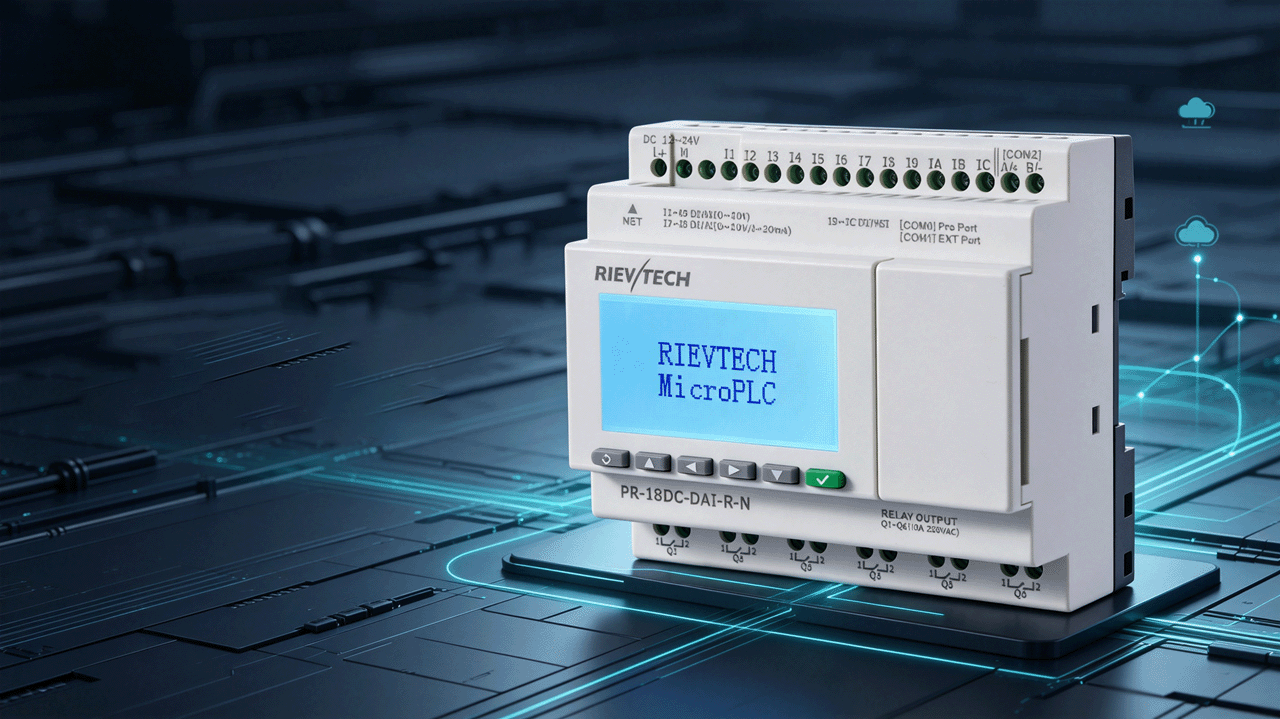
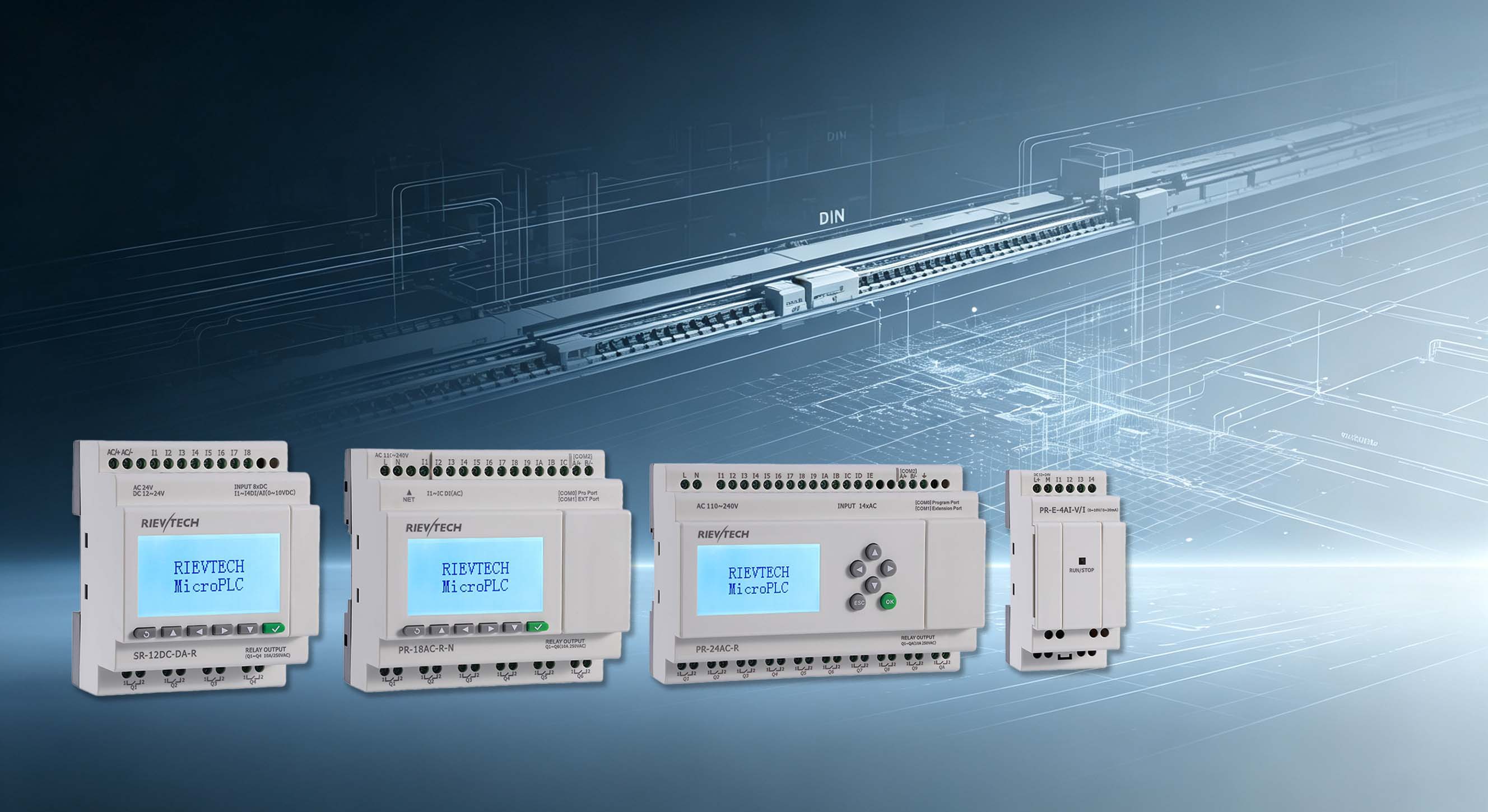
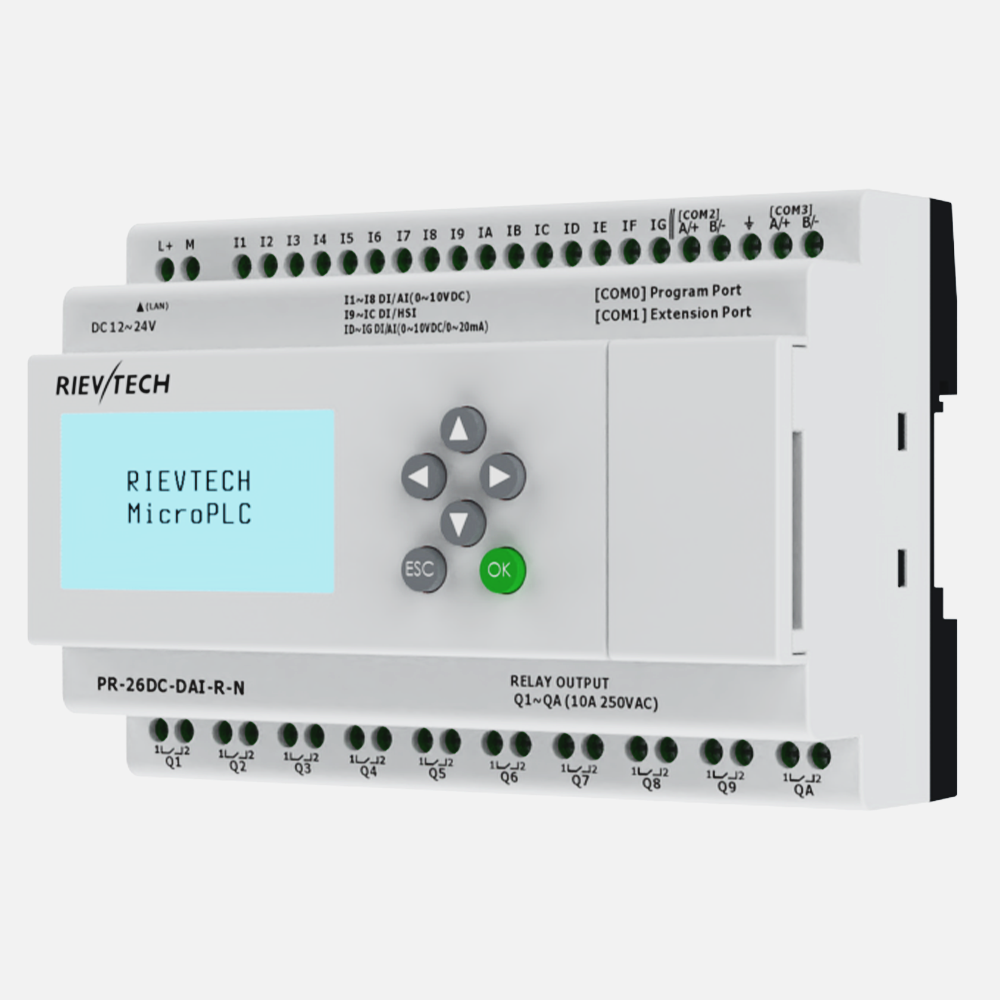
Compile before you transfer. Both editors flag errors at compile time, and the download rejects a bad program — but a compile warning is still a warning: read it. And confirm the CPU model and firmware version before flashing; a program built for a PR-26 does not belong on an SR-12, and the software will tell you if you let it.
On the serial path, remember the baud-rate rule from the manual: 9600 is the default; if you change it on the PC side, change the CPU side first, or the download simply fails with a timeout that sends you hunting for a problem that does not exist.
The Old-New Transition
RS232 is not dead — plenty of HMIs and third-party devices still speak it, and the CPU keeps the port for exactly that. But for programming, the USB and Ethernet paths have made the serial cable optional. The next time someone asks "does this need a serial port?" the answer is a sentence, not a problem.
The Program Archive: Your Real Insurance
Here is the support call that happens in every OEM's life: a machine from five years ago, a customer with a fault, and nobody on the team knows what program is in that CPU. The controller works — the machine runs — but the archive has three versions and nobody is sure wich one shipped. That call is a full afternoon of forensic work that a versioning discipline prevents entirely.
Name the program files with the machine model, the program version, and the date: packager_pr26_v1.4_20250912 . Store the archive with the machine's documentation, and read back the version from the CPU on every visit. A support call with a named, archived version is a five-minute fix; a support call without one is a project.
The download tools make the archive trivial — the software reads the program from the CPU, and the Ethernet path reads it remotely. The discipline is not the tool. The discipline is the folder, the naming, and the habit of archiving after every change. The day a machine from 2019 needs an update, the archive is the difference between a quote and an apology.
The Field Update That Works
The Ethernet download path turns fleet updates into office work, but the field update still has rules. Rule one: notify the site before the download — a machine that resets mid-run is a machine that made a bad batch. Rule two: download during the planned window, not during production. Rule three: verify the version after the download and record it. Rule four: keep the previous version in the archive for a rollback — becuase the new logic will have a bug somewhere, and the rollback is the fastest recovery.
For the serial path, the same rules apply with one addition: the baud rate rule from the manual — change the CPU side first. And test the download on a bench unit before the site visit; a download failure in the field is embarrassing, and a bench test costs ten minutes.
The machines that update cleanly are the ones with the discipline, not the ones with the best hardware. The discipline is a checklist, and the checklist lives in the archive folder.
Carry the USB cable anyway. It weighs nothing, and the day you need it — you will need it.