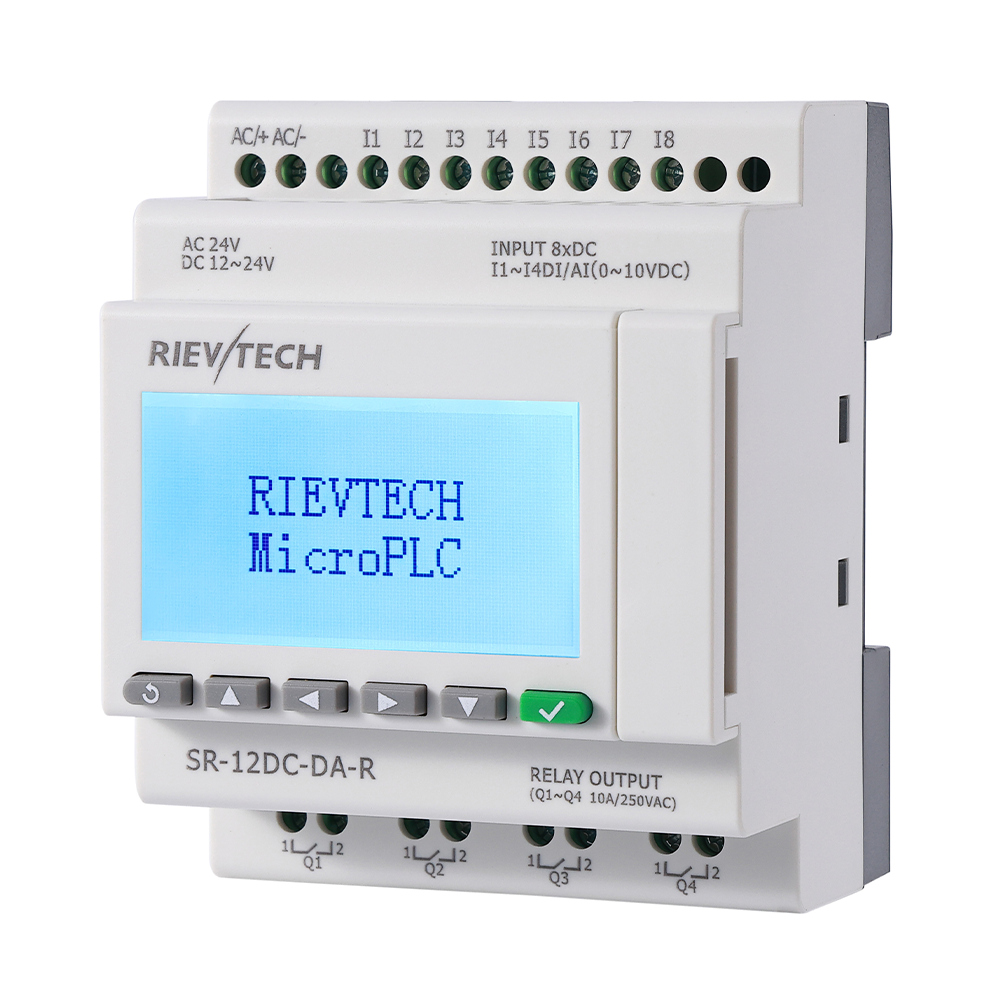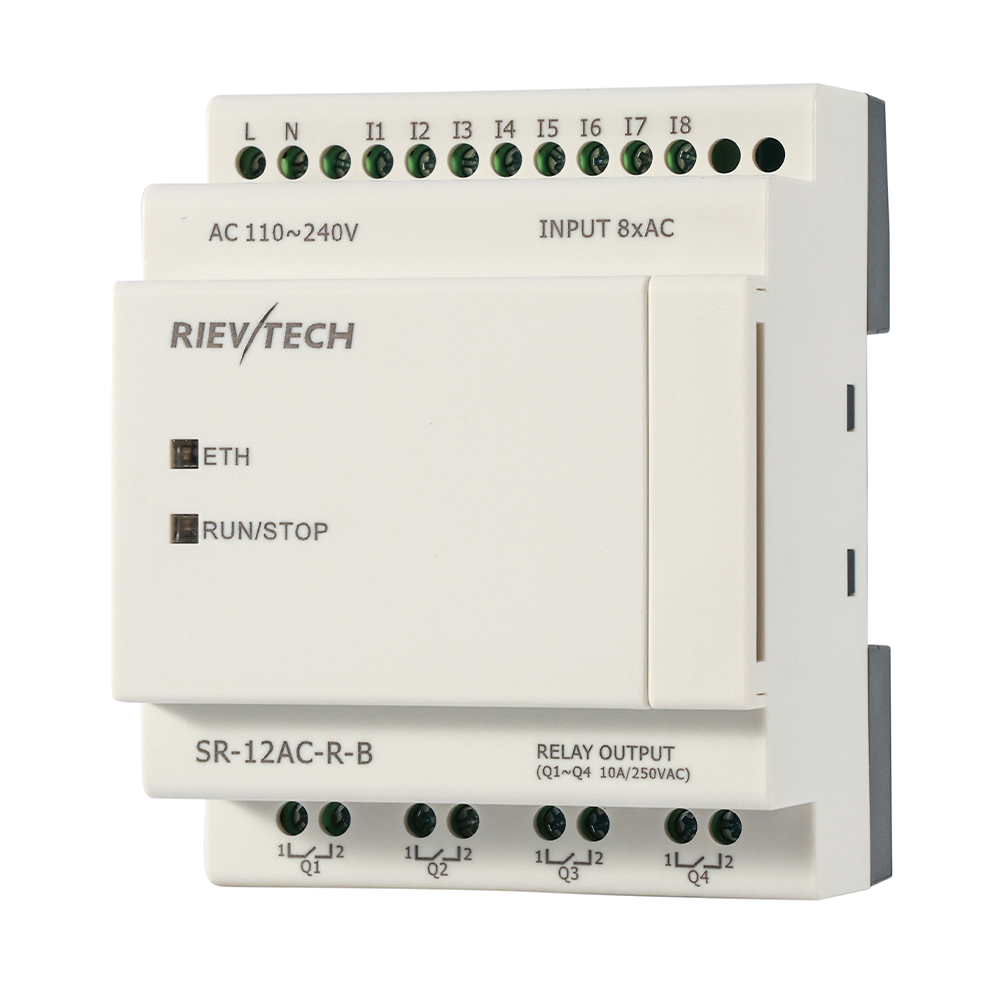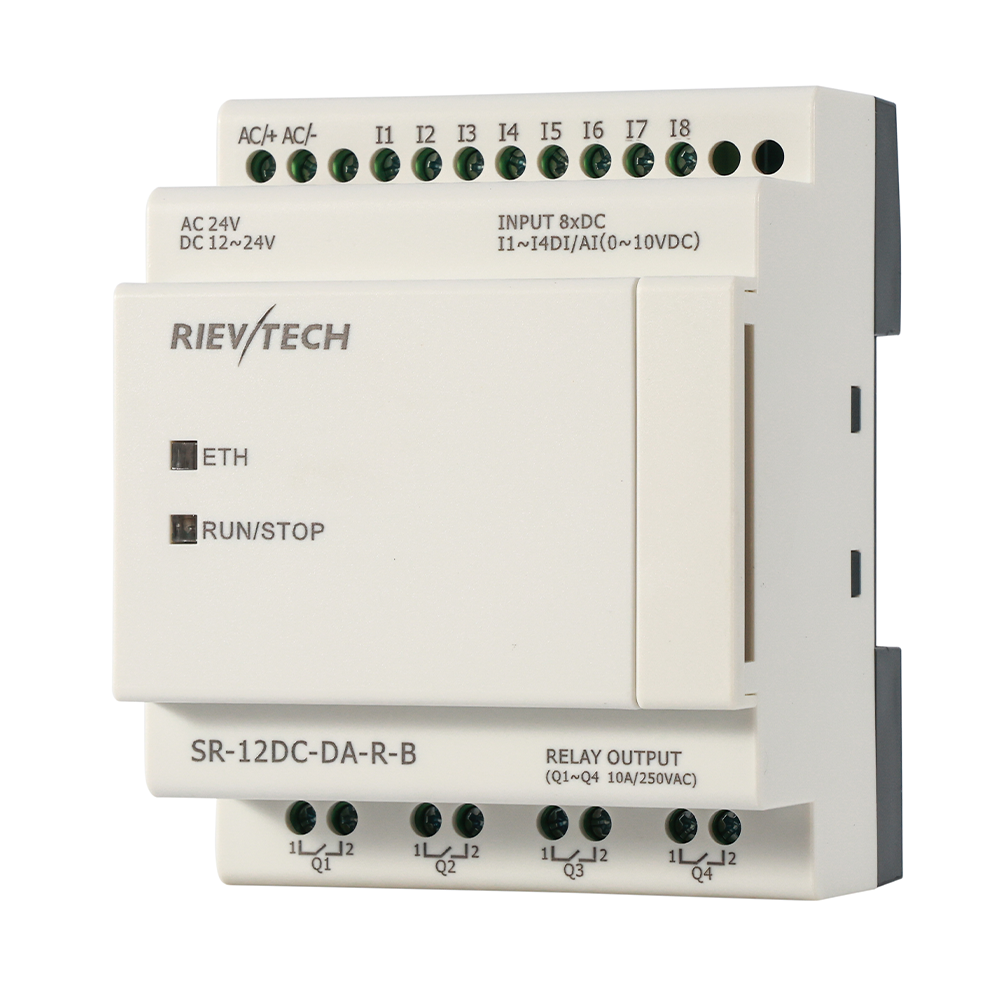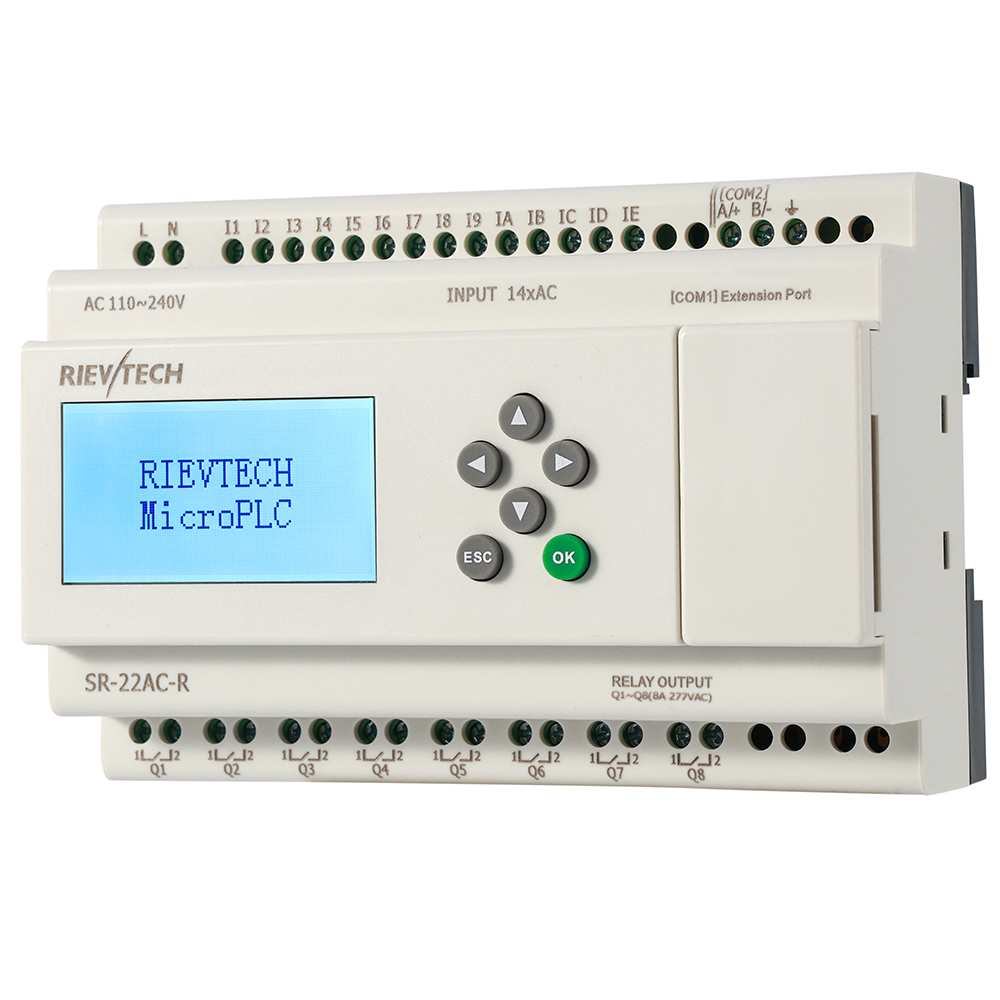
Commercial SCADA licences cost thousands and are overkill for a small panel. EasySCADA — the free, PC-based SCADA package from RIEVTECH — gives the xLogic family live screens, trends, alarms and data logging at zero licence cost. I have watched a pump station, a greenhouse and a test bench all get proper SCADA for the price of a Windows PC, so let me walk you through the setup the way the manual teaches it — minus the dust.
What You Are Actually Installing
Two programs do the work. easyMonitor is the configuration editor — you build screens, bind variables, and press run. easyServer is optional, needed only when controllers connect as clients over Ethernet/GPRS. Behind both sits a MySQL database, becuase historical and alarm data has to live somewhere.
That means the install order matters: MySQL6 first, then the EasySCADA configuration software. On Windows 7 or 8, right-click the installer and choose Run as administrator — the manual is explicit, and skipping it produces the kind of cryptic error that wastes a morning.
System Requirements, Honestly
Windows XP or later, through 7, 10 and 11. A Pentium III 800MHz CPU and 256MB RAM suffice. Any office PC from the last fifteen years qualifies. If your "SCADA server" is a retired laptop from the drawer, congratulations — that is a legitimate SCADA server now.
The Three Ways It Connects
Pick the route that fits your site:
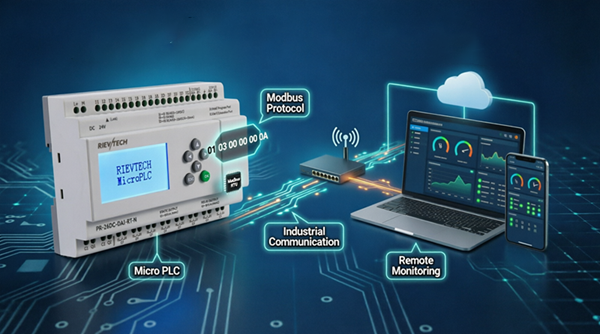
- RS232/RS485 serial — direct cable, Modbus RTU. No server software, no network config. The safe default for a single panel
- Ethernet, controller as server — easyMonitor connects straight over Modbus TCP. No server software; the controller holds a static IP and the router forwards its port for remote access
- Ethernet/GPRS, controller as client — controllers dial out to easyServer on a PC with a static IP or domain. For NAT-ed sites and EXM-series GPRS telemetry
The protocol note is worth repeating becuase people get it wrong: EasySCADA speaks Modbus RTU and Modbus TCP. That is all. No MQTT, no OPC-UA — and that is fine, because Modbus is exactly what a small SCADA needs.
The Setup Path, From Scratch
Create the project: File → Project → New , name it, pick the controller model. A fresh project already carries five serial devices; right-click Device and edit the one you need. Set the address (unique per device — duplicates corrupt the bus), the protocol (Modbus-RTU or Modbus-TCP), the model, the COM port and baud rate (9600 default; change the PLC side first if you go faster), or for Ethernet the controller IP and port — for example 192.168.0.133 on port 5001 for a controller set as server.
Then the Data tab: add the points — digital inputs and outputs, analog inputs, flags, registers — each with address, count and a polling priority. High for alarms, Middle for controls, Low for the slow-moving analog values. Bind those variables to the objects you place from the Drawlib menu: lamps, buttons, meters, tanks, trend charts.
Click the start/stop ▶ button. That is the moment of truth.
The 30-Second Communication Test
Add a digital flag — F1, say — to the PLC program in xLogicSoft. If its status toggles in the easyMonitor window, communication is alive. If it sits dead, check the address, the baud rate and the port before you touch anything else. Nine times out of ten it is one of those three.
Remote Sites and the Honest Notes
For Internet access with the controller as server: static IP on the router, port forward (e.g. 5001) to the controller's LAN address. For GPRS on EXM models: configure the GPRS Data Upload block in xLogic with the easyServer IP and port, select custom Modbus , and remember the manual's warning — GPRS is wireless, slow, and SIM data costs money. Low-rate telemetry, not high-speed polling.
Monitoring several controllers? Unique addresses, always. Two devices with the same address will quietly corrupt each other's data, and that is the hardest fault to find.
Where EasySCADA Shines
Small pump stations, greenhouses, HVAC panels, single-machine workshops — the sites where a commercial SCADA would cost more than the panel it watches. When the site grows, the same controllers move up to a commercial SCADA or a cloud platform without touching the hardware. The licence you did not buy is the best licence you never owned.
Data Logging That Pays for Itself
Here is the feature nobody quotes a price for, and the one that ends the most arguments: the historical log. EasySCADA's database-backed logging records values over time, and when a machine misbehaved at 03:12, the log tells you what the level was, what the pump did, and when the alarm actually fired. The "it just stopped" conversation — the most expensive sentence in maintenance — becomes a data review instead of a guessing game.
Decide what to log before you need it. Temperatures and pressures if the process drifts; run hours if the maintenance schedule matters; alarm transitions always. Set the log interval to match the process — one minute for a slow tank, one second for a fast machine. Logging everything at the fastest rate fills the disk and buries the signal; logging the right things at the right rate turns the database into a maintenance oracle.
The MySQL backend means the history survives restarts and grows without the software choking. A year of logged data on a small site is a few hundred megabytes — trivial for any modern machine, priceless the first time a warranty dispute arrives with a timestamped trace that settles it.
Sample Project Strategy
Do not build your first EasySCADA project from a blank screen. Start from a working sample — the manual's example chapters walk through device creation, variable definition, screen building, and both the serial and Ethernet monitoring paths end to end. Adapt, do not reinvent. The sample saves you the two most common mistakes: the wrong device model selection, and the forgotten baud-rate handshake.
Build one screen that works, then expand. A single tank view with level, pump status and an alarm lamp teaches you the whole loop: device, variable, object, binding, run. The second screen takes a third of the time; the tenth takes minutes. That is how the free software becomes a production tool — one deliberate session instead of a weekend of fighting the menus.
And keep the project files under version control. EasySCADA projects are plain files; they diff cleanly and they should be treated like code. The day the customer asks "what changed last month," you will have an answer that is not a shrug.
Get the download and a sample project from our download center, or prepare the controller side first with our Modbus setup guide. And yes — free really does mean free here. I have checked.