Choosing the wrong PLC costs more than the price difference between two models. It costs a control cabinet rebuild, a missed delivery date, or a machine that needs a second PLC bolted beside the first one. The good news? For compact automation, the decision can be reduced to four questions, and most xLogic buyers answer all of them in under ten minutes.
This guide walks through those four questions, then maps the answers to specific xLogic models. If you are in a hurry, jump straight to the comparison table below.
Step 1: Count Your I/O Points (and Their Types)
Start with the machine, not the catalogue. List every sensor, switch, button and relay in the control circuit, then add 10-15% spare I/O for future tweaks. The result tells you which family you need:
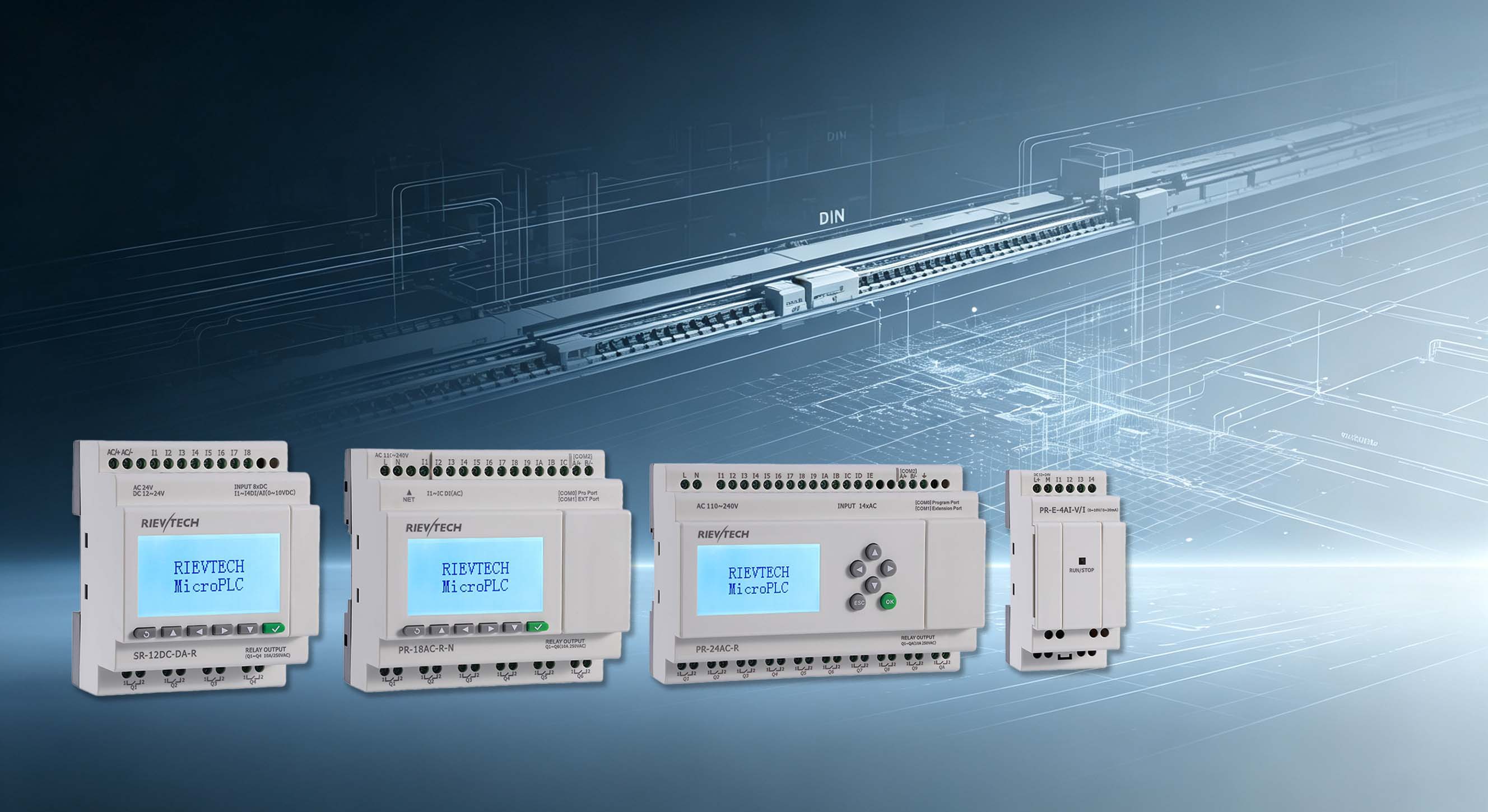
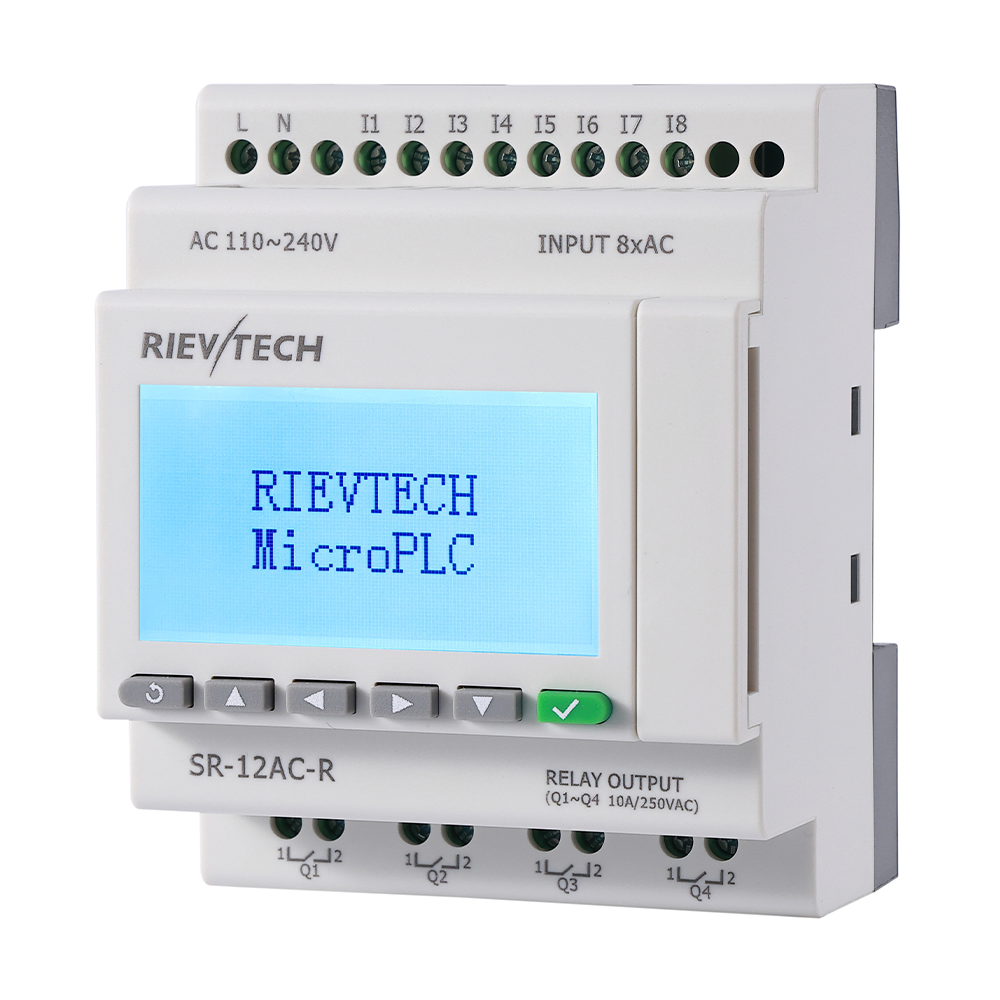
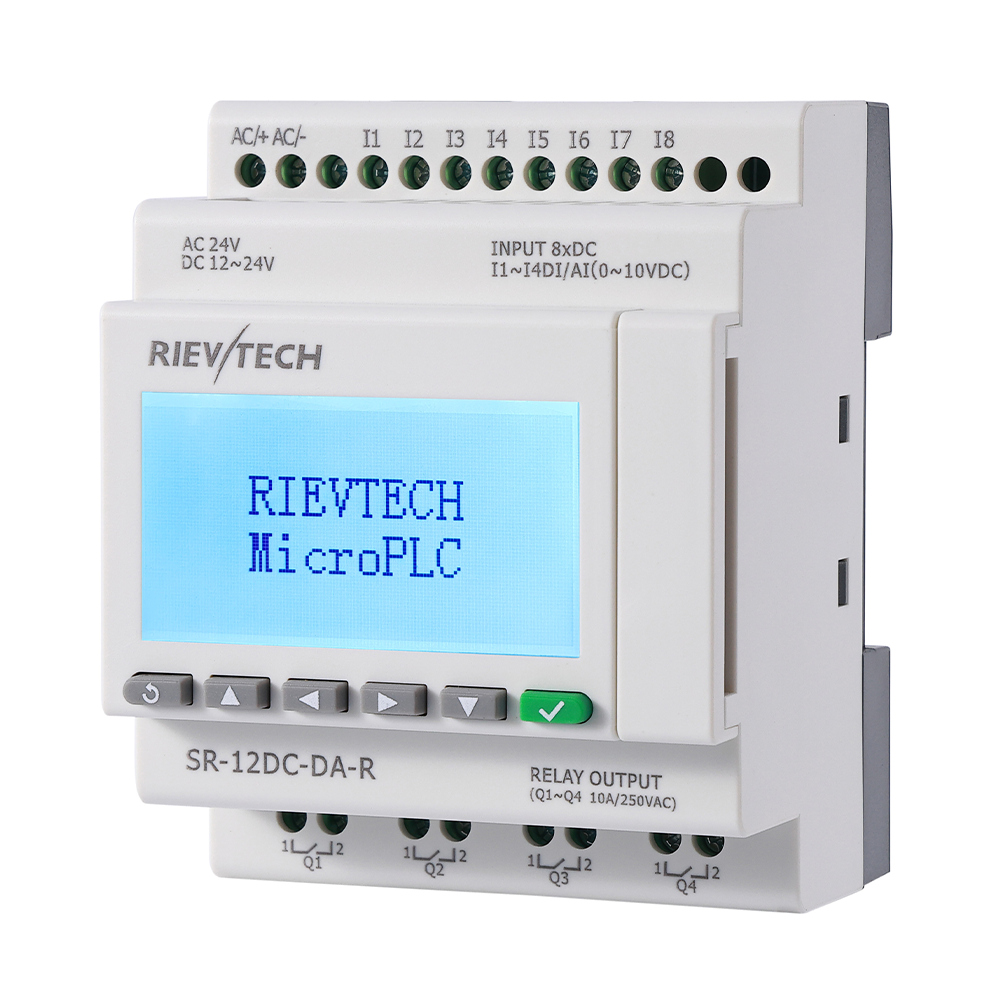
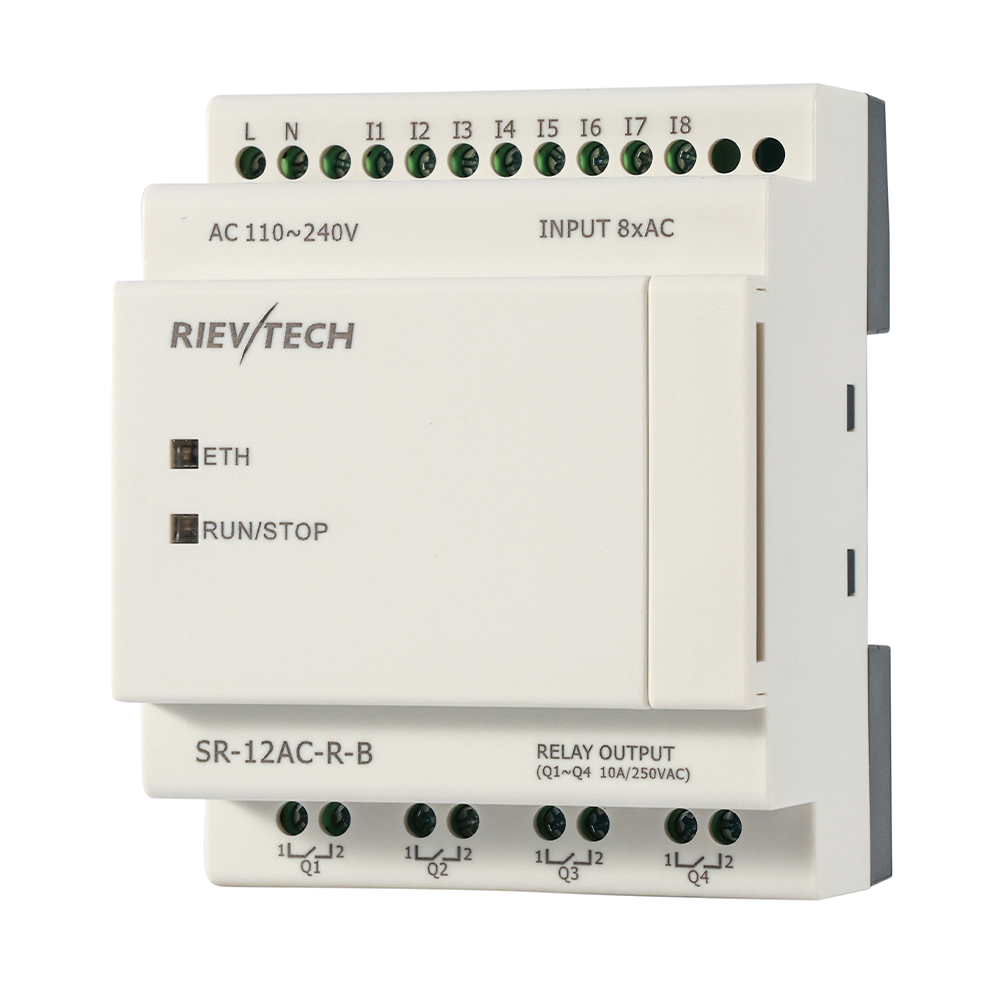
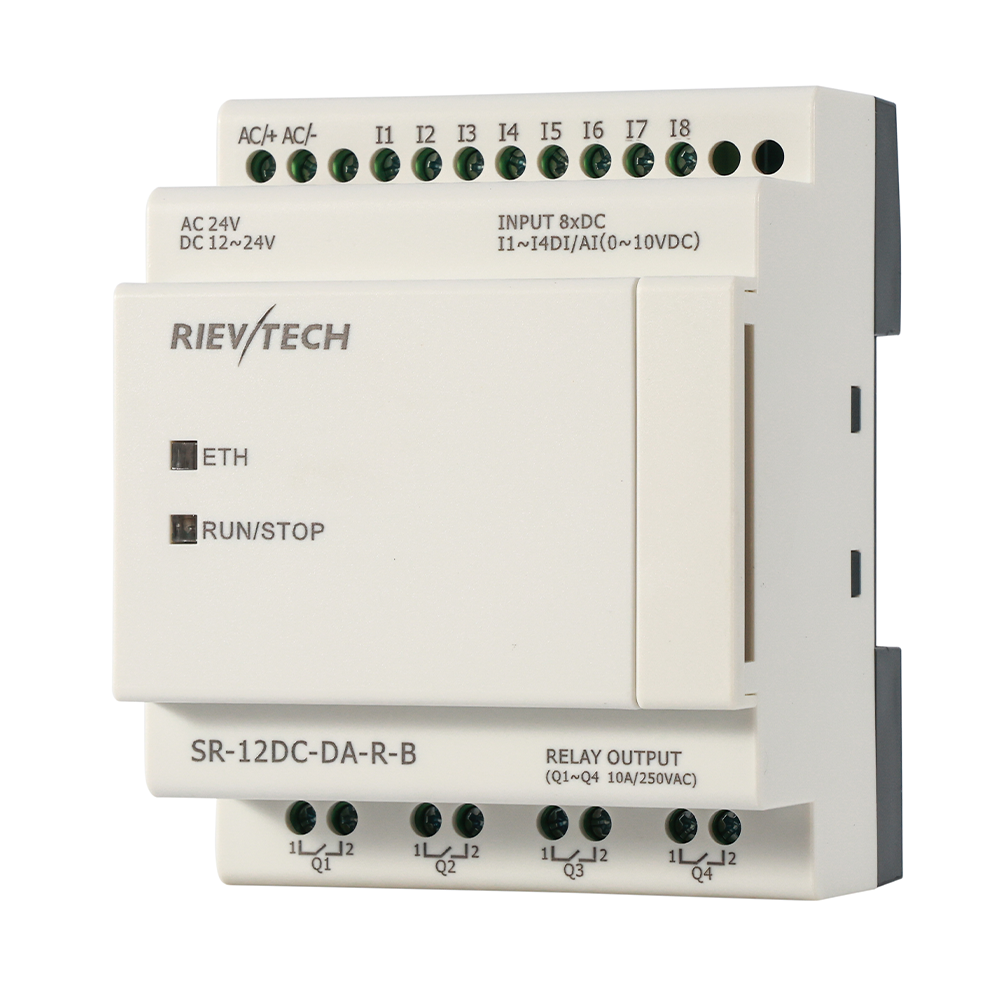
- Up to 12 I/O: SR series nano PLCs (e.g. SR-12AC-R , SR-12DC-DA-R ) cover simple relay-replacement jobs.
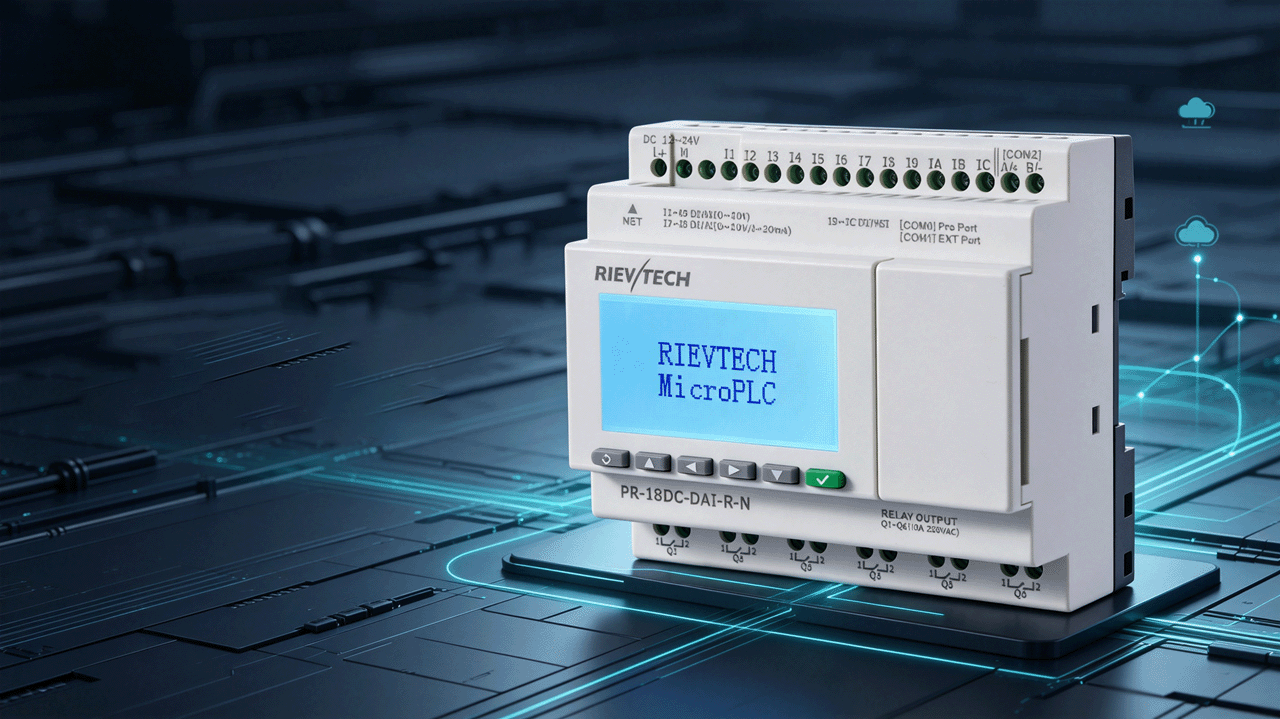
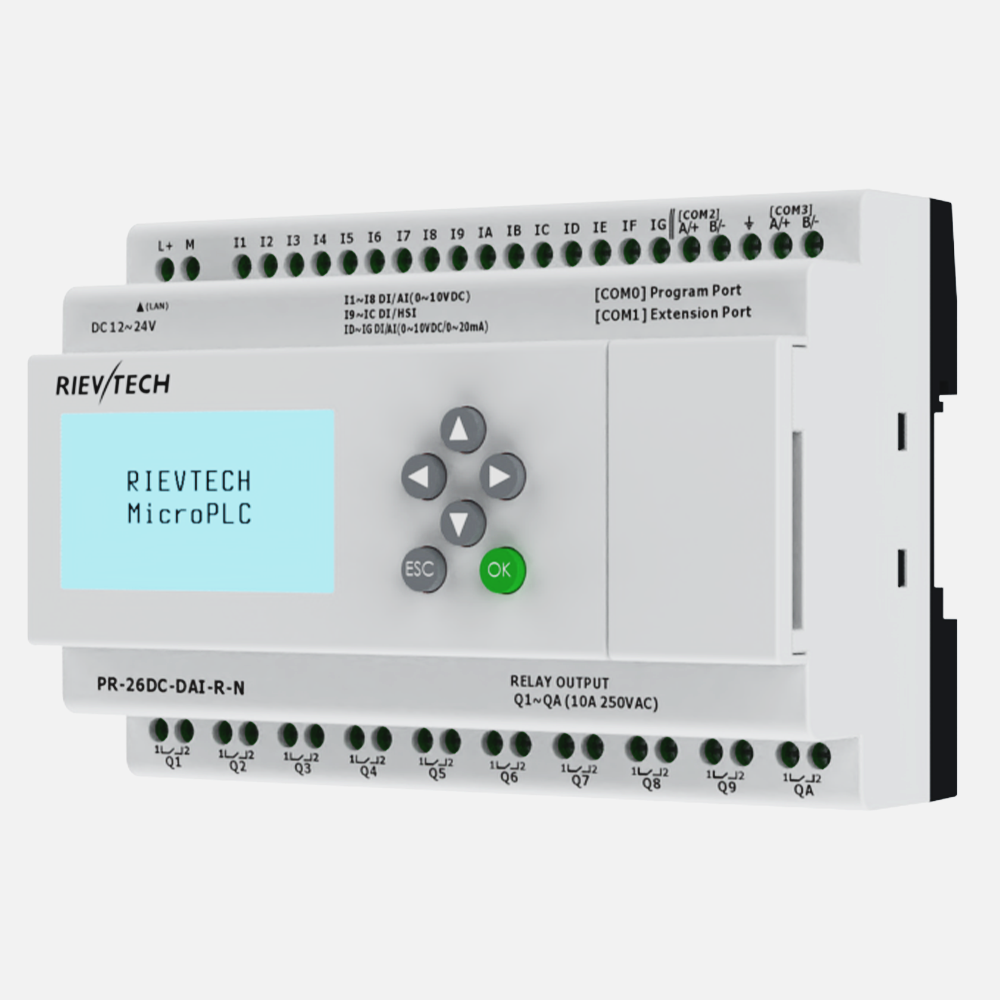
- 12 to 26 I/O: PR series Micro PLC s (e.g. PR-12AC-R-N , PR-18DC-DA-R , PR-26DC-DAI-RT-N ) add an LCD, keypad and more room for expansion.
- Beyond 26 I/O: keep the same PR CPU and add expansion modules over the built-in CAN BUS — up to 16 modules and 282 I/O points in total.
Now check the type of I/O, because it decides the exact model number:
-
Relay outputs
(AC loads, contactors, valves): choose an
-Rmodel. Most xLogic CPUs are relay-output types. -
Transistor outputs
(stepping motors, high-speed pulses, high switching frequency): choose a
-Tmodel. -
Analog inputs
(0-10V, 0-20mA, PT100/PT1000): look for
-AIor-PTin the model name, or add an analog expansion module. - AC inputs (direct 110/240V signals): choose an AC-input variant instead of a DC-input one.
Step 2: Pick the Power Supply
xLogic controllers come in two supply-voltage classes, and the choice is usually decided by the cabinet, not by preference:
- AC110-240V: powered straight from mains. Ideal when the panel has no 24V control rail and you want to drop in a timer/contactor replacement.
- DC12-24V: powered from an existing control supply. The standard choice in machines that already run on 24V, and required for some DC-input and transistor-output variants.
Both classes accept a wide operating range (AC85-265V / DC10.8-26.4V typical), so a dirty mains supply rarely causes resets — one of the reasons these controllers survive in field panels.
Step 3: Choose the Communication
This is where a cheap PLC and a useful PLC separate. List what needs to talk to the controller: an HMI touchscreen? A SCADA PC? A cloud platform? A building management system? Then match the protocol:
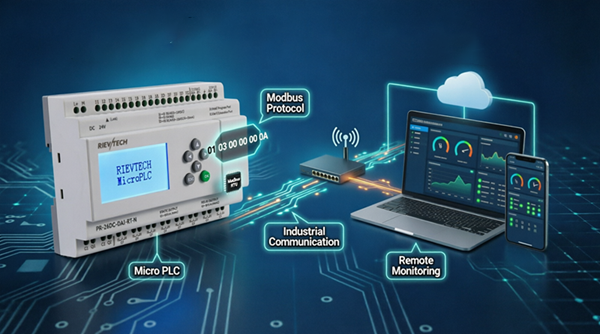
- Modbus RTU over RS485: standard on every model — the safest default for HMIs, VFDs and legacy devices.
- Modbus TCP over Ethernet: on Ethernet models, connects directly to SCADA, IPC and modern touchscreens without a converter.
- MQTT: on Ethernet models — publish tags to a broker and monitor the machine from any dashboard.
- BACnet IP: on Ethernet models — native DDC integration for building automation, no gateway.
- WiFi / 4G / SMS: on WiFi and 4G models — remote monitoring and alarm notification where running a cable is impractical.
- Built-in web server: every Ethernet model — check live I/O from a browser, no software installed.
If the machine only talks to a local HMI, one RS485 port is plenty. If it must report to a cloud or a remote SCADA, buy the Ethernet (or 4G) variant — the price difference is small compared with a field retrofit.
Step 4: Check Special Functions
Four features decide whether a compact PLC can do the job at all:
- PID control: built into PR series and most SR series firmware. Needed for temperature, pressure and flow regulation. See our PID temperature control case .
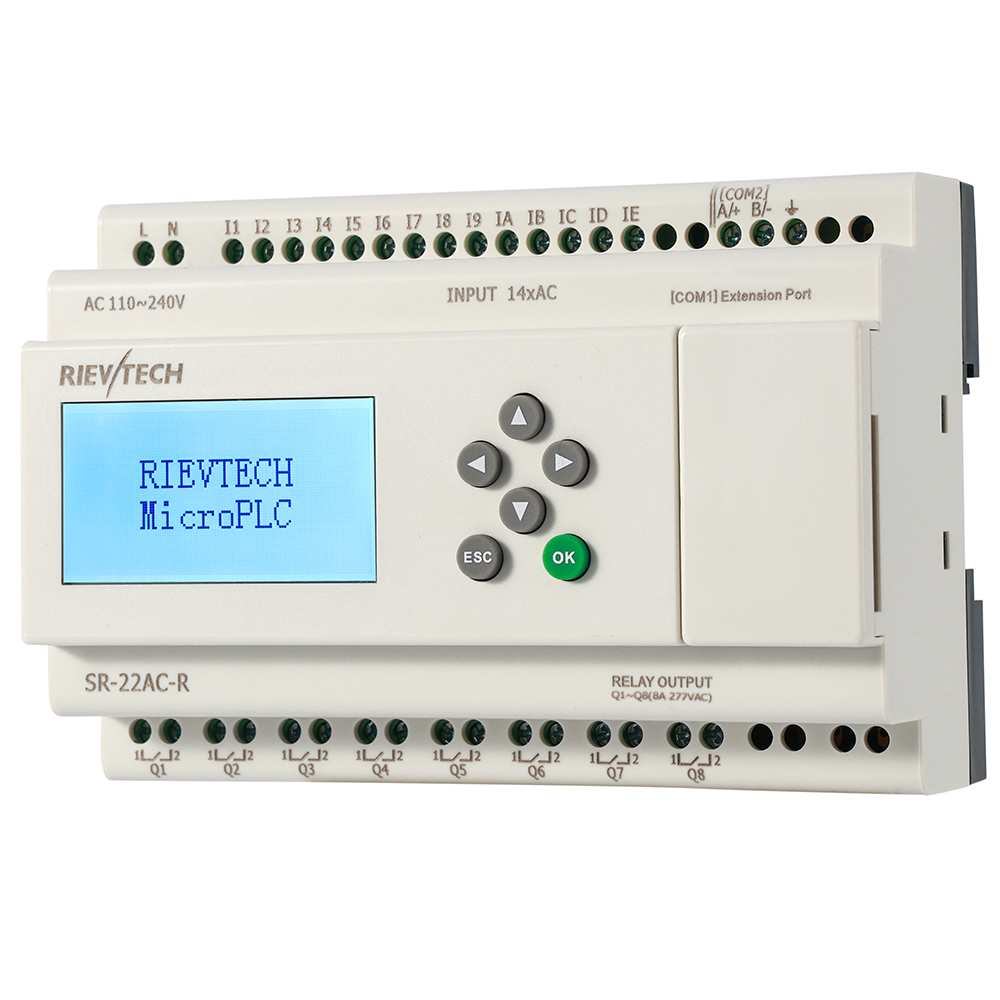
- High-speed counting: SR-12DC and SR-22DC models count 4 channels at up to 65 kHz — enough for packaging counting and incremental encoders (SR-12: inputs I5-I8, SR-22: I9-IC).
- Real-time clock: built in, with a 20-day backup — for summer/winter timers and scheduled events that survive a power cut.
-
Program memory:
SR series hold 512 function blocks (32K program); standard PR models hold 512-1024;
-Nsuffix PR models (PR-12N, PR-18N, PR-26N, etc.) hold 1024 blocks with a 64K program — for recipes, complex sequences or large expansion racks.
Scene-by-Scene Model Comparison
| Application scenario | Recommended models | Why |
| Timer / counter / contactor replacement | SR-12AC-R, SR-22AC-R | Lowest cost nano PLC, direct AC power, FBD programming |
| Packaging machine counting & sealing | SR-12DC-DA-R, SR-22DC-DA-R | 4-channel 65 kHz high-speed counting, PID, relay outputs |
| Pump station alternation & remote alarm | PR-26DC-DAI-RT-4G, PR-26DC-DAI-RT-2G, PR-26DC-DAI-RT-N | Analog level inputs, 4G/SMS alarm channel, dry-run protection |
| PID temperature / pressure control | PR-18DC-DA-R, PR-23DC-PTDAI-RT-4G | Built-in PID, PT100-ready inputs, LCD for live values |
| Greenhouse & ventilation automation | PR-18DC-DAI-R-N, PR-12DC-DA-R-N | Analog sensors, RTC scheduling, expandable I/O |
| Building / HVAC, BACnet to BMS | HC-M-D0808.64.1E, HC-M-D1006.82-1E | Native BACnet over Ethernet, DDC functions |
| WiFi retrofit (no new cabling) | PR-26DC-DAI-RT-WIFI, PR-26DC-DAI-RT-4GWIFI | Wireless access, Modbus/MQTT/BACnet over Ethernet |
| Many I/O points (16+ modules) | PR series + PR-E expansion modules | CAN BUS expansion up to 282 I/O points |
Three Quick Answers Before You Order
AC or DC power? If the panel already has a 24V rail, use a DC model. If the panel runs on mains only, use an AC model — it powers directly from 110/240V with no extra converter.
Relay or transistor outputs? Relay for contactors, valves and AC loads. Transistor when you drive stepping motors, high-frequency pulses or PWM.
Do I need the -N version? Only when the program will grow beyond 512 function blocks — complex recipes, extensive analog math, or large expansion systems. For most machines, a standard model is enough, and the -N upgrade is cheap insurance.
Still unsure? Read the three Application Cases — packaging, pump groups and temperature control — which show the exact hardware used for each machine type, or drop us a message with your I/O list and we will confirm a model within one working day.
Next: step-by-step tutorials · FAQ .html">frequently asked questions.