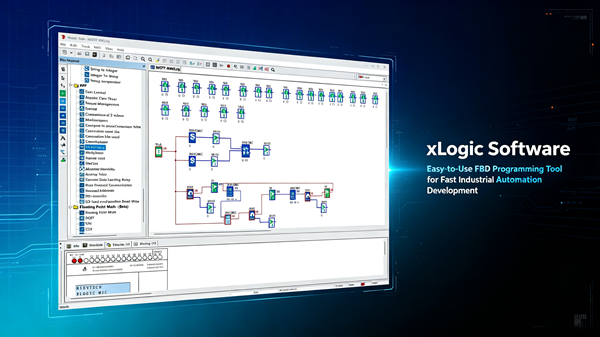
Seventy, perhaps many more have been added. erhaps many more have been added.. That is the number of ready-made function blocks sitting inside xLogicSoft. Not seventy library add-ons you pay extra for — seventy blocks baked into the package, from simple on-delay timers to PID loops, floating-point math and a multifunctional PWM generator. Most panel builders never touch more than a dozen of them.
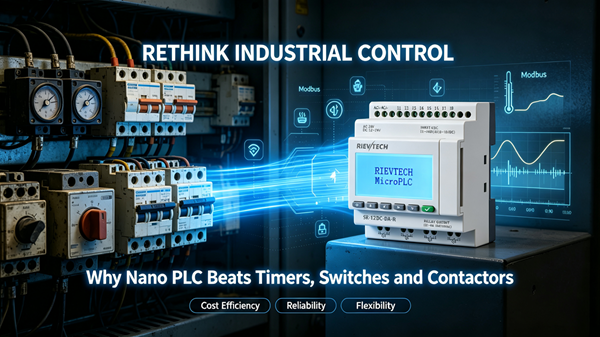
I have spent a decade watching engineers fight ladder editors on machines that cost ten times what a compact PLC should. The painful truth? For eighty percent of small automation jobs — pump alternation, greenhouse ventilation, conveyor interlocks — FBD gets the job done faster, and a newcomer can read the program on day one.
What Those Blocks Actually Do
Function Block Diagram is not a toy. You wire blocks like you wire relays: input on the left, output on the right, and the software handles the rest. The block library covers the classics — on/off delays, pulse relays, softkeys, counters, edge detection — plus the stuff you normally expect from a grown-up PLC: analog scaling, real-time clock scheduling, shift registers, and a surprisingly complete set of comparison and arithmetic blocks.
Version 6.2.2 of the manual even documents floating-point calculation blocks. SQRT. SIN. COS. TAN. LN. EXP. On a device that fits in your palm. Nobody told the marketing department, but that is genuinely impressive for the price class.
Real Example: Greenhouse Exhaust Fan Control
Consider a 24V greenhouse controller. Two temperture sensors (0-10V), one exhaust fan (relay output), one shutter actuator. The classic ladder solution needs maybe forty rungs. The FBD version needs nine blocks: an analog input block for each sensor, an averaging block, a comparator, two on-delay timers (one for the fan, one for the shutter), a latch, and an output coil.
Now the maintenance guy can read it. That alone is worth the switch.
Memory Limits Nobody Mentions
Here is where buyers get surprised. The function-block ceiling depends on the CPU, not the software:
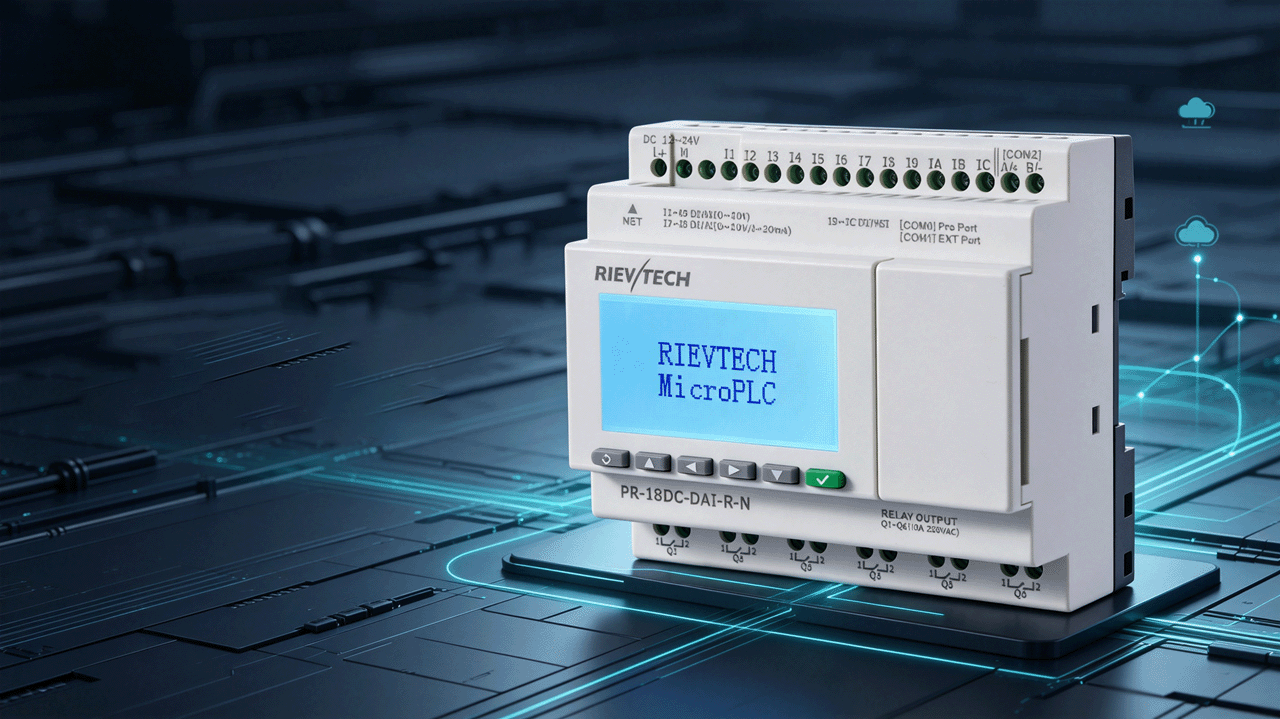
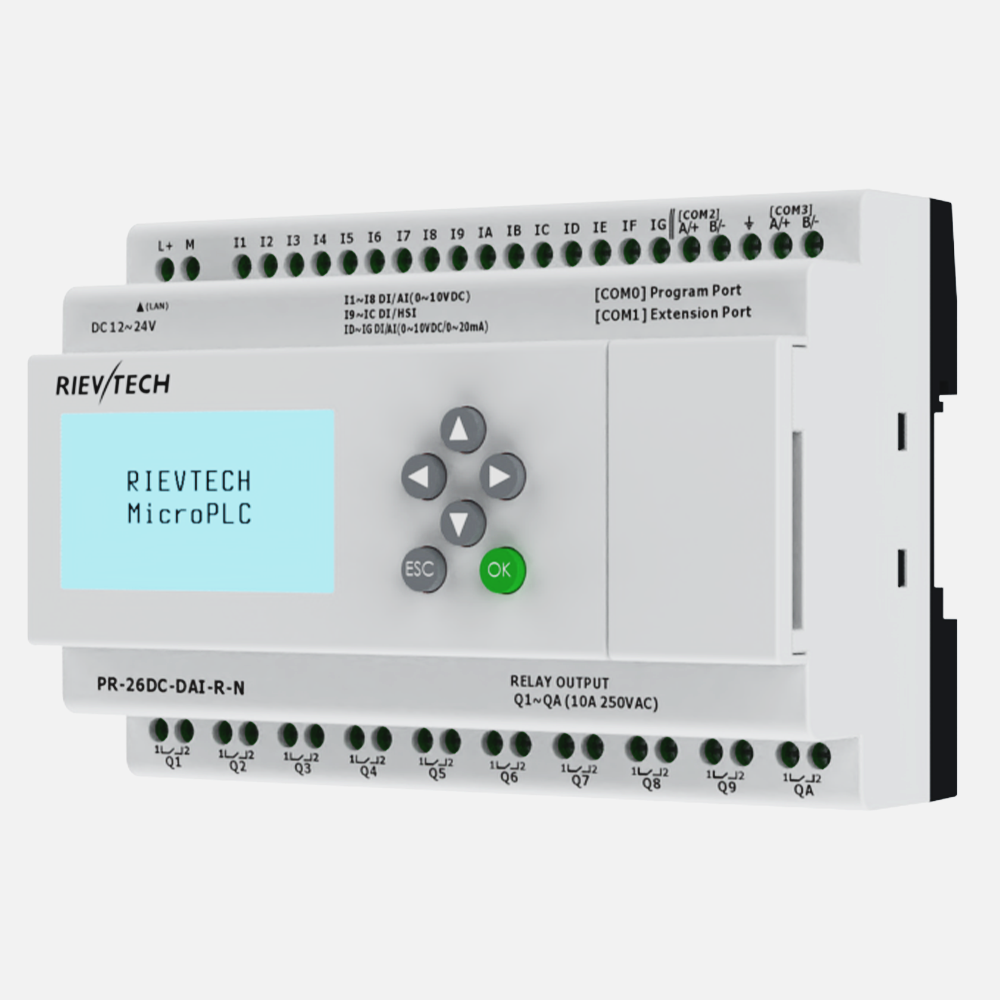
- PR-18, PR-24, PR-18N, PR-26 — up to 1024 function blocks
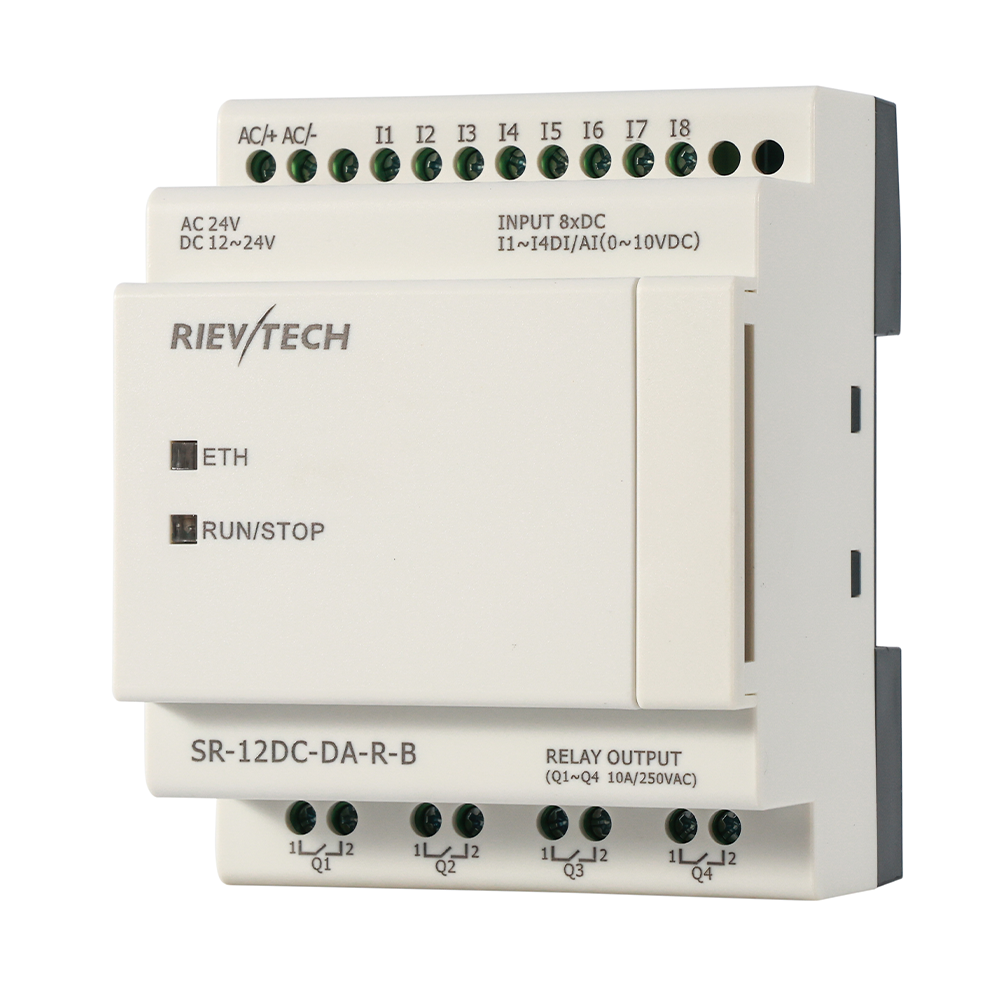
- -N suffix models (PR-12N, e.g. PR-12DC-DA-R-N) — up to 1024 function blocks, with program memory expanded to 64K
- PR-14, PR-12, EXM — up to 512 blocks
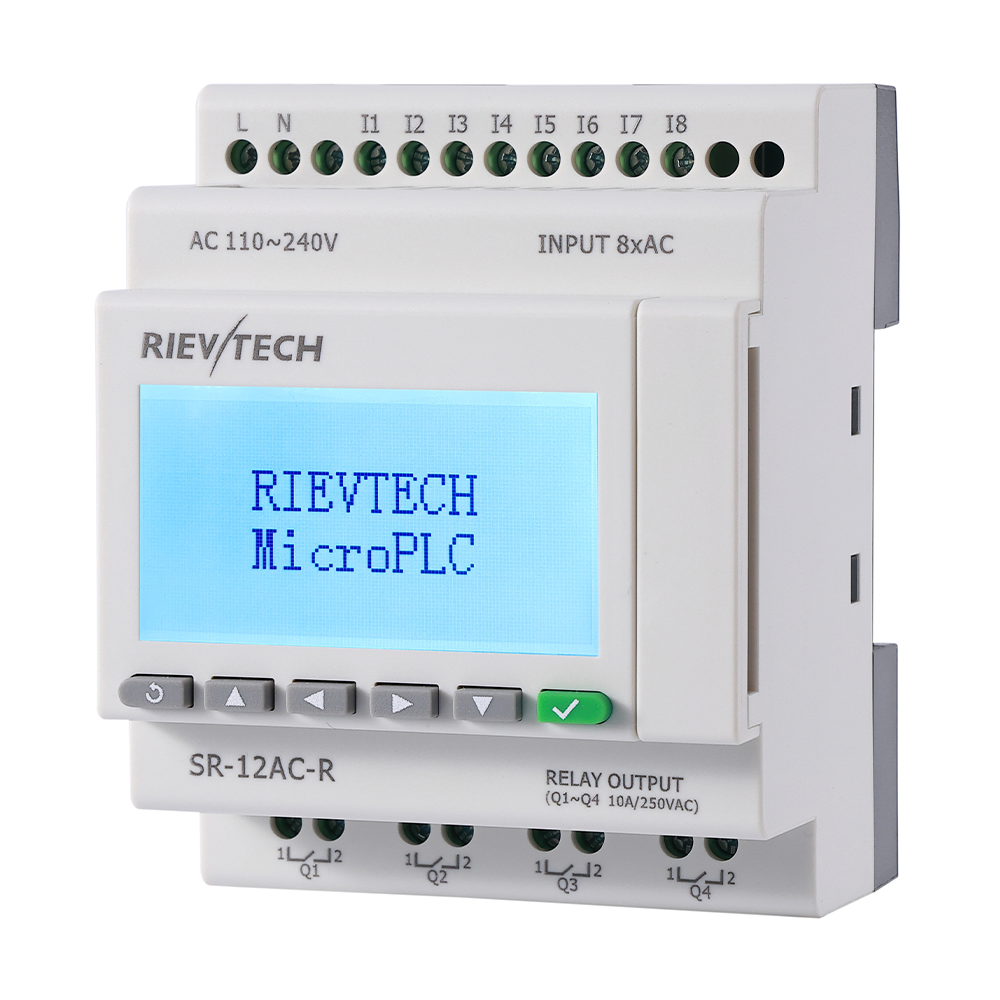
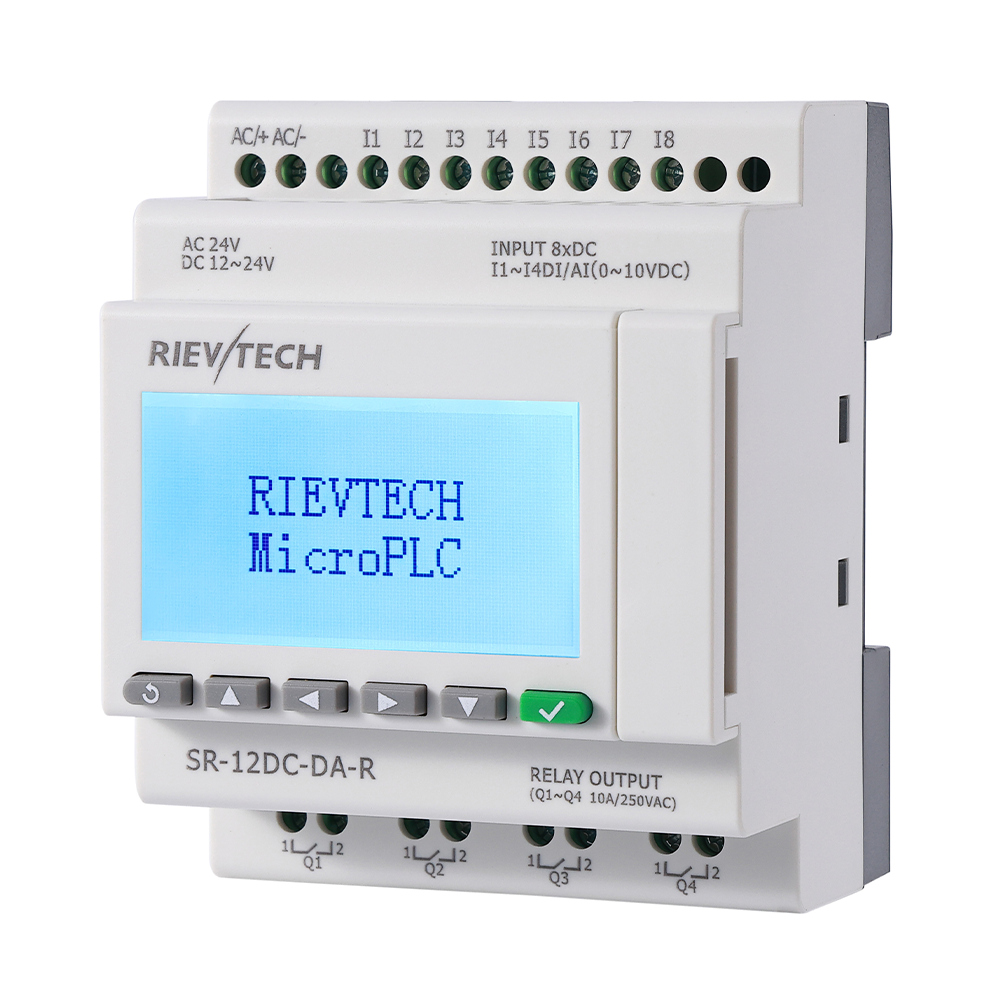
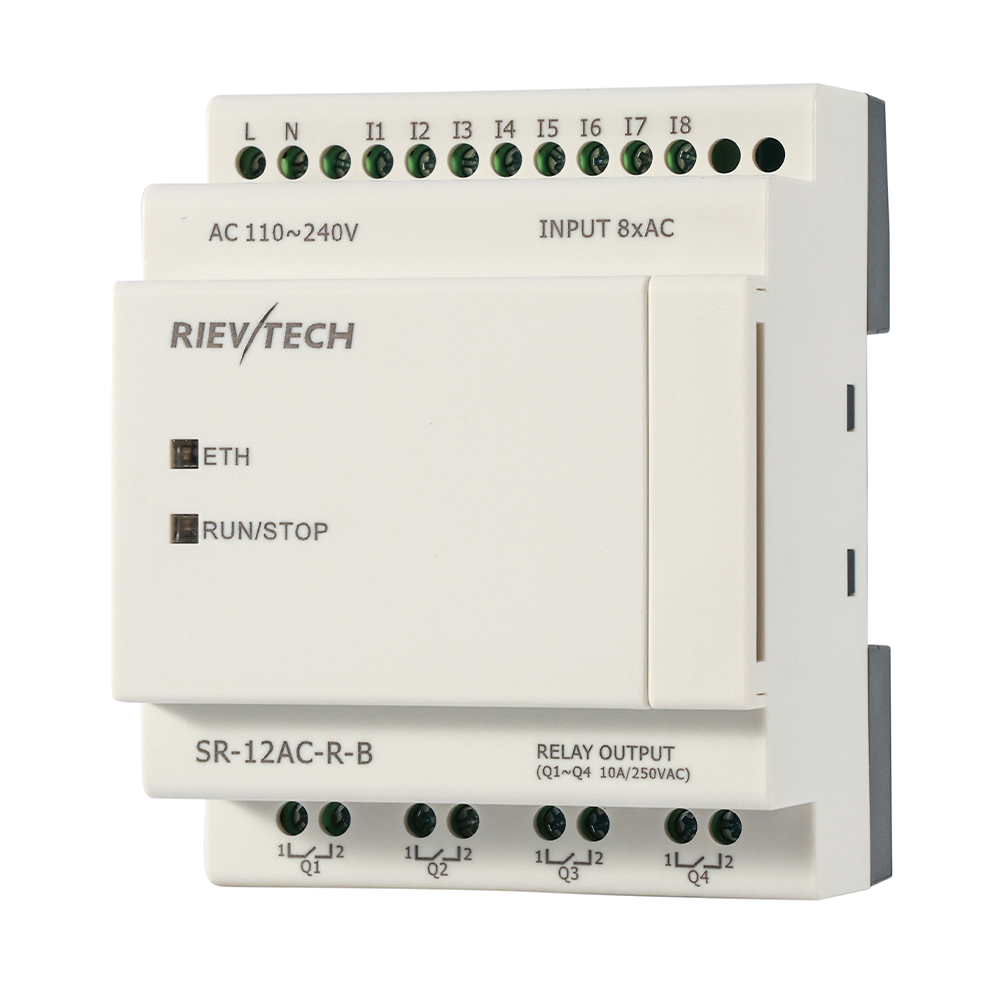
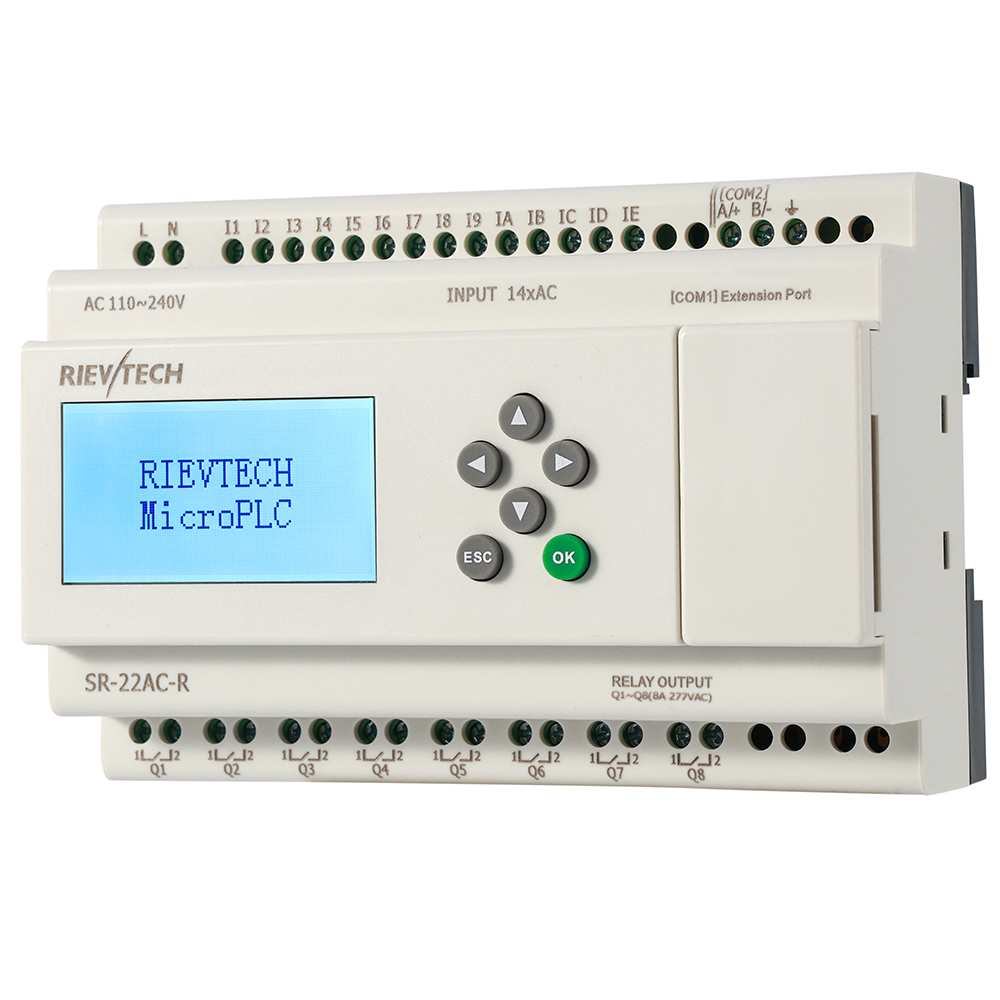
- SR-12, SR-22 — up to 512 blocks on the latest firmware (256 in older releases)
- PR-6, PR-12E — 64 blocks
For a lighting schedule plus a pump sequence plus an alarm chain, 256 blocks is plenty. Start stacking expansion modules and writing complex recipes, and you will want the PR-26 territory. Just do the math before you buy, not after.
Why It Beats Ladder for Interlocks
Ladder logic shines for pure boolean control — no argument there. But the moment you add analog values, scaling, or timing chains, FBD compresses the program dramatically. One PID block replaces ten rungs of integer math. One multifunctional PWM block replaces a custom pulse generator you would otherwise build from five timers.
And there is one more thing nobody says out loud: FBD is harder to write badly. Ladder rewards bad habits — spaghetti rungs, overlapping coils, unreadable networks. FBD forces you to think in data flow. Your future self, debugging at 2 AM, will thank you.
The Free Software Catch
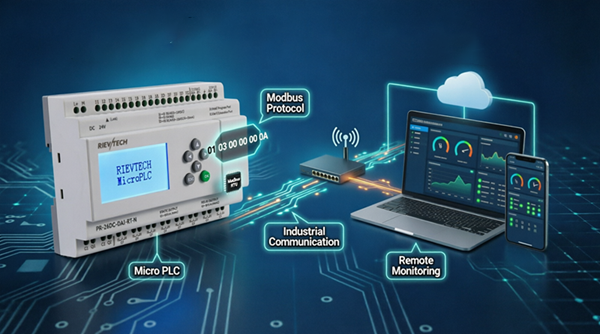
xLogicSoft is free. Download it, install it on a Windows 7 machine, connect via a photo-electrically isolated RS232 or USB cable, and you are programming within an hour. Free software usually means crippled software. This one is not — the free SCADA package even pairs with the Ethernet CPUs for online monitoring and datalogging.
The Blocks You Will Actually Use
Let me save you a week of menu exploring. Across dozens of field projects, the same dozen blocks do ninety percent of the work: on-delay and off-delay timers, the pulse relay, counters, edge detection, a comparator, an analog scaling block, a latch, a shift register for sequence work, and the RTC scheduling blocks. The other sixty exist for the days you need them — and on those days they save you from building something ugly from primitives.
Learn the ten, then grow. A pump alternation sequence: two timers, a counter, two latches. A greenhouse vent loop: two analog inputs, an averaging block, a comparator, two timers, an output. A packaging interlock: edge detection, three timers, a shift register for the reject sequence. Each of those fits in an afternoon, and each teaches you a pattern you will reuse for years.
And the library grows with the manual. The floating-point blocks and the multifunctional PWM block are documented in the current revision — newer than many of the machines they will run. The block set is not a frozen museum; it tracks the hardware family.
When 70 Blocks Is Not Enough
Straight talk: there are projects where FBD in this editor runs out of runway — exotic motion profiles, heavy state machines, or programs that simply grow beyond the comfortable. The answer is not a bigger FBD library. It is the platform's second language: xLadder, with its S7-200-style instruction set, supports the same CPUs and adds ladder, ST, and the interrupt toolbox.
Keep FBD as the default. Move a project to xLadder when it genuinely outgrows block wiring — not becuase one engineer prefers rungs. The two editors coexist on the same hardware, the same cables, the same program slots, and choosing between them is a per-project decision, not a platform commitment.
That flexibility is the quiet strength of the ecosystem: one cabinet, two programming styles, and the freedom to pick whichever fits the task. Most budget platforms force one editor on you. Here the choice belongs to the engineer who signs the program.
But really — seventy blocks. Who uses seventy blocks? Nobody. Use ten. That is the point. The complexity is optional, and that is exactly how a budget automation product should be designed.