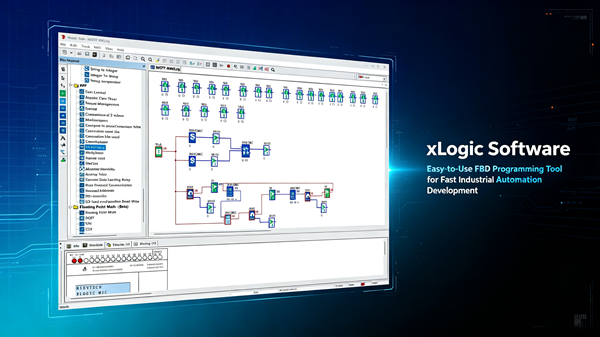
The fastest way to test whether a programming tool is good is to hand it to someone who has never seen a PLC and time how long untill thier first working program. With xLogicSoft, that number has been under two hours every time I have run the experiment. FBD — function block diagram — is the reason.
You wire blocks like you wire relays. Inputs on the left, outputs on the right, the software handles the rest. There is no ladder-rung wrestling, no instruction-set memorization, no "which coil wins" debates.
The Toolbox: Seventy Blocks, Zero Add-Ons
The block library covers the classics — on/off delays, pulse relays, softkeys, counters, edge detection — and the serious stuff: analog scaling, real-time clock scheduling, shift registers, comparisons, and in the current manual revision, floating-point math including PID, SQRT, SIN, COS, LN and EXP. Version 6.2.2 even documents the multifunctional PWM block.
All of it is in the free package. No dongle, no licence key, no "pro" tier that holds the useful blocks hostage.
Why FBD Wins for Small Machines
Ladder is great for pure boolean control — nobody argues that. But the moment analog values, scaling or timing chains enter the picture, FBD compresses the program dramatically. One PID block replaces ten rungs of integer math. One PWM block replaces a custom pulse generator you would otherwise build from five timers. And the program reads like a schematic, which means the maintenance guy can actually understand it.
That last point is the one the textbooks forget: a program that can be read is a program that can be maintained by someone who did not write it.
Real Speed Test: Pump Sequence
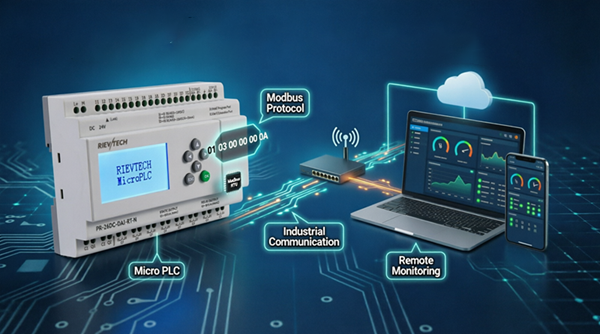
A two-pump alternation sequence with a weekly schedule, an alarm chain and a Modbus link — timed against a colleague doing the same job in ladder. The FBD version: 43 blocks, one morning, zero compile fights. The ladder version: finished the same day, but with twice the lines and a cross-reference hunt at the end. Both worked. One was a pleasure.
For a small machine OEM, development speed is margin. The tool that cuts the programming day in half pays for the hardware many times over.
The Download Experience
Install, connect with the photoelectrically isolated USB or RS232 cable, select the port, download. The Ethernet-capable models download over the network — meaning updates happen without opening the cabinet. Compile errors are flagged before transfer, and the rejection of a bad program is clean, not catastrophic.
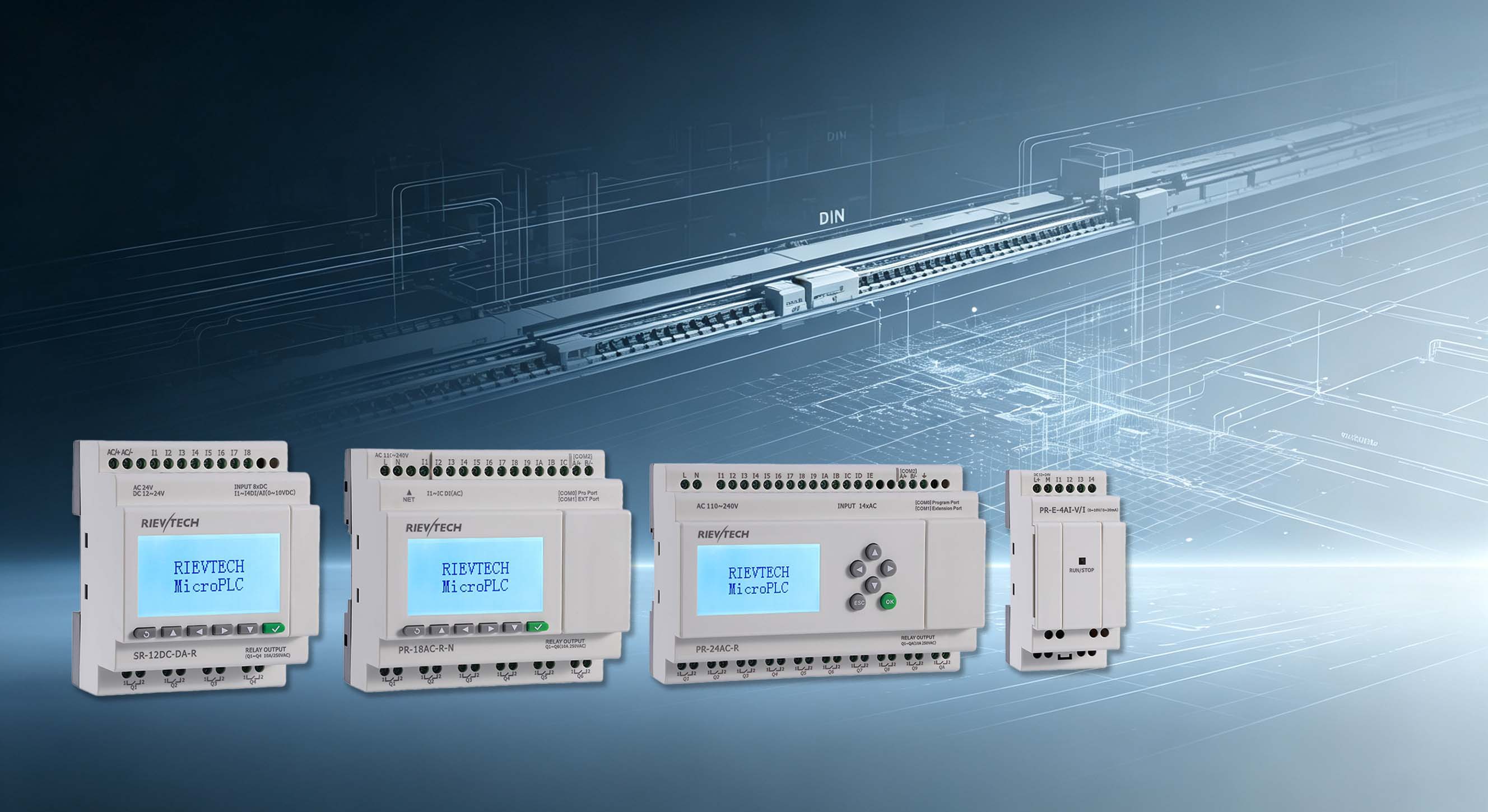
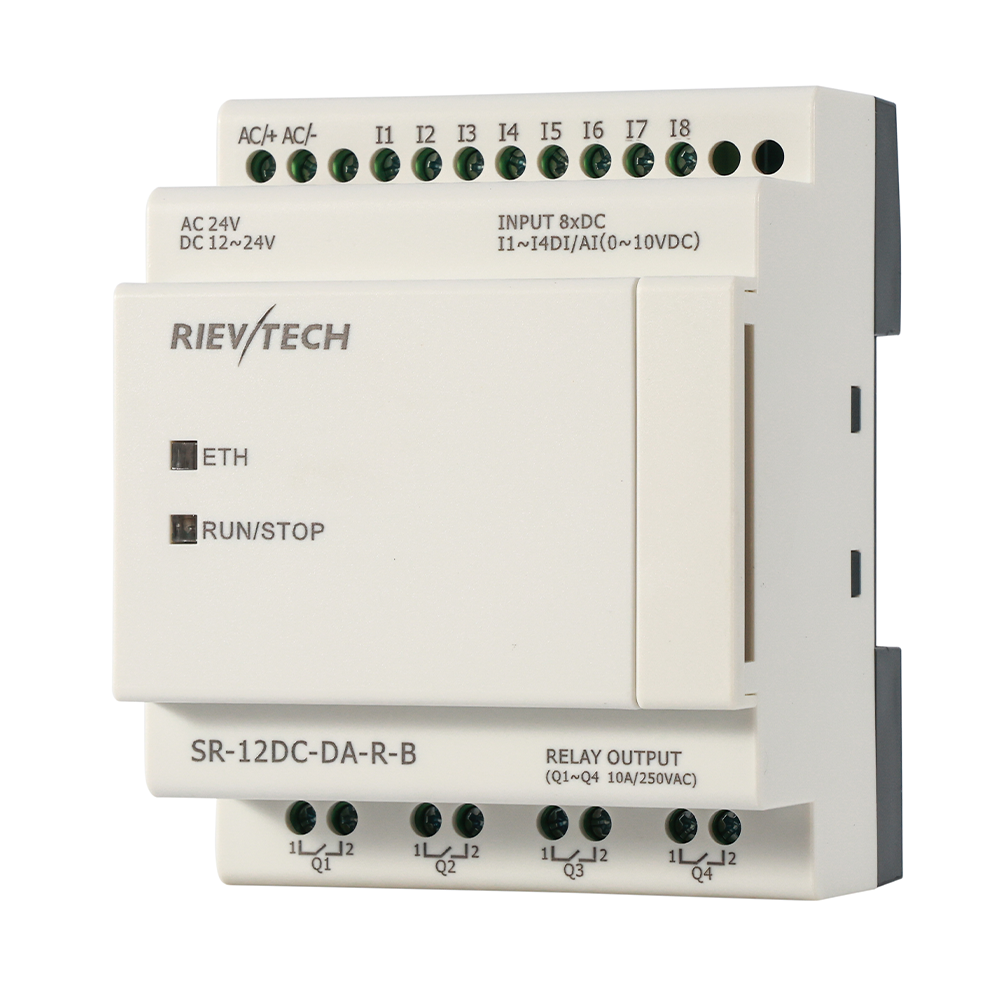
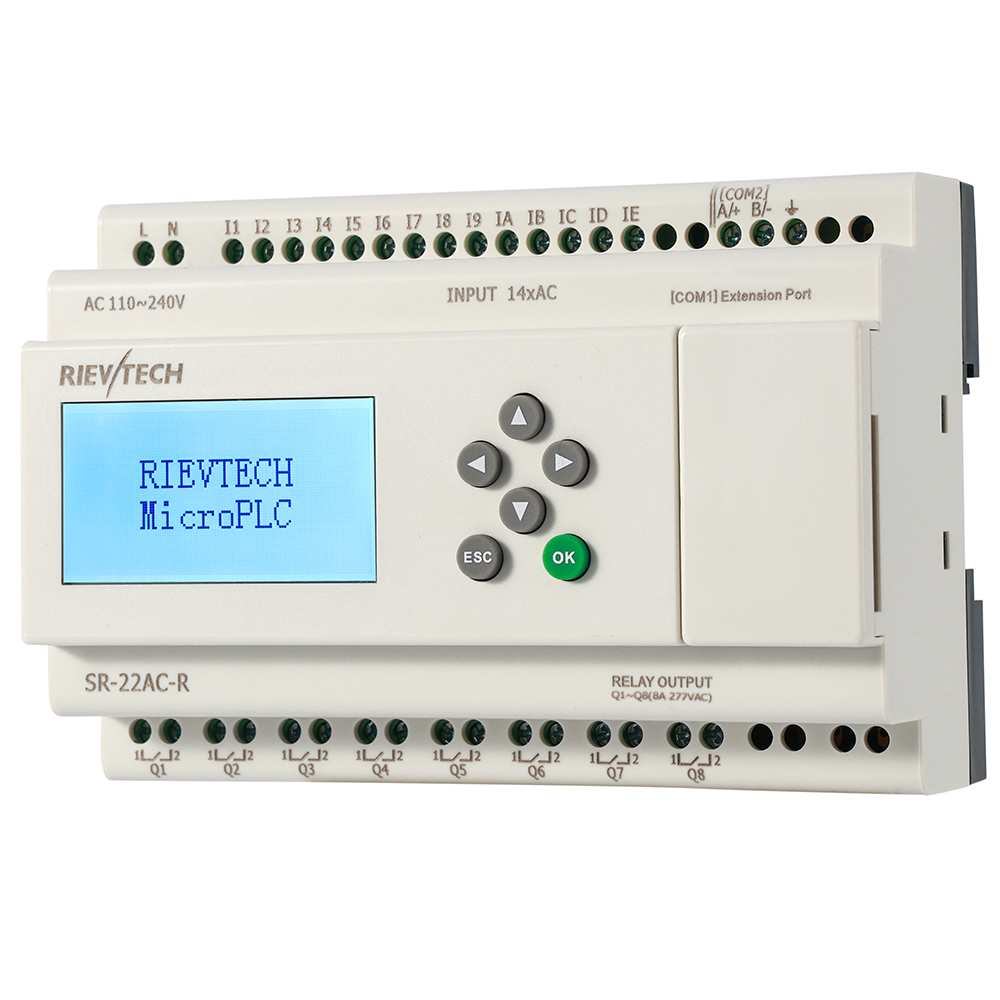
Memory limits follow the CPU: 512 blocks on the SR-12 and SR-22 with the latest firmware, 512 on the PR-12/PR-14/EXM — 1024 with 64K on the -N suffix models — and 1024 on the PR-18/PR-24/PR-26. Sketch the program, count the blocks, buy one class up — that is the entire sizing process.
The Honest Ending
No tool is perfect. FBD has its limits on exotic motion logic, and the truly massive programs will always find the ceiling. But for the world of small machines, pumps, fans and panels — the world this platform actually serves — xLogicSoft is the right tool, and it is free, and that combination is rare enough to be worth building a product line on.
Debugging in FBD: Where the Time Goes
Programming time is the visible cost; debugging time is the hidden one, and it is where FBD earns its keep. The online monitor in xLogicSoft shows live values on every block — you watch the temperature input, the comparator output, the PID result all moving in real time while the machine runs. That is the difference between guessing and seeing.
Set up the monitor window before the machine powers up, not after the fault. Watch the critical chain — sensor to scaling to comparator to output — and you will spot the scaling error in the first minute. In ladder, the same hunt means stepping rungs and cross-referencing coils; in FBD you look at the wire. The visual data flow makes the program's behavior legible to anyone standing at the screen, which turns commissioning from an engineer's monologue into a conversation with the electrician.
Use the flag trick for the odd cases: drop a test flag on an intermediate value, watch it toggle, and confirm the logic chain is alive before the process reaches it. And keep the compile warnings honest — the editor flags errors before download, but a clean compile with a warning about an unconnected input is still a promise of confusion later. Connect it or delete it.
The Team Skill Problem
The argument against FBD — and it is a real one — is that the ladder-trained workforce outnumbers the FBD-trained one. A plant full of electricians who think in rungs will look at a block diagram and see a foreign language. The fix is not to force a religion. It is to recognize that this platform supports both: xLogicSoft for FBD, xLadder for the S7-200-style ladder dialect, same hardware.
Ship the project in the language your maintenance team speaks. If the customer's electricians know ladder, deliver the ladder version. The FBD version stays in your toolkit for the projects where it wins — and it wins more often than ladder advocates admit, especially once analog math enters the picture.
That dual-language support is the honest answer to the skill problem, and it is rare in this price class. Most budget platforms force one editor. This one lets the customer choose, which is the kind of flexibility that closes deals and keeps machines running.
Free software usually means you get what you pay for. Here, for once, you get more.