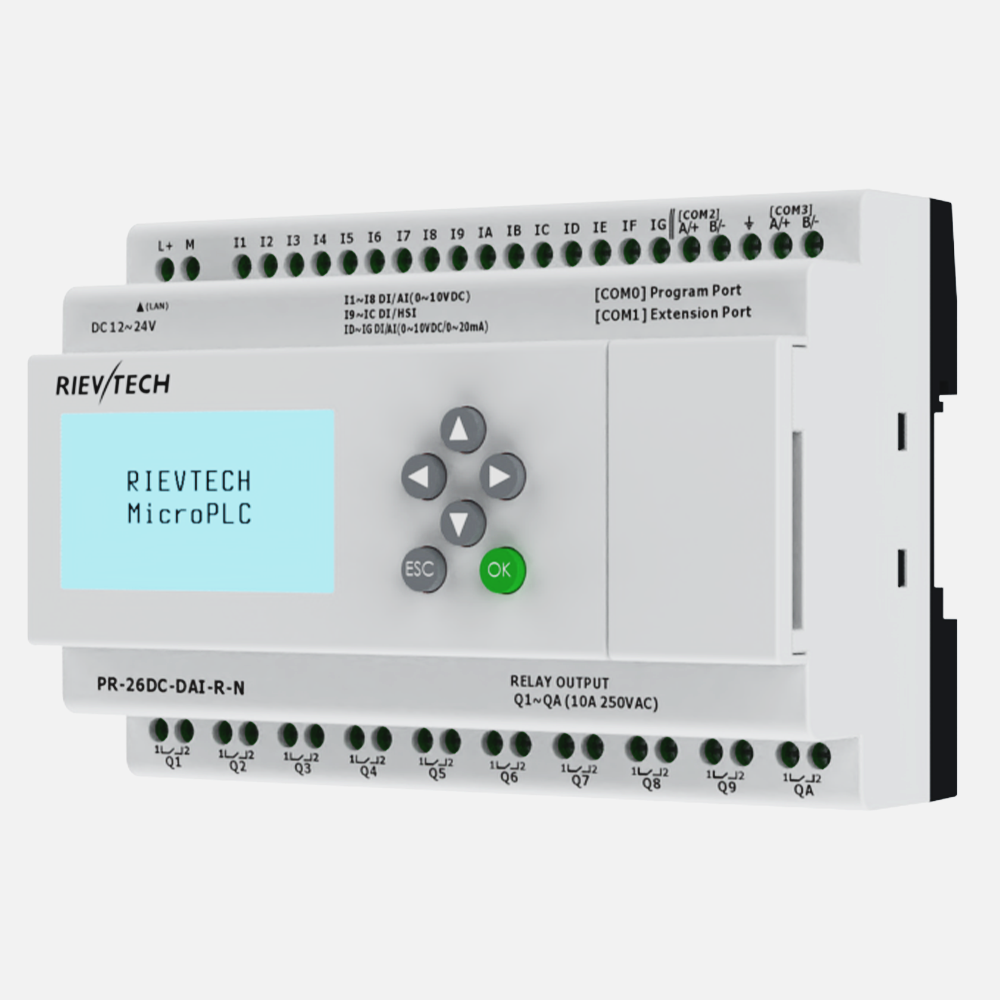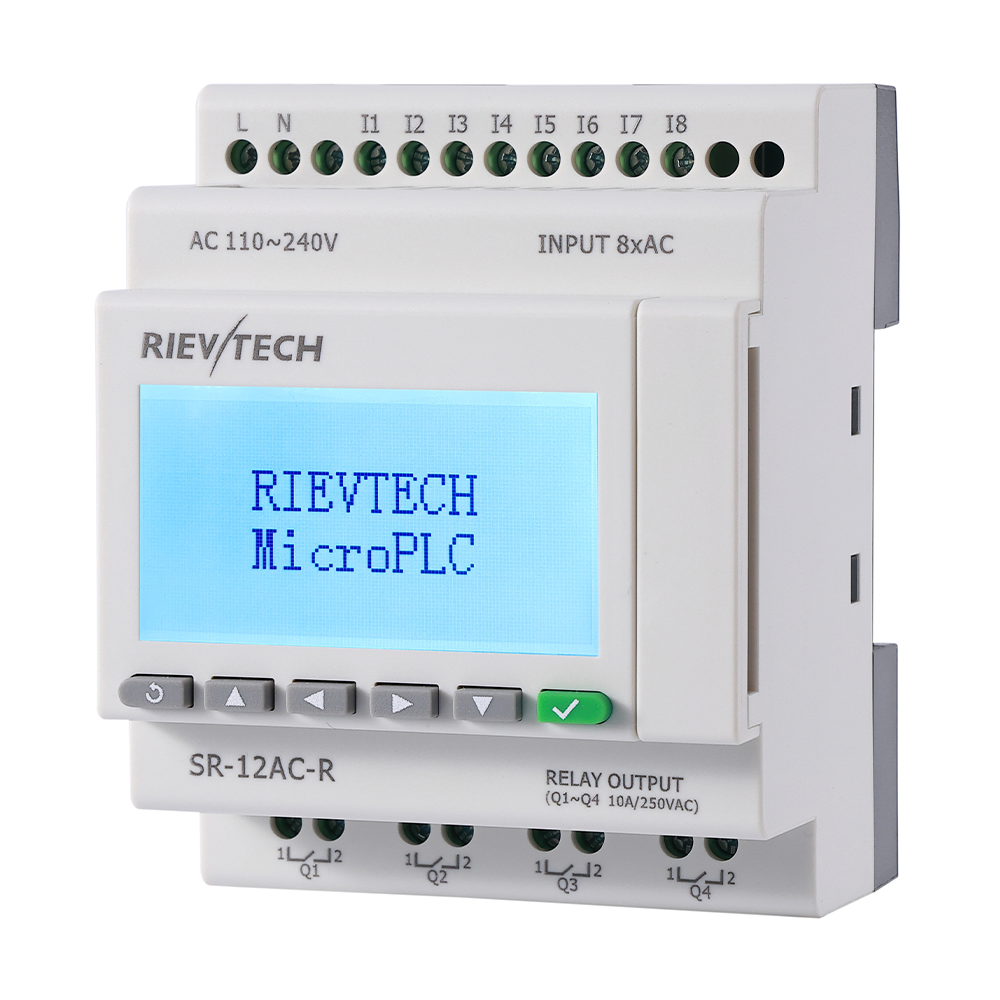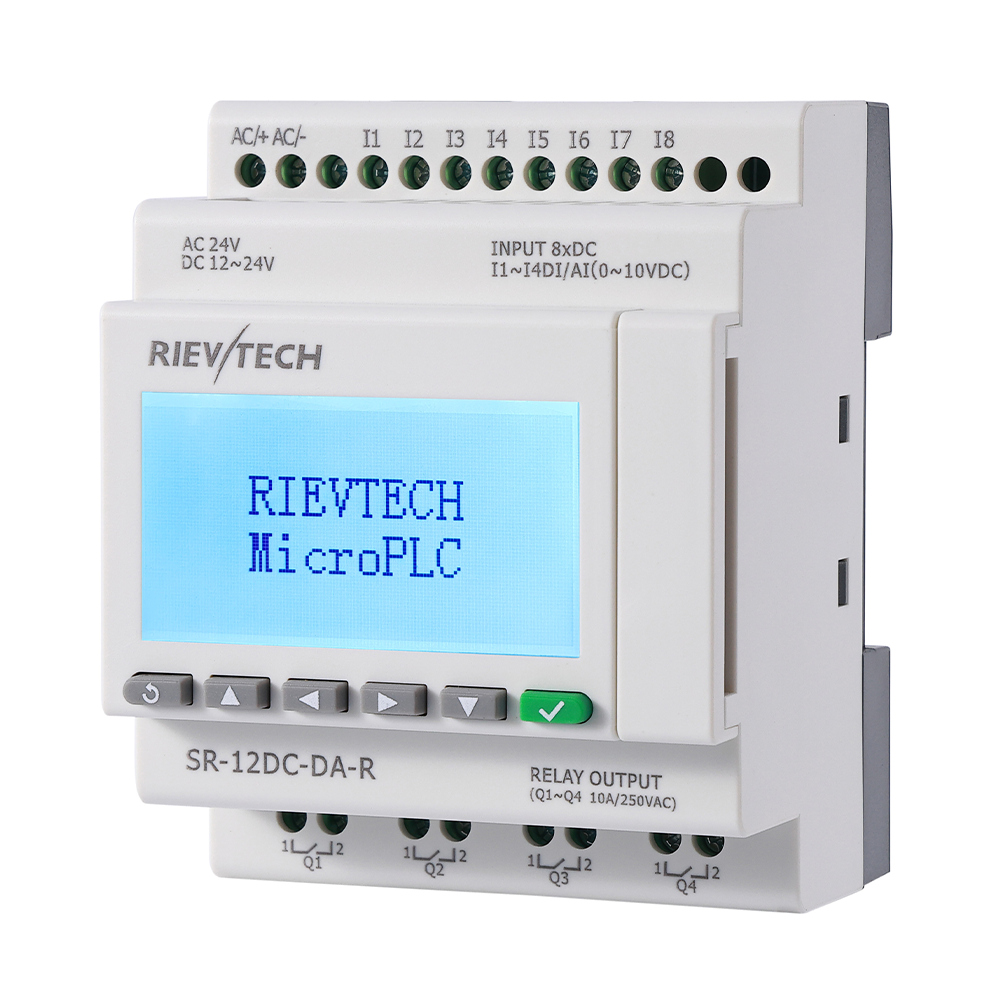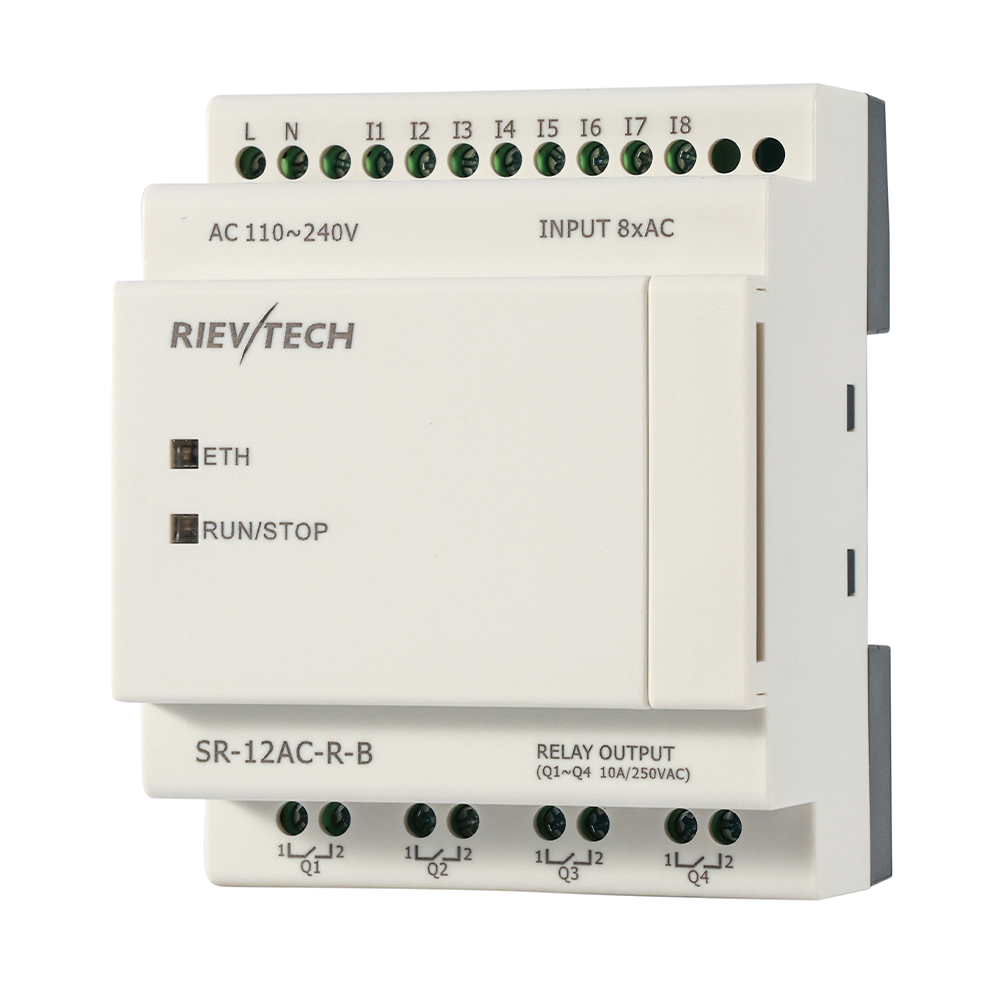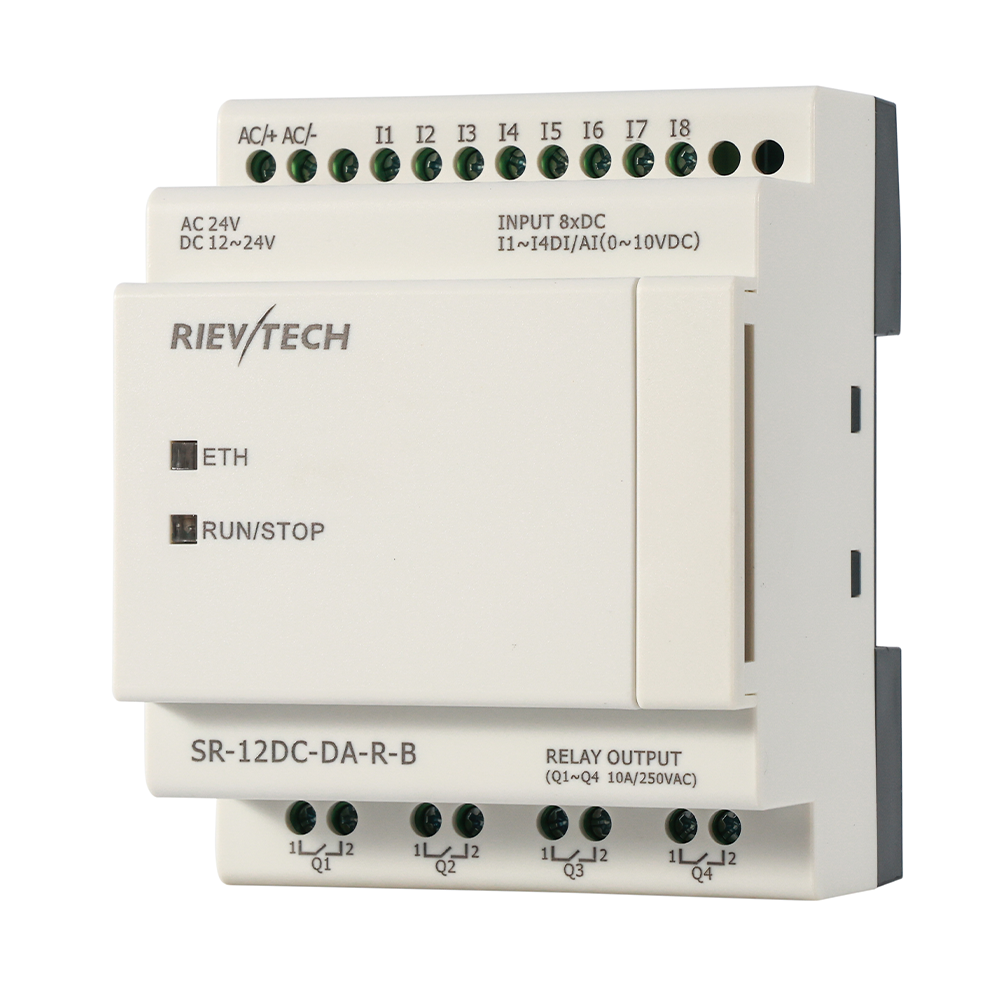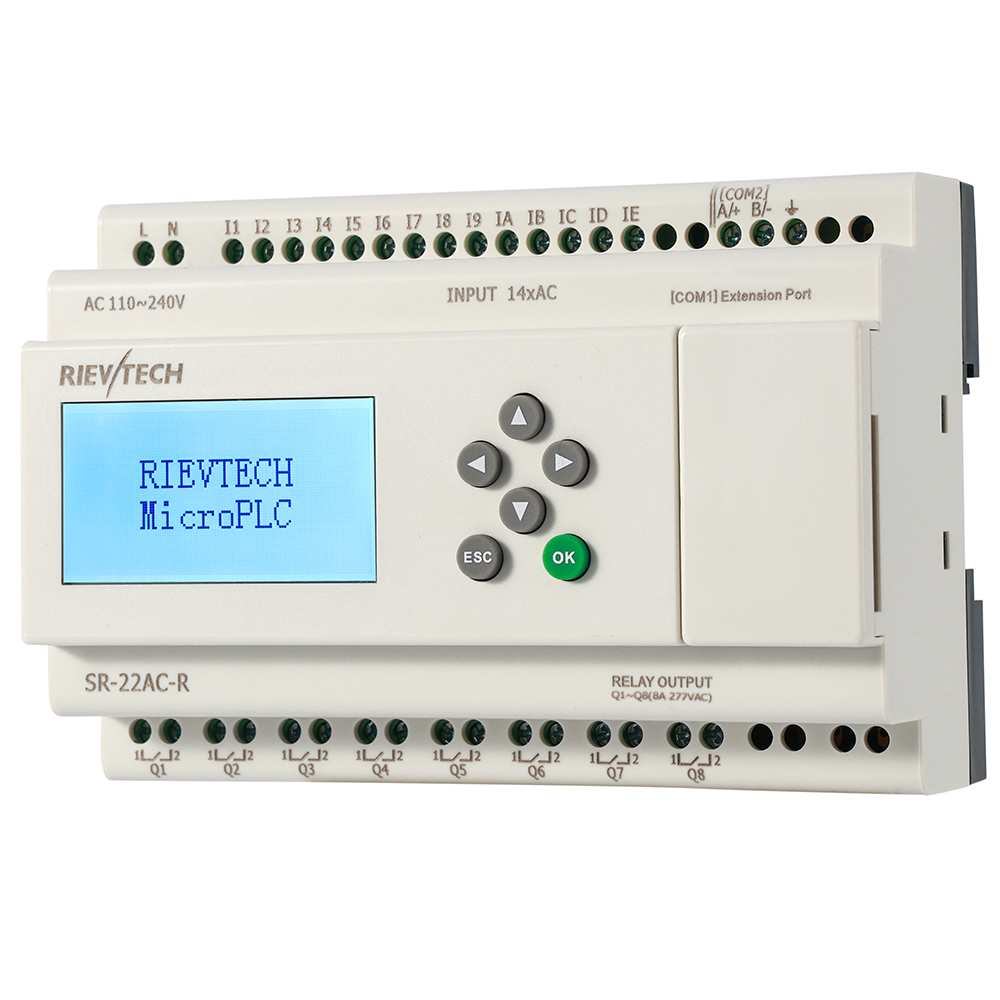
You cannot download a program to a PLC through a wall. But the cable question confuses more first-time users than any other step, so here is the map: three ways to connect, one of them always available, all of them configured in the same dialog.
The Three Connection Channels
- USB: the modern default. The USB programming cable is optically isolated and plugs into any laptop — no RS232 port required.
- RS232: the classic option for older PCs and panels with a serial port. The RS232 cable does the same job over a DB9 connector, also optically isolated to protect the CPU.
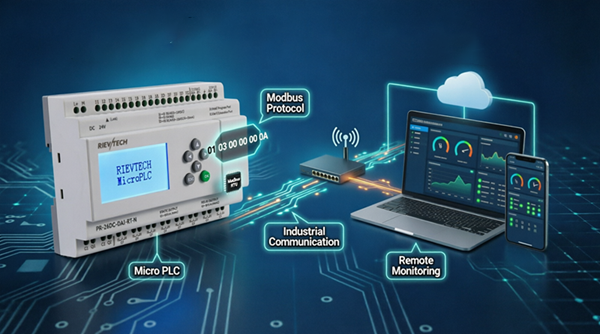
- Ethernet: no cable to the PLC's programming port at all — download over the network on Ethernet models. Handy when the controller is already wired into a panel network, or when you are commissioning remotely.
Download Over USB or RS232
- Power the controller and connect the programming cable between the PC and the PLC's COM port.
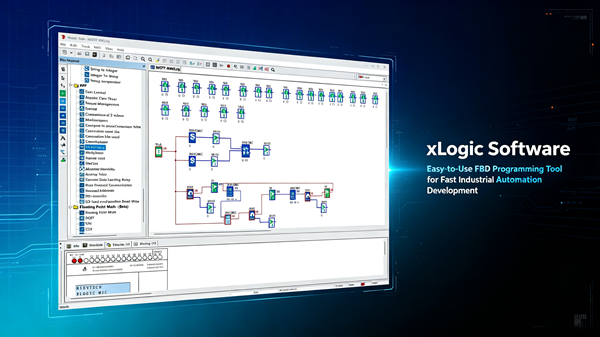
- Open your project in xLogicSoft.
- Go to Communication settings and select the serial port (COM number) the cable is on. Windows shows the port in Device Manager.
- Click Download . The software asks for confirmation, transfers the program, and restarts the PLC in RUN mode.
That is the entire procedure. If the download stalls, unplug and replug the cable, close other programs using the same COM port, and retry — 90% of "connection failed" messages are a busy port or a wrong COM number.
Download Over Ethernet
- Set a fixed IP address for the PLC (matching your panel subnet).
- In xLogicSoft communication settings, choose Ethernet and enter the PLC's IP.
- Click Download — the program transfers over TCP.
Ethernet download is also the path for remote support: with a VPN or the 4G model's remote channel, a colleague can update a machine from another city. See program download without a serial port for the details.
When the Controller Refuses the Download
- Password protected: the program or the upload function may be locked with a 4-digit code. Enter it when prompted, or reset the controller if you own it.
- Firmware too old: some new features need a firmware update — check the SR series versions in the FAQ .html"> FAQ .