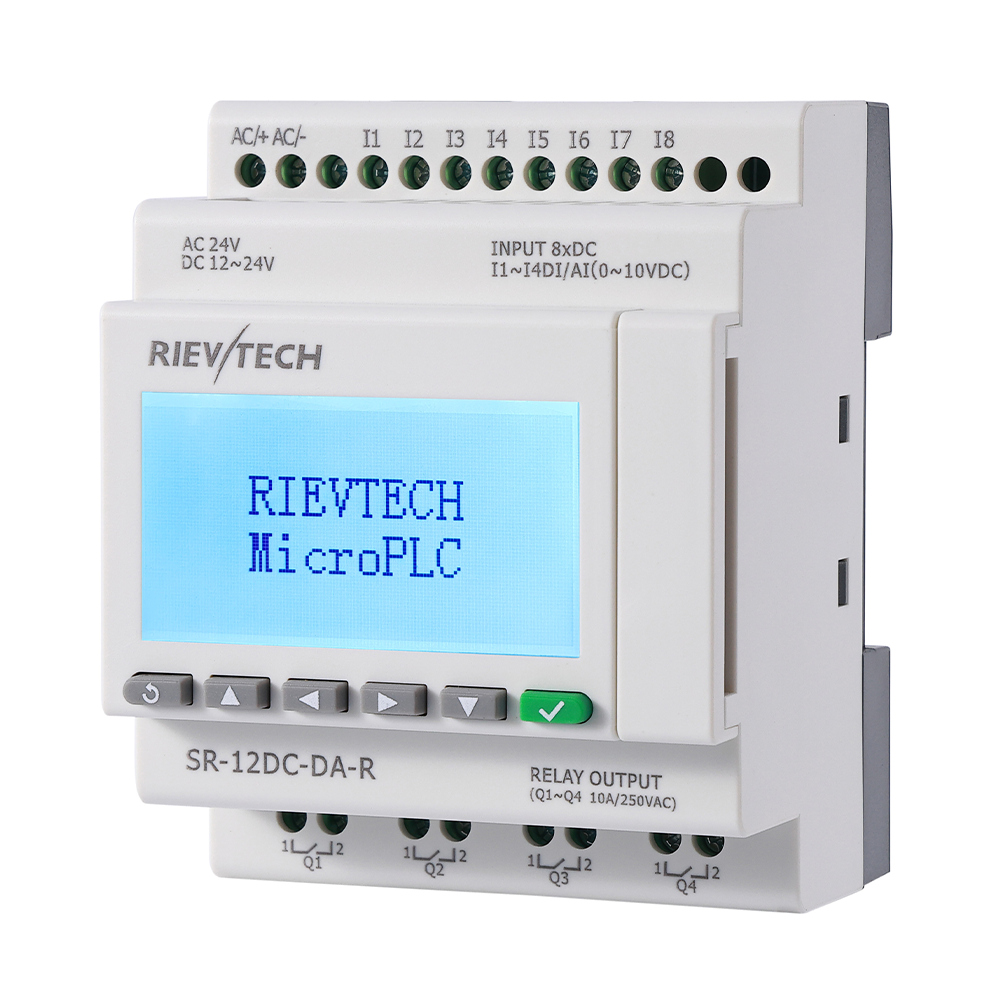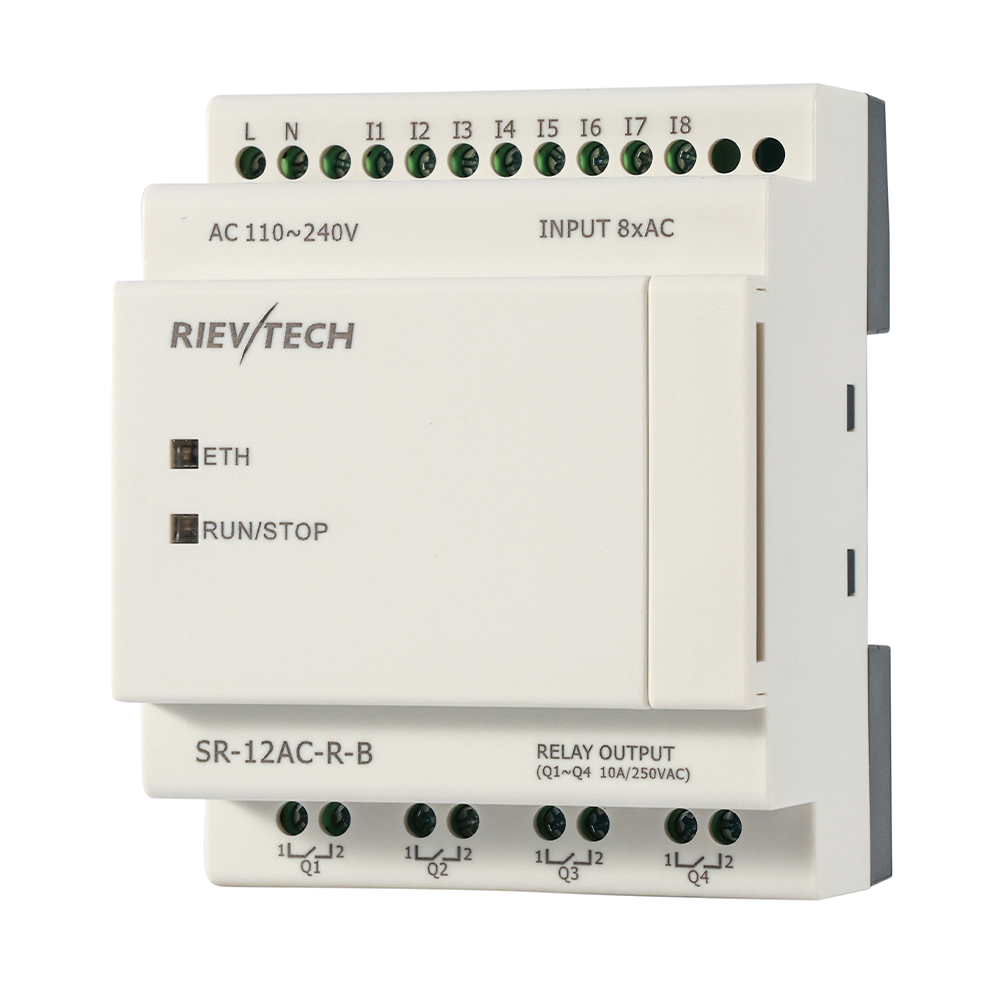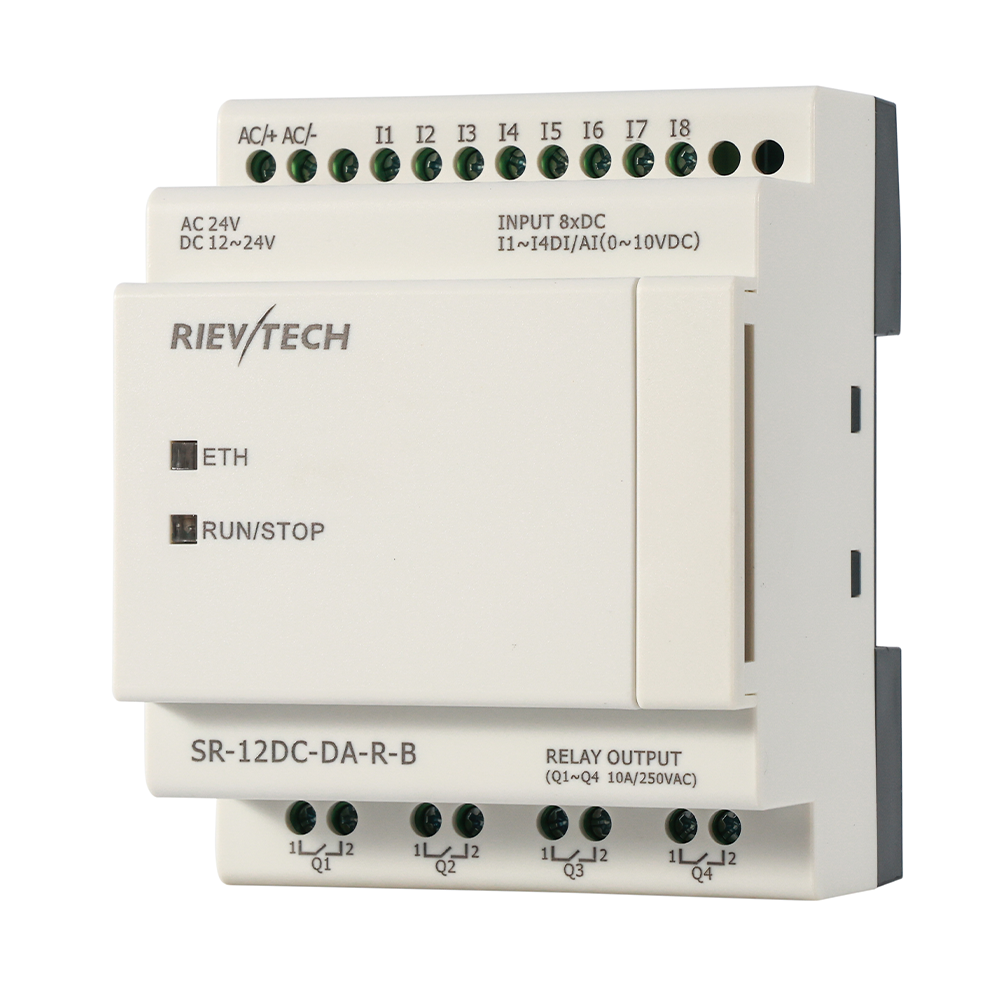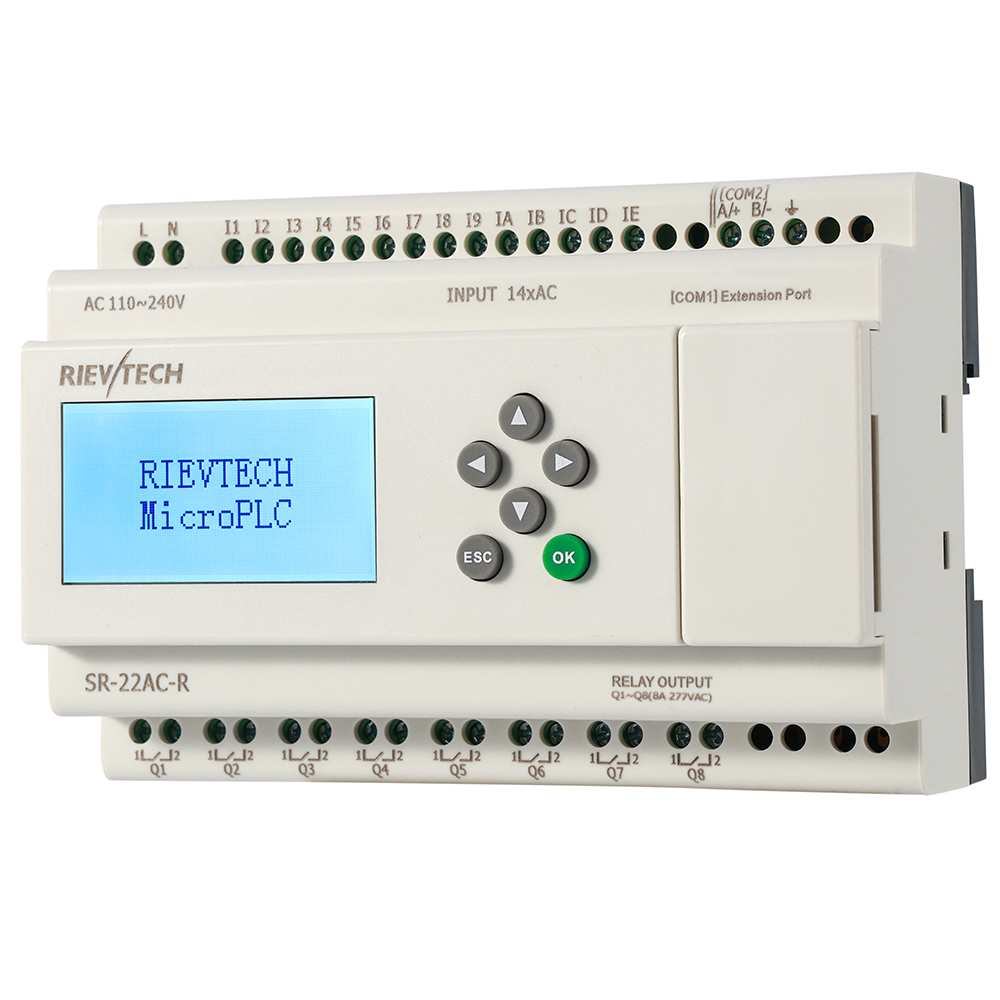
Ask a PLC salesman about MQTT and you get a roadmap: "next year, maybe, on the premium model." Then you look at the small print and find a gateway, a converter, or a cloud subscription hiding behind the feature. The MQTT support on the xLogic Ethernet CPUs has none of that — it has been in the firmware since the 1.04 revision, and it publishes directly from the controller.
That changes what a budget machine can do, and most integrators have not noticed.
Why MQTT for a Micro PLC
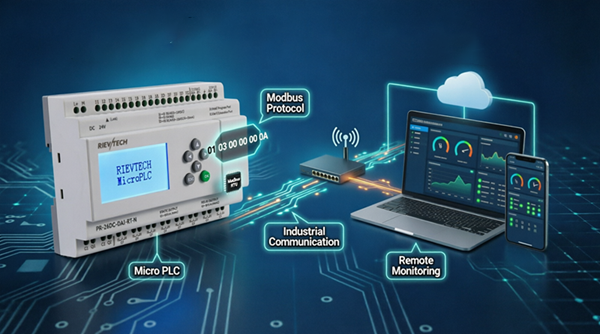
MQTT is built for exactly this situation: a device on an unreliable network, publishing small messages to a broker, with subscribers that come and go. A machine in a factory, a pump station in a field, a greenhouse two hours from the office — each publishes its status; the cloud dashboard, the phone app and the engineer's laptop all subscribe to the same topic. No polling, no open ports into the plant, no SCADA server babysitting the conection.
The broker handles the chaos. The PLC just publishes.
What You Actually Configure
The connection blocks live in the program: set the broker address, the topic, the publish interval, and map wich values go in the payload. The CPU handles the connection lifecycle — reconnect after a drop, re-publish after a gap — which is the part that kills hand-rolled implementations.
Pair it with the web server and the alarm SMS and you have three independent remote channels on one controller. Cloud dashboard for the office, browser page for the operator, SMS for the duty engineer. Pick your channel per audience.
Real Case: Remote Greenhouse Monitoring
A nursery with four bays wanted cloud visibility without rebuilding the site network. Each bay controller published temperature, humidity and valve status to a broker on a rented VPS; a simple dashboard subscribed and showed all four bays on one screen. When the internet went down for an afternoon, the controllers kept publishing into a local queue and the values caught up on reconnect.
The grower's summary, translated from enthusiastic: "I watched the temperature plot from my phone while on holiday. It was better than being there."
Where MQTT Is the Wrong Answer
Be honest about limits. MQTT is event and telemetry oriented — it is not a deterministic control loop. If you need guaranteed delivery and millisecond response, use Modbus TCP locally. MQTT is for supervision and reporting, not for safety interlocking. Design it that way and it will serve you for years.
And keep the broker credentials straight. A PLC that publishes to a public topic is a PLC broadcasting its business. Private topics, a local broker, or at minimum TLS on the broker — the setup cost is minutes, and the embarrassment avoided is real.
The Pattern Worth Stealing
Topic Design That Scales
MQTT is only as clean as your topic structure, and topic structure is where small projects quietly become unmanageable. The naive approach — one topic per device, one payload with everything in it — works for one machine and collapses at ten. Every subscriber re-parses every payload, every change to the payload breaks every dashboard, and debugging becomes a topic-by-topic hunt.
Design the hierarchy before the first publish. A pattern that has served me well:
site/device/category/value
. So
plant1/pump1/status/run
,
plant1/pump1/sensor/level
,
plant1/pump2/alarm/high-level
. The wildcard subscribers — a dashboard for plant1, a page for pump1, an alarm listener for everything — each subscribe to exactly the slice they need. New devices slot in without touching the old topics, and the payloads stay small and typed.
Keep the payloads simple: a value and a timestamp. No nested JSON blobs holding eleven fields unless you genuinely need them. Simple payloads are debuggable — you can read one in the broker console and know immediately whether it is right. And set the retain flag on status topics so a new subscriber instantly sees the last known state instead of waiting for the next publish. Retained state is the difference between a dashboard that pops open ready and one that stares blankly for minutes.
The last rule is the one people resist: version the topic when the payload format changes.
plant1/pump1/status/v2
. It is ugly. It saves you from breaking five subscribers in production with one change. Ugly topics that work beat clean topics that explode.
The Data Worth Publishing
Publishing everything is as bad as publishing nothing — it floods the broker, bloats the log, and buries the values that matter. Start from the question the subscriber will ask, not from the list of registers. An operator wants status, alarms and the running totals. An engineer wants trends: temperature, pressure, run hours. A manager wants uptime and counts. Publish those, and only those.
Rates matter too. Alarm transitions: publish immediately, always. Status: on change plus a heartbeat. Analog values: at the interval that actually shows the process — ten seconds for a slow greenhouse temperature, one second for a machine tool. Every fast topic you do not need is wasted broker load and wasted SIM data on the wireless models.
And log the important ones locally as well. The CPU's datalogging plus the broker's retained messages gives you two copies of the critical history. When the broker has a bad day — they all do — the machine-side log is the source of truth, and the recovery conversation is short.
Local control on the CPU, cloud visibility over MQTT, and the two never interfere. That separation is the architecture of modern small automation, and it fits on a DIN rail. The salesman's roadmap did not arrive. The firmware already shipped.