An industrial park replaced its manual lighting switches with an astro-clock schedule and watched the monthly electricity bill drop by 22% without a single complaint from night-shift staff. Twenty-two percent, from one controller that knows when the sun sets — not from a wall clock that drifts, not from a photo cell that gets confused by car headlights, but from an actual astronomical calculation of sunrise and sunset for the site's latitude.
Outdoor lighting is the most boring automation project in the world, and that is exactly why it is the most profitable one. The loads are huge, the schedules are predictable, and the old way of doing it — a time switch that nobody adjusts after daylight saving changes — leaks money every single night.
Why the Astro Timer Beats the Photo Cell
A photo cell is simple: dark outside, lights on. But photo cells live in the real world, where a security floodlight aimed at the sensor keeps the lights off all night, or a passing thundercloud at 3 PM trips everything on for an hour. The astro timer in an xLogic controller computes sunset and sunrise for the configured coordinates every day and switches on the lights a configurable offset after sunseet and off before sunrise. The photo cell is not the master anymore — it becomes a sanity input, used to override only when the weather is genuinely abnormal.
Set the offset the way the site actually uses the light. A loading area that needs light before the sun is fully down gets a negative offset — lights on before sunset; an office campus that wants the façade dark after 21:00 gets a positive offset and an earlier off-time. The astro schedule gives you the same calendar every year, and the offsets give you the site-specific behaviour. Nobody adjusts it, because there is nothing to adjust. And when a contractor asks which group runs at midnight, you point at the program, not at a pile of time switches with melted labels.
This is where a real-time clock with battery backup earns its keep. The xLogic units keep the RTC alive for twenty days without power, so a weekend outage does not leave the car park dark on Monday night. And because the schedule lives in the controller, changing daylight-saving rules or moving a fixture group is a parameter edit, not a rewiring job.
Match the controller outputs to the lamp technology or the retrofit story changes. Old sodium lamps want clean full-power switching and a few minutes of warm-up before they restrike; LED drivers accept frequent switching without penalty and often include their own 0–10V dimming input, wich the analog outputs on the PR series can drive directly. A hybrid site — sodium poles on the perimeter, LED in the yard — is common, so keep the groups separate and let each group follow its own schedule. The contractor who wires all the groups into one contactor is the contractor who will be back next month.
Midnight Dimming: The 22% Nobody Wants to Talk About
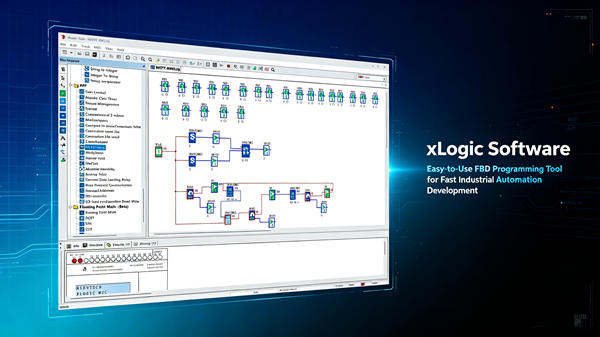
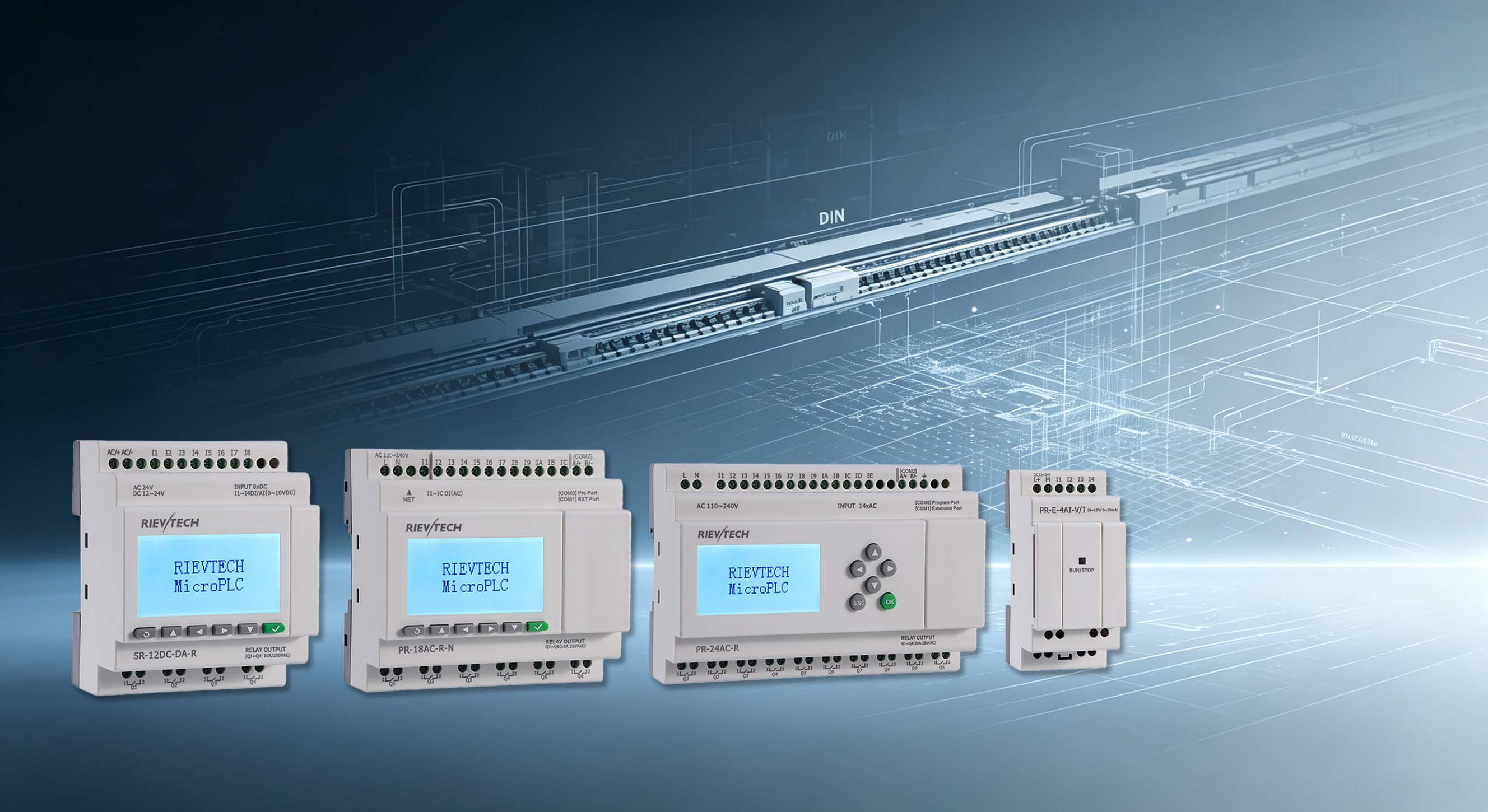
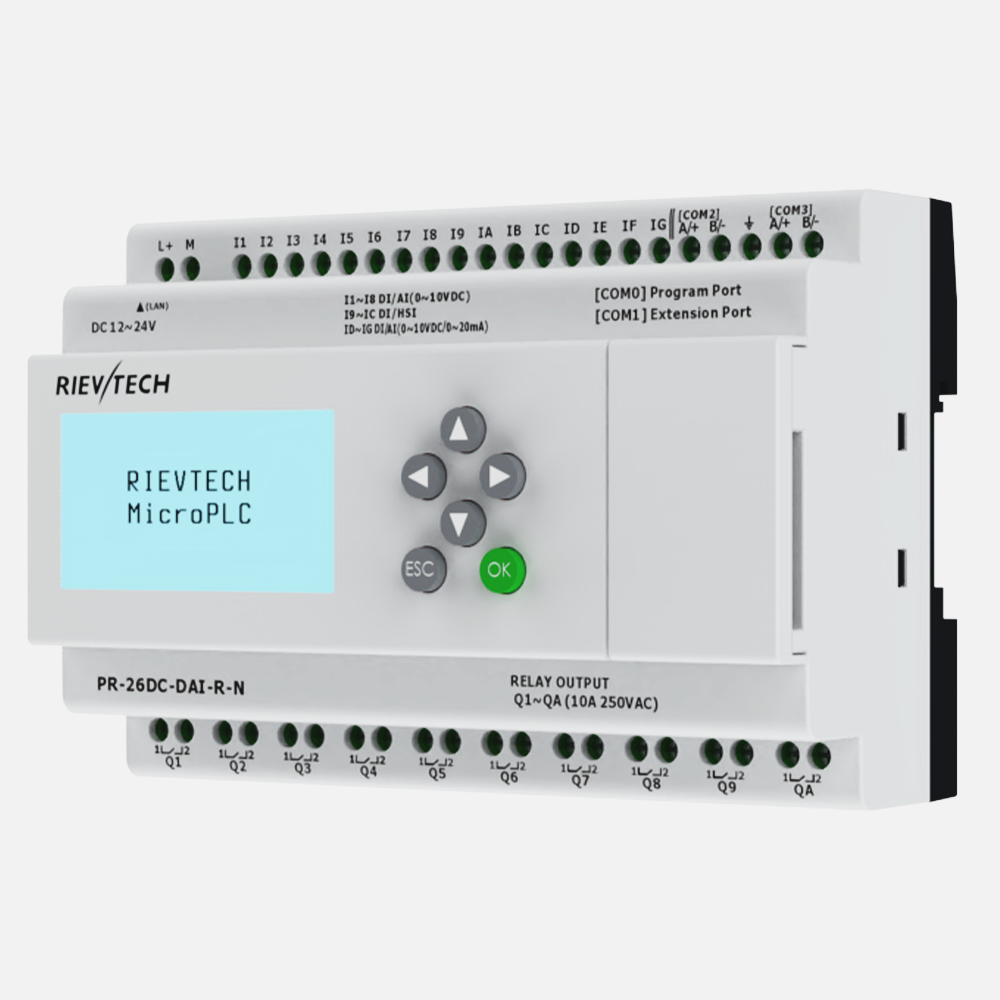
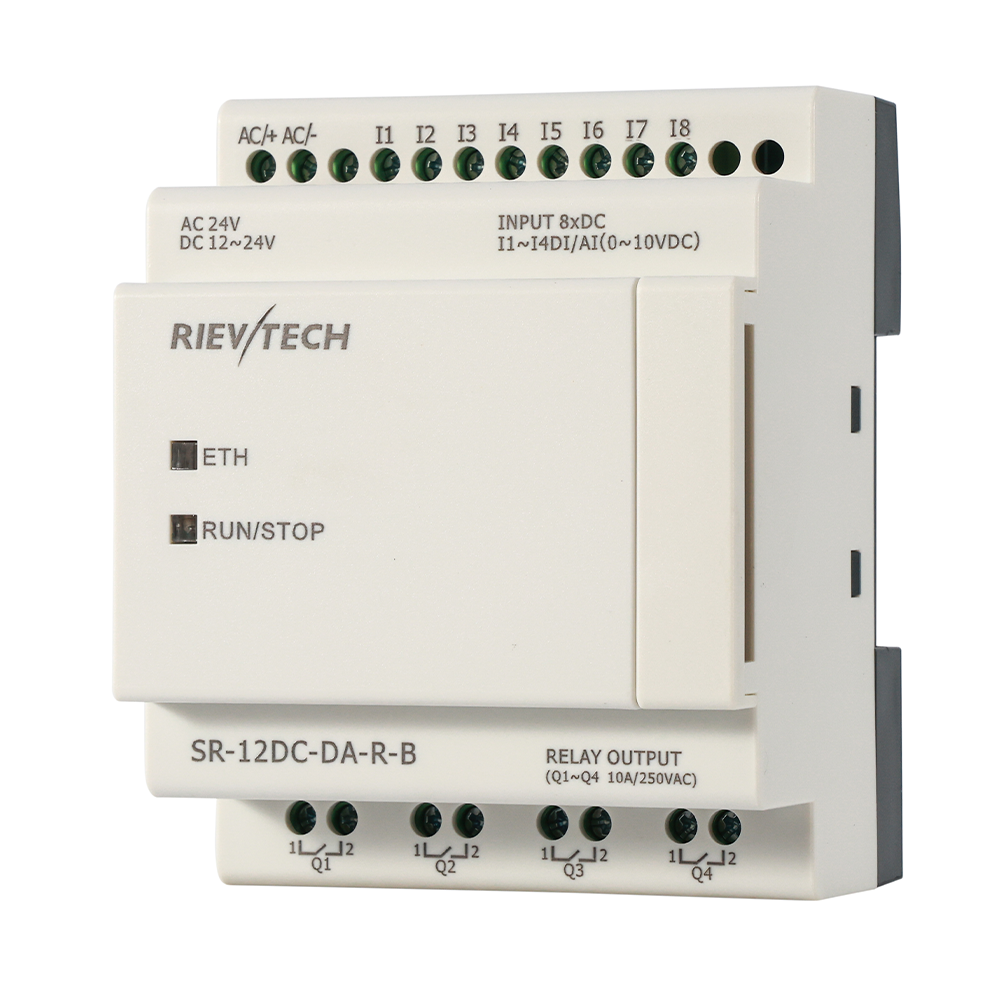
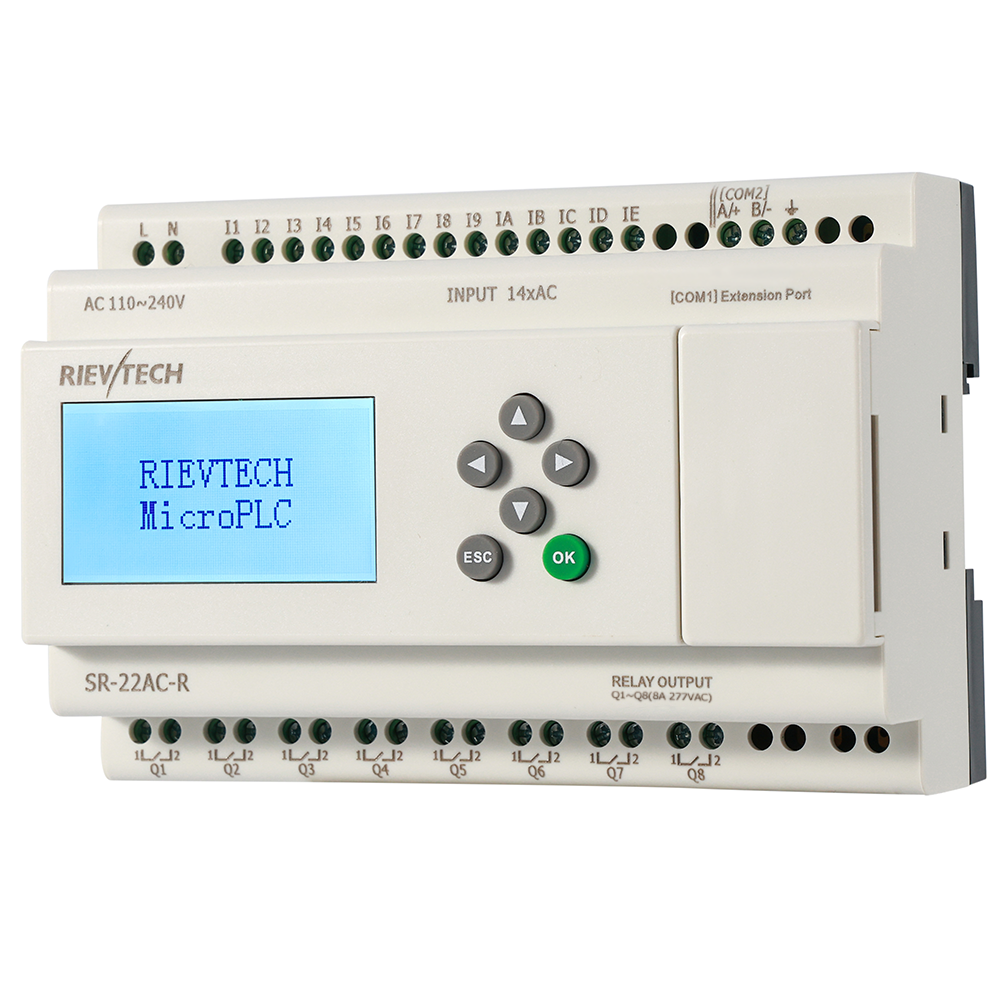
Here is the move that makes facility managers smile: run the full lighting until 23:00, then drop to a dimmed or reduced group from midnight to 05:00, and restore full output for the last hour before dawn. The load is the same fixtures, but the consumption is not. A Yearly Timer plus two Weekly Timer schedules on an SR-22DC-DA-R does the whole thing — full group, economy group, morning boost — with nothing but relay outputs and a contactor per group.
The skeptics always say the same thing: "security." Reduced lighting looks like a risk. The counter-argument is data: the park lit the entrance, the loading dock and the fence line at full power, and dimmed only the open yard and the decorative poles. Crime does not read lighting levels, but your electricity bill certainly does. A motion-triggered bright-up, where a PIR input momentarily energizes the full group when someone walks a perimeter path, gives you security and savings at the same time.
Daylight saving is the hidden maintenance cost of manual systems. Twice a year someone walks the site turning dials, and the site is wrong for a week anyway because the clocks change on a Sunday and the maintenance visit happens on a Thursday. The astro schedule recomputes automatically; the Yearly Timer even handles the holiday shutdown if you want the decorative lighting off between Christmas and New Year. Set the calendar once, and the only person who needs to know the date is the person who pays the bill.
Monitoring Without a Scada License
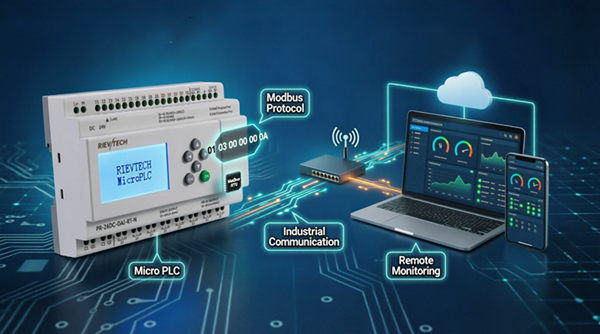
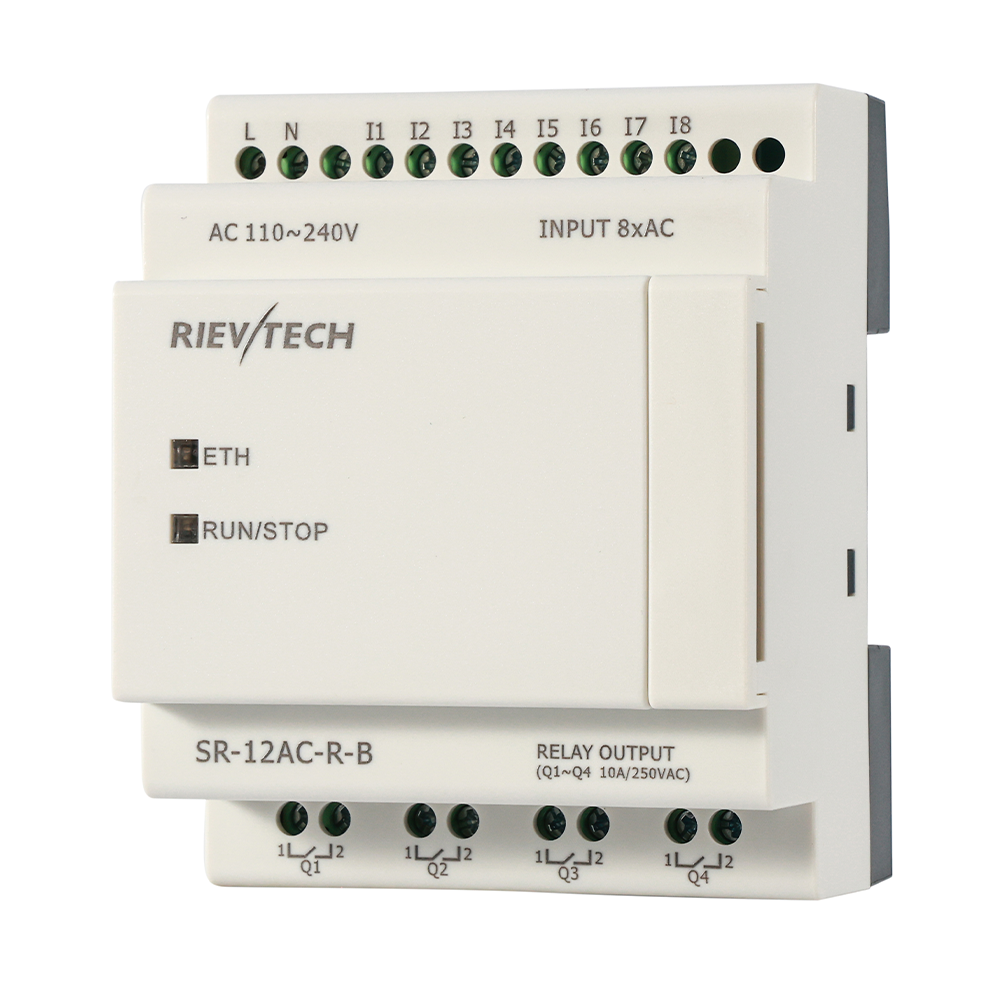
An outdoor lighting controller should be heard from occasionally. Modbus RTU on RS485 — or Modbus TCP on the Ethernet models — lets the building management system read the run hours of each group and flag a lamp group that has been on for 4000 hours (time to relamp, before the pole dies at 2 AM). EasySCADA, the free SCADA tool, can log the switching events to a file so the park manager can prove to the directors exactly what the lighting cost last night.
Emergency and security lighting need their own lane inside the same controller. A security lighting group — entrance, fence line, loading dock — should run on its own schedule or photo-cell override, independent of the decorative groups, and it must not be dimmed by the midnight economy mode. The controller keeps the groups separate with nothing but separate outputs and schedules; the panel wiring stays identical, only the program differs. That separation is what lets you save 22% on the yard without the security guard calling you at 2 AM.
The savings are real, the maintenance is a calendar edit, and the complaints are zero — because the lights still come on when they should. Start small: one group, one astro schedule, one month of readings. The bill will make the business case for the other twenty groups by itself. Nobody ever went broke saving 22% on a load they had forgotten they were paying for. The lights themselves never needed replacing — only the thinking about them did.