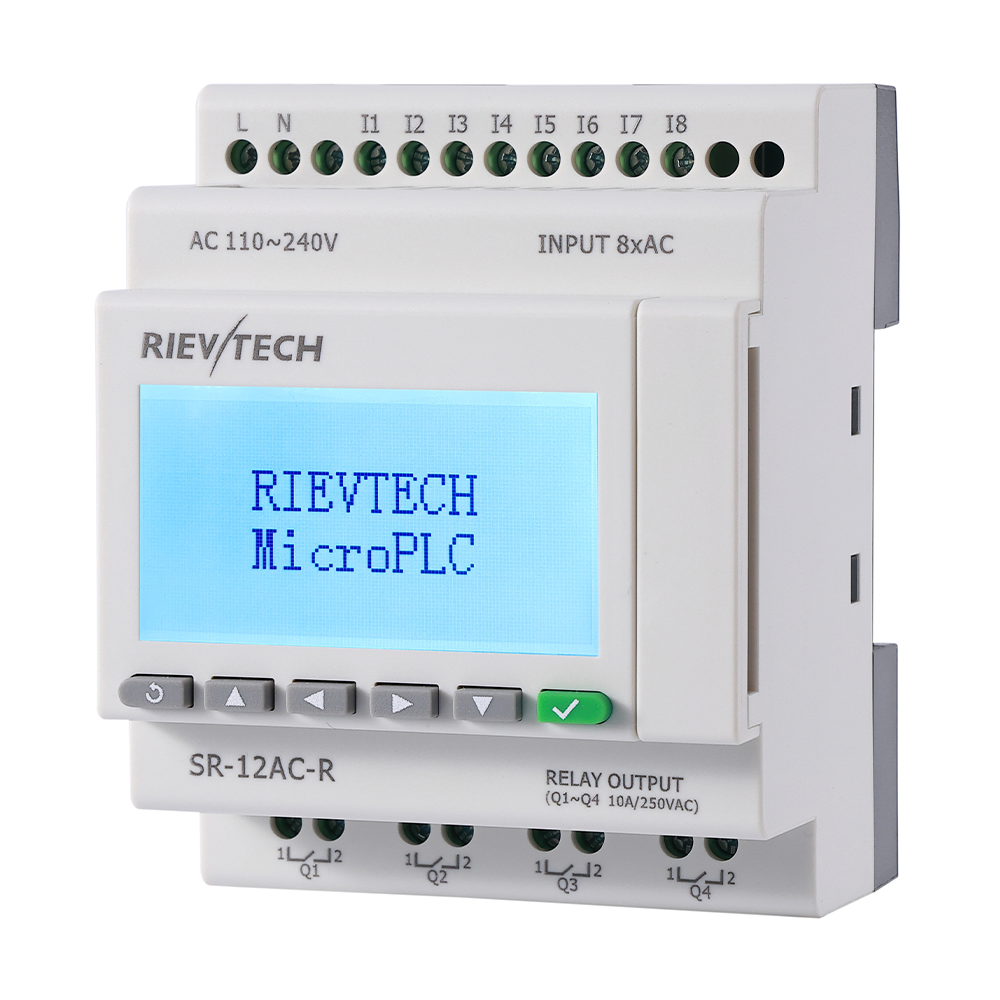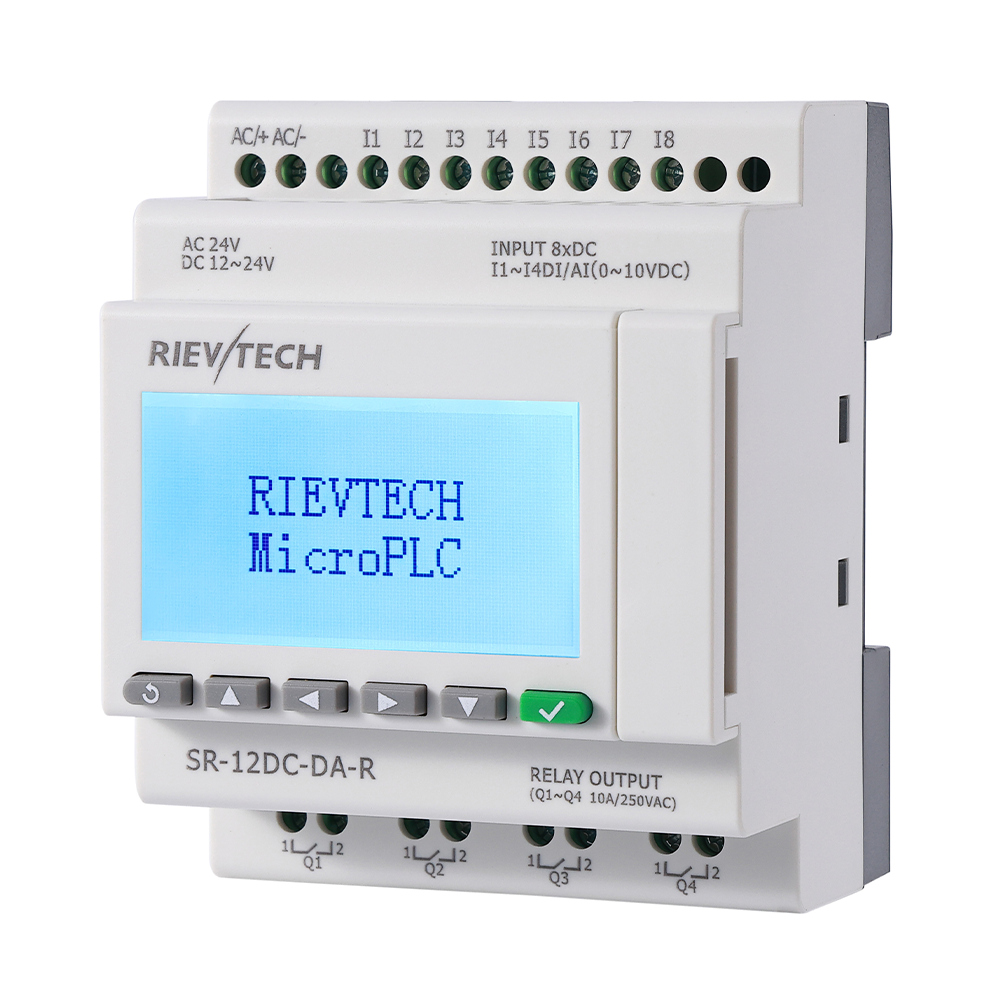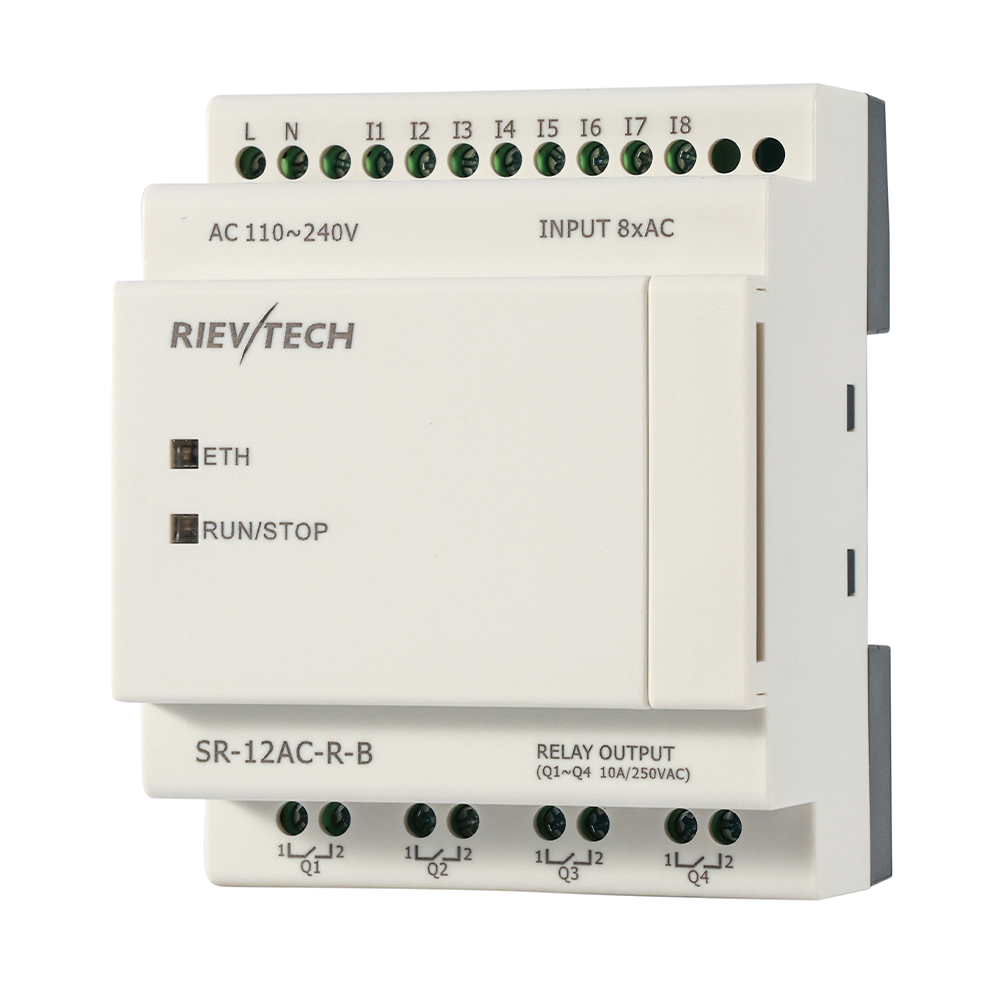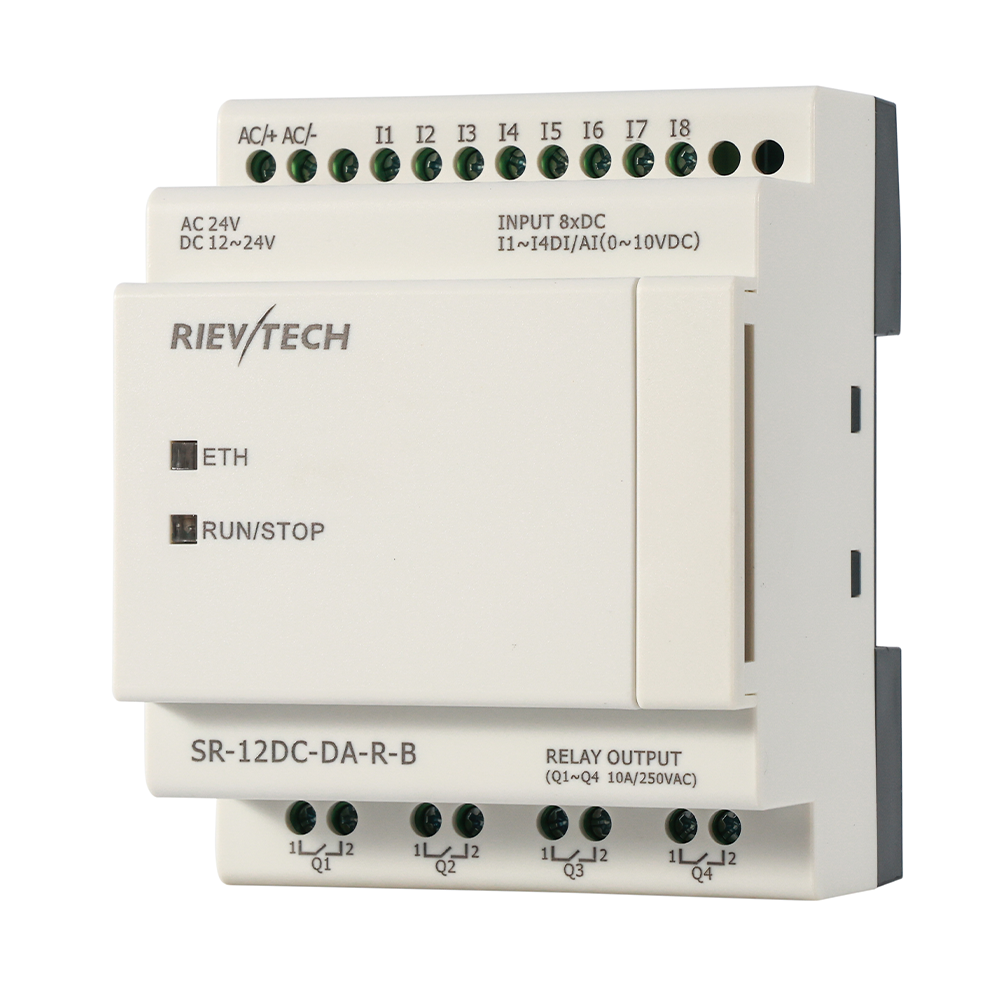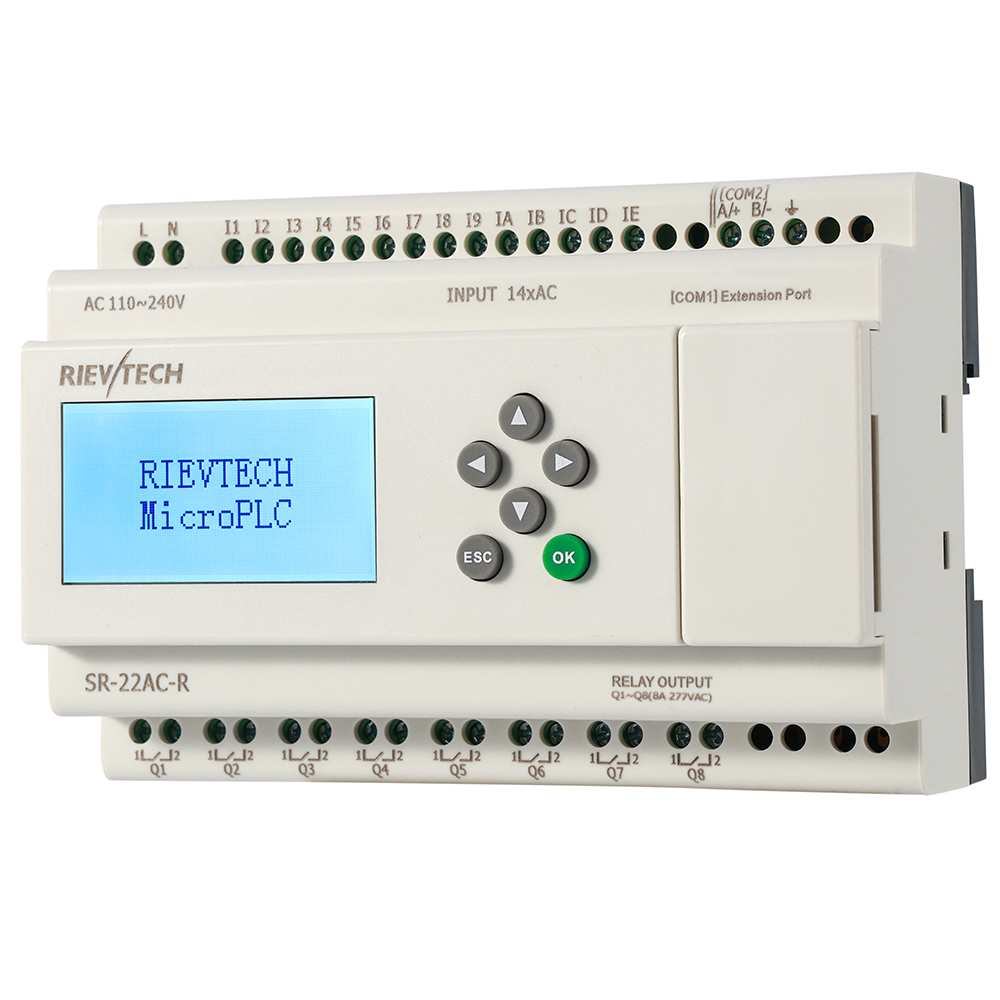
Modbus is forty years old and it still runs half the industrial world. There is a reason: it is simple, it is open, and it works on two wires and a prayer. When your SCADA needs to read a Micro PLC , Modbus is the language you will be speaking — and the xLogic family speaks it in RTU, ASCII and TCP, as master or slave.
Here is the setup path, with the details the datasheet page never prints.
Serial First: RS485 and Modbus RTU
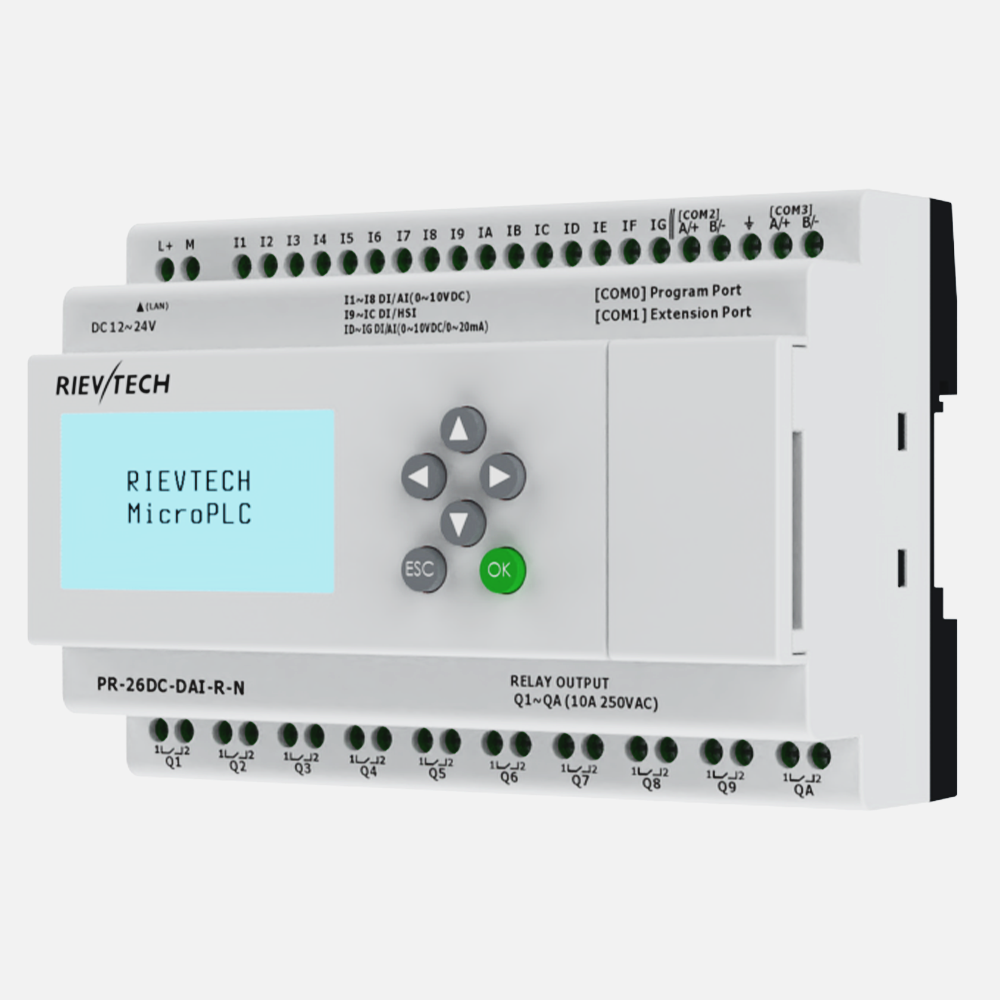
The RS485 port talks Modbus RTU or ASCII to any device with a standard RS485 port — VFDs, energy meters, HMIs, other PLCs. Wire it through the built-in port, or add the SR-RS485 module for CPUs without a native RS485 terminal. The PRO-RS485 cable turns the programming port into an isolated RS485 port when you are in a pinch.
Baud rate: 9600 is the default and the safest. Want 19200? Change the CPU side first, then the SCADA side — the manual is explicit, and the failure mode (a silent timeout) will waste your afternoon if you do it backwards.
Addressing matters more than speed. Every device on the bus gets a unique adress, and the manual's warning is worth quoting from memory: duplicate addresses make communication behave incorrectly. In practice that means data corruption, not a polite error message.
Ethernet: Modbus TCP for the Modern Plant
On the Ethernet-capable CPUs, Modbus TCP is the standard route: the PLC acts as server, the SCADA or HMI polls registers over the LAN. No gateway, no protocol converter, and the same register map works over the network as over the serial port. A static IP on the controller, a port reachable through the router, and your office can see the machine.
Two connection styles exist for remote work — the CPU as server (direct, simple, needs a reachable IP) or the CPU as client dialing out to a server (for NAT-ed and mobile sites). Know wich one your site requires before you configure, because they are configured differently and mixed them up is a classic three-hour mystery.
Real Setup: Pump Station into EasySCADA
A two-pump station with level, pressure and flow values: the CPU runs the alternation logic, and a PC in the office runs the free EasySCADA package. Serial test first — CPU on RS485, station address 1, 9600 baud, the level register mapped. Once the values appeared on the easyMonitor screen, the same project switched to Ethernet with a port change and the office PC saw the same registers.
Total configuration time: one afternoon, including the coffee. The protocol did not fight back because we followed the address and baud rules exactly.
The SCADA Side
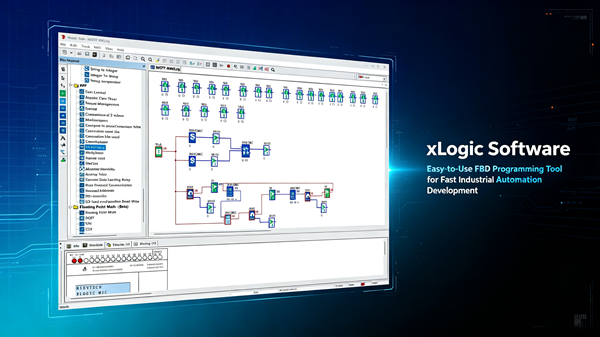
EasySCADA talks Modbus RTU and TCP only — no MQTT, no OPC-UA, and that is fine, because Modbus is what the SCADA world still trusts for this class of controller. Map the register blocks in the Data tab: inputs, outputs, flags, analog flags, registers, with High/Middle/Low polling priorities. Priority matters more than people think — the alarm flags should poll fast, the analog values can wait.
One more field note: RS485 needs a common ground and termination at both ends of the bus. The protocol is forgiving; the electrical layer is not. Twisted pair, correct polarity, one ground reference — that is the whole secret, and it never changes.
Register Map Discipline
The silent killer of Modbus projects is not wiring or baud rate. It is the register map — specifically, the moment it lives only in someone's head. I have debugged systems where the SCADA read the wrong register for two weeks because a program update shifted an address and nobody updated the map. The values looked plausible. That is the trap: wrong data that looks right is worse than no data.
Write the map down the day you create it. Columns: PLC address, register number, data type, scaling, unit, and which SCADA point reads it. Keep it in the project folder, version it like code, and update it in the same commit as the program. The fifteen minutes it costs will save you a weekend of confusion within the first year — guaranteed.
Design the map with room to grow. Leave gaps between functional groups: inputs at 100-120, outputs at 150-160, analog at 200-240, flags at 300-320. When the customer asks for a new value — they always do — it lands in a gap without renumbering everything and breaking the SCADA screens. That forward planning is the difference between a system that evolves and a system that needs a re-commissioning project every time someone adds a sensor.
And use the data types deliberately. Discrete bits for alarms, 16-bit integers for counts, floating point where precision matters. EasySCADA's Data tab gives you the type choices — byte, word, register, flag — and the priority field for polling. High priority for the alarms, Low for the slow values. The SCADA polls what you tell it to poll, in the order you prioritize, and a well-designed map makes the whole system snappier.
Troubleshooting the Silent Bus
When the SCADA screen freezes, work the list from cheapest to most expensive. First: is the PC even on the right network? A subnet mismatch looks exactly like a dead bus and takes ten seconds to check. Second: the address. Type the register number into the SCADA diagnostics if it has one — a wrong address polls cleanly but returns nothing. Third: the baud rate. A mismatch between the CPU and the PC produces silence, and the manual's rule — change the CPU side first — exists because this failure is so common.
Fourth, and this is the one that humbles everyone: the electrical layer. RS485 needs a common ground across all devices and termination resistors at the physical ends of the bus. A floating ground produces intermittent corruption that comes and goes with the loads in the cabinet. I have watched engineers replace three devices chasing a ghost that turned out to be a missing ground wire. Multimeter out, resistance across the grounds, before you swap hardware.
Keep a copy of the register map in the panel. Laminated, behind the door, next to the wiring diagram. The next engineer — possibly you, in eighteen months — will bless your name.
Modbus is not glamorous. It is simply the most dependable thing in the cabinet, and once it is wired right, it stays right for years.