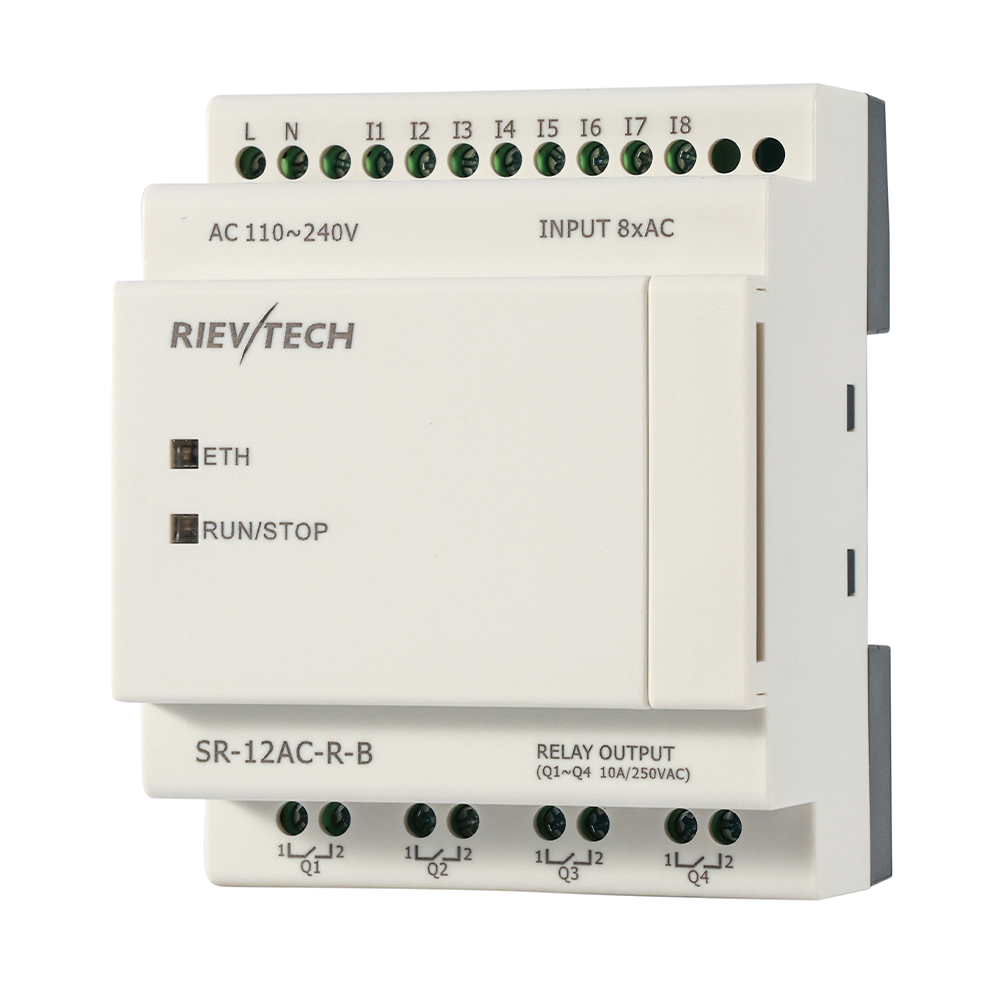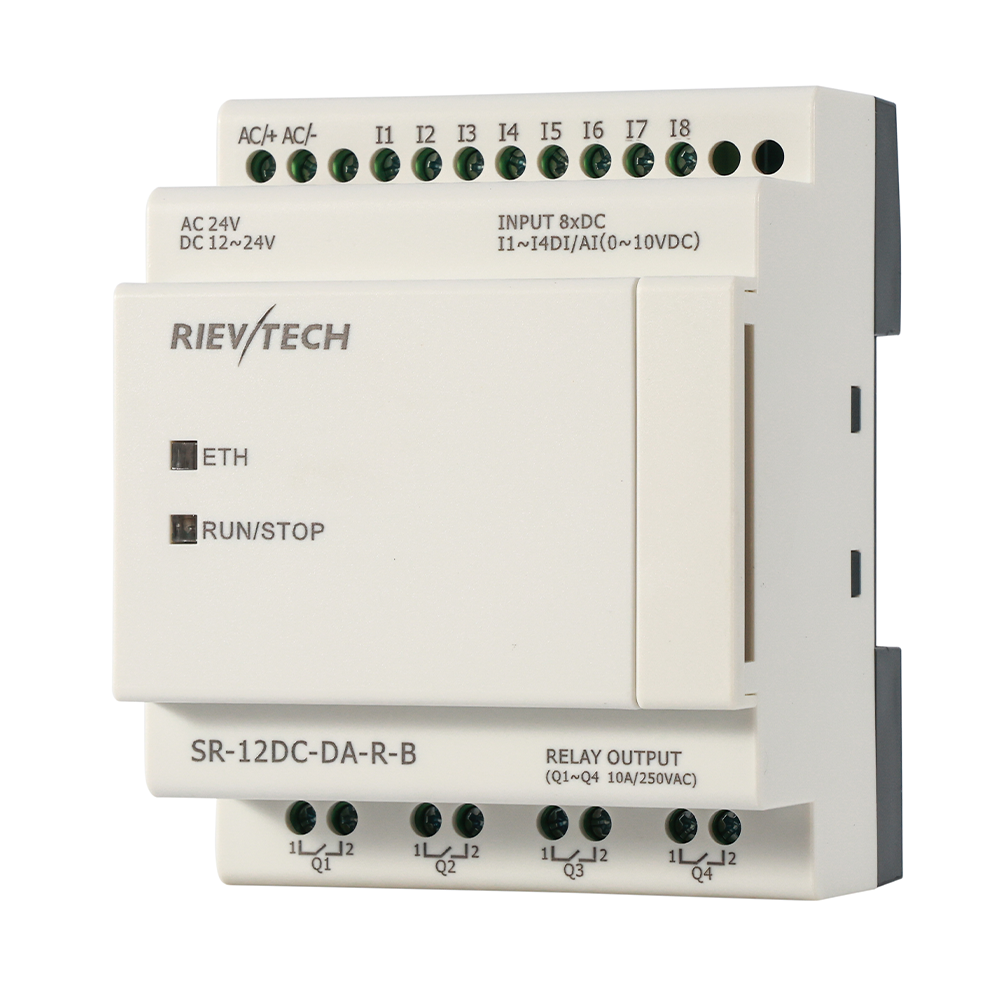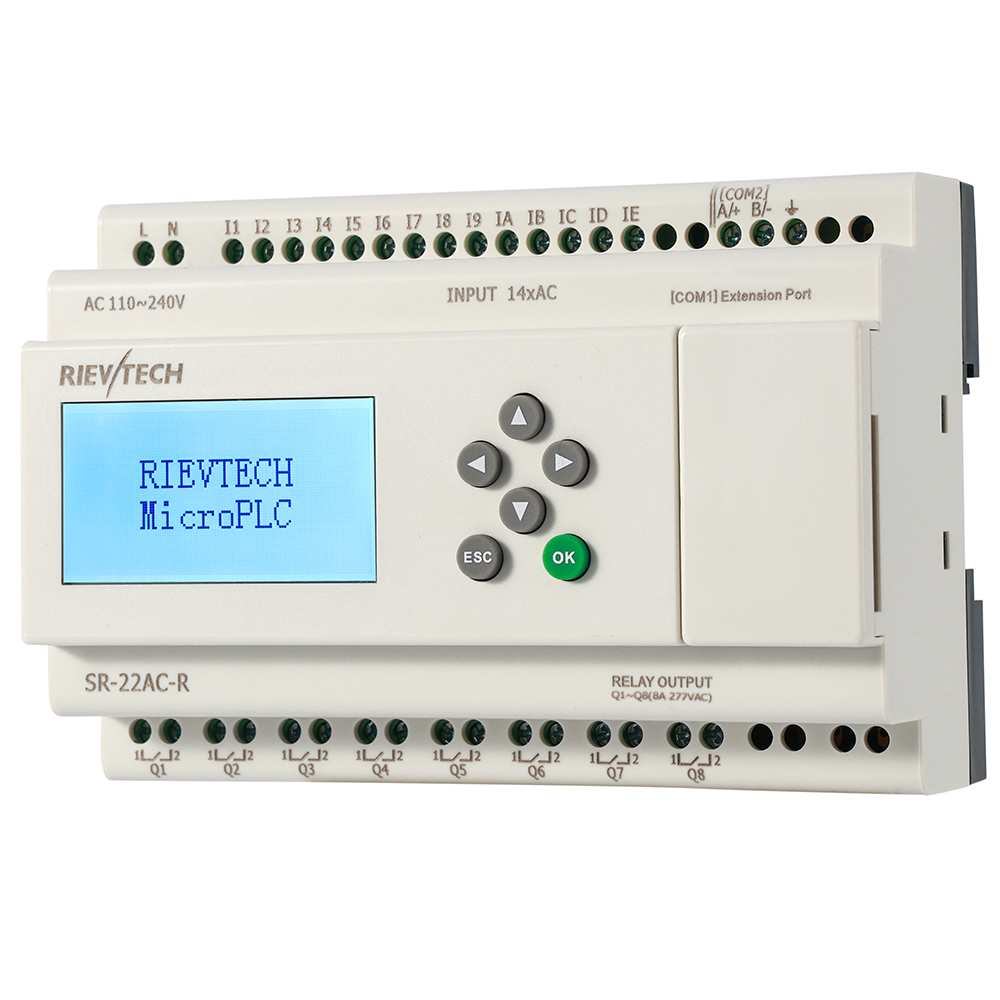
A 64-block CPU and a 1024-block CPU cost about the same to install. The difference is whether your project fits on the first try, or whether you spend a weekend deleting features you already promised the customer. Memory headroom is the quietest spec on the datasheet, and the one that bites hardest later.
Here is the complete map, straight from the V6.2.2 user manual, so you never have to guess again:
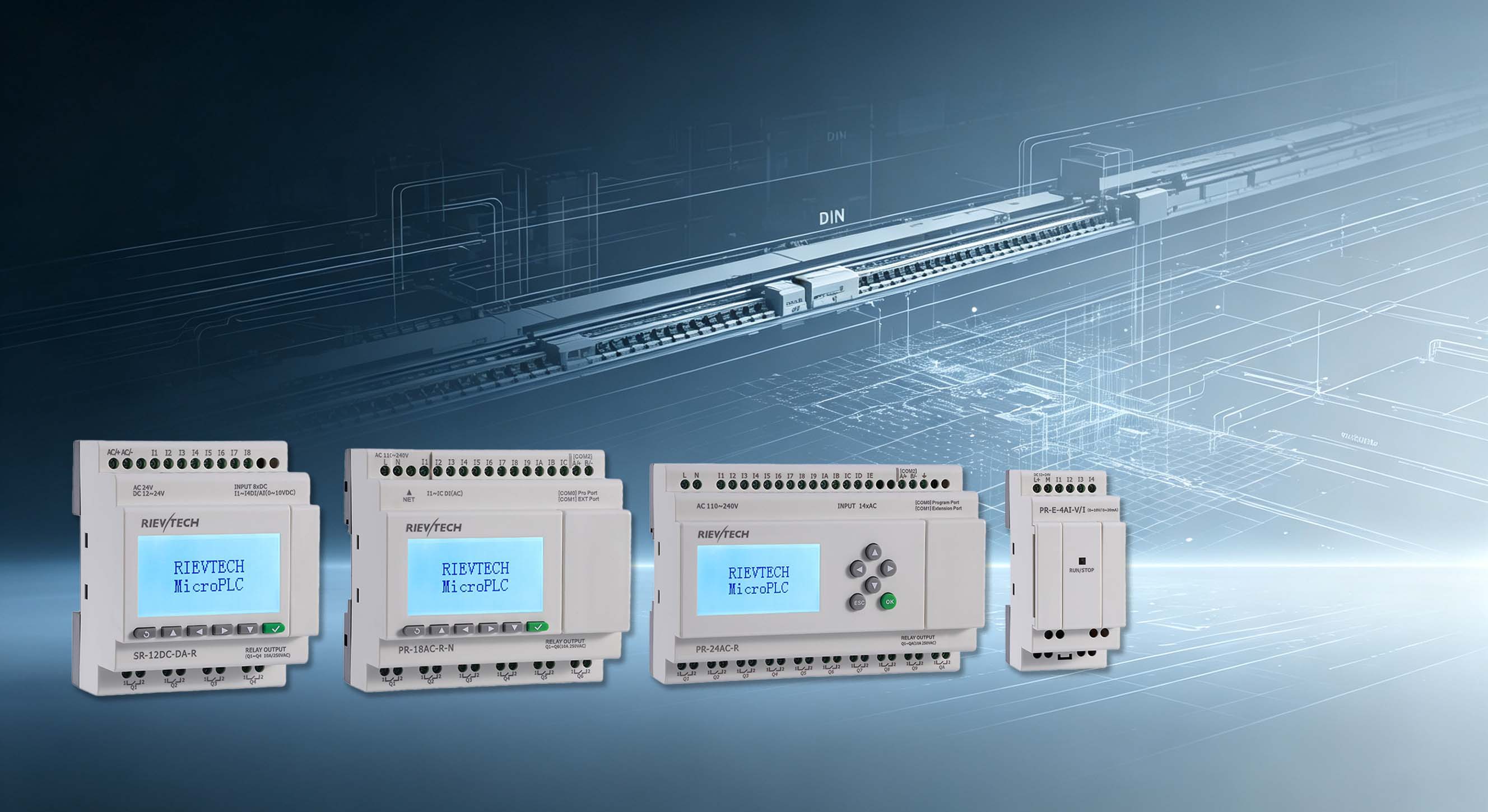
- PR-18, PR-24 — 1024 function blocks
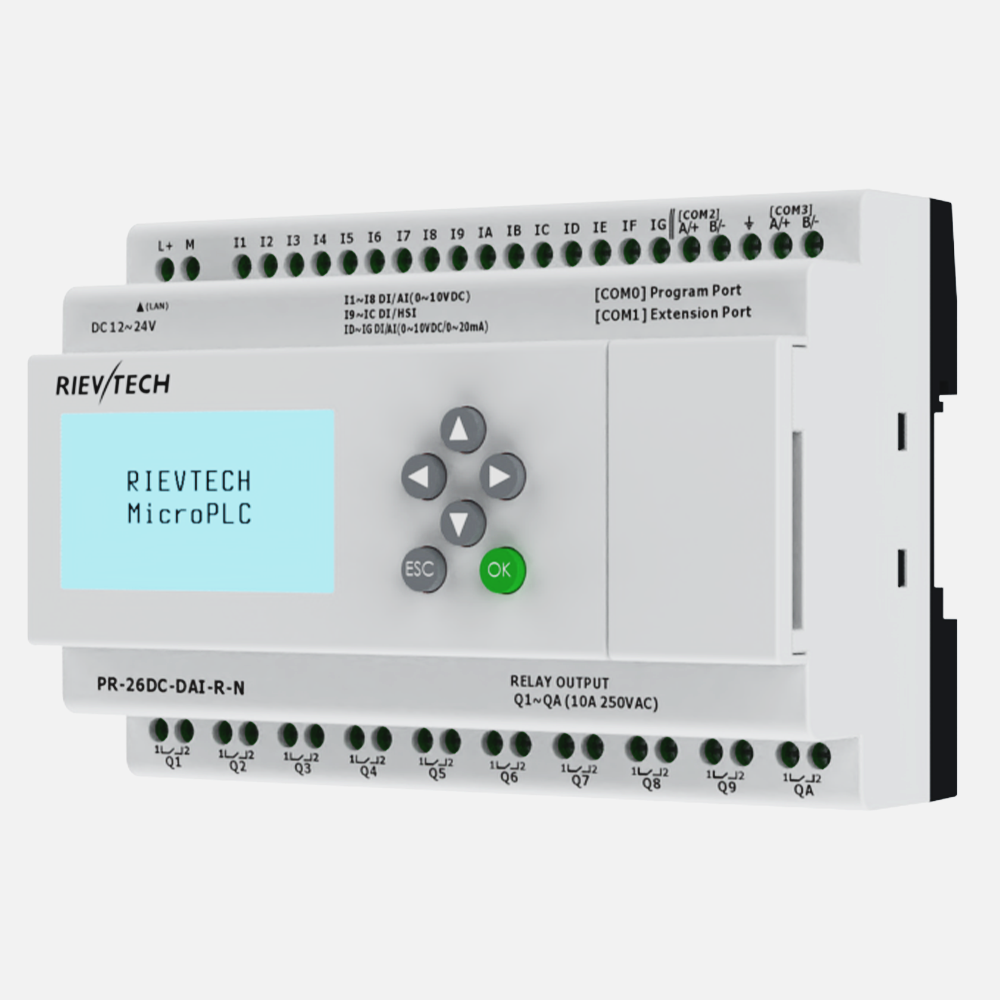
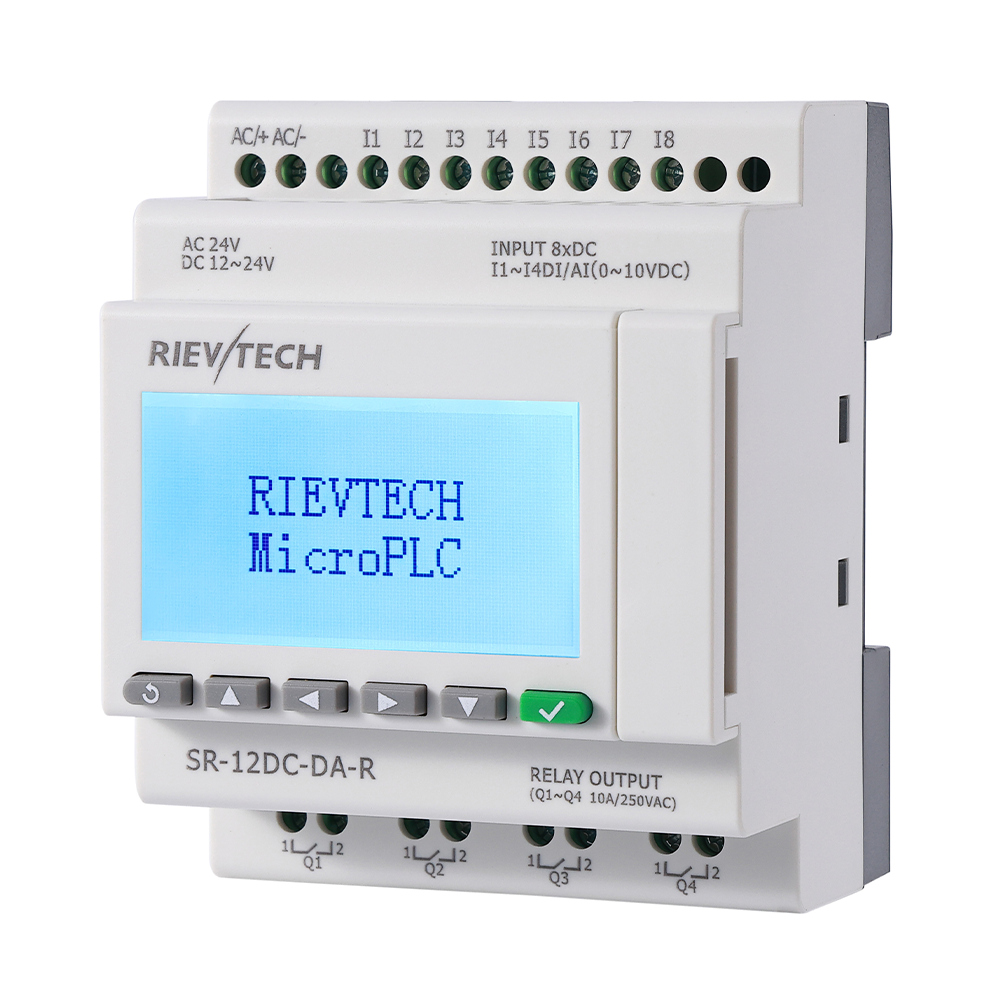
- -N suffix models (PR-12N/18N/26N, e.g. PR-12DC-DA-R-N) — 1024 function blocks, program memory 64K
- PR-14, PR-12, EXM — 512 function blocks
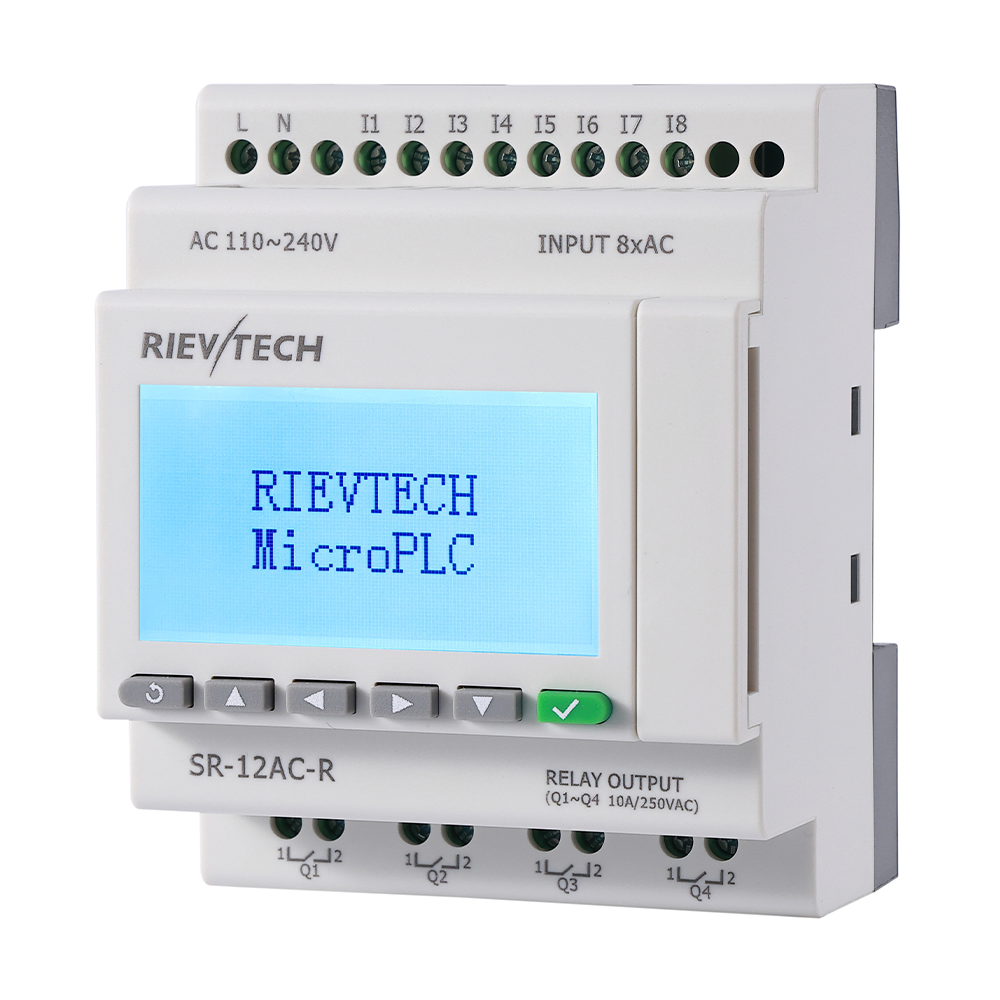
- SR-12, SR-22 — 512 function blocks on the latest firmware (256 in older releases)
- PR-6, PR-12E — 64 function blocks
Notice the pattern? The ceiling is not about price tiers — it tracks the physical I/O and display class of the CPU. A PR-26 with its analog-rich, expansion-hungry design needs the headroom. An SR-12 doing relay replacement rarely exceeds forty blocks.
What Eats Blocks Faster Than You Expect
Naive counting gets people in trouble. One timer = one block, sure. But a pump alternation sequence with elapsed-run logging, a weekly schedule, an alarm chain and a manual override mode? That is easily thirty blocks before you touch analog. Add scaling for a pressure transmitter, a comparator for a low-level cutoff, and a PWM output for a variable-speed fan, and you have crossed sixty.
Suddenly the 64-block PR-6 feels very small. And it is small. That is its job.
Real Project: Small Pump Station
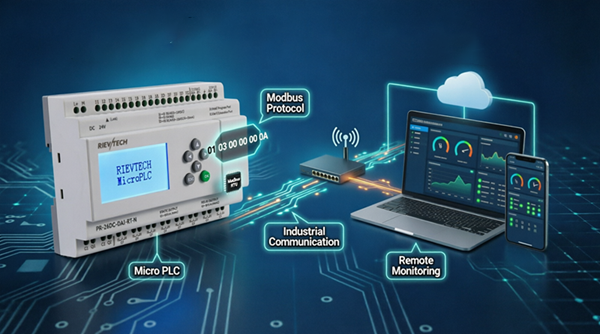
Consider a two-pump lift station: float switches, alternation logic, run-time counting, dry-run protection, a remote alarm output, and a Modbus link to a small SCADA. On a PR-12 the project came to 87 blocks — comfortably inside 512. On a PR-6 it would not have fit. Same application, different class of CPU, different answer to the same question: wich model do I order?
Order the one with headroom. The extra twenty dollars is insurance against a re-design meeting.
The Hidden Costs of Going Small
Retentive memory is another spec people skip. You will note that PR-6 and PR-12-E CPUs do not carry retentive memory — power loss wipes your retained data. The rest of the family keeps flags and registers alive through the 20-day RTC backup. If your machine stores batch counters or accumulated run hours, that difference matters on every power dip.
And expansion modules. Up to sixteen linked I/O modules, 282 I/O points on the big CPUs, communicating over the CAN-bus-style expansion protocol. More modules, more addresses, more blocks consumed in the logic that reads them. The math compounds.
How to Choose Without Regret
Sketch the program on paper first. Count blocks honestly, double it, add ten percent for the feature request that arrives mid-project — they always arrive — and pick the CPU one class above the result. Nobody ever filed a complaint saying thier PLC had too much memory. Nobody.
How Expansion Modules Eat Addresses
The block count is only half the memory story. The address map is the other half, and expansion modules consume it faster than beginners expect. Each PR-E or SR-E digital expansion adds eight inputs and eight outputs; each analog expansion adds up to six digital and four analog channels. Stack sixteen modules and the CPU's address space — I11 through I16G, Q11 through Q16G, AI11 through AI164 — fills up in a hurry.
The planning rule is simple: lay out the address map before the first module is ordered. Decide which expansion slot carries the digital bank, which carries the analog, and leave a slot's worth of gaps for growth. Re-addressing after the cabinet is wired is a software change — the blocks reference new addresses — but it is a software change that touches every screen, every SCADA point and every comment. Ten minutes of planning prevents a day of renumbering.
And remember the voltage rule from the manual: expansion modules can run at a different supply voltage from the CPU, but each module must see the voltage of its own type. A mixed-voltage cabinet is legal, common, and a labeling discipline issue. Mark every rail.
The 64-Block Trap
Here is the purchase mistake that keeps service engineers employed: buying the smallest CPU because the first program fits. The PR-6 and PR-12E carry only 64 function blocks — enough for a relay replacement, tight for anything with analog. The customer's program grows, the block counter hits the ceiling, and the "small, cheap CPU" becomes a "replace the CPU" project inside a year.
The fix is the sizing rule I keep repeating: sketch the program, count the blocks, double it, add ten percent for the feature request that arrives mid-project — they always arrive — and buy one class up. The price difference between 256 and 512 blocks is usually trivial; the cost of a field change-out is not.
That is the honest economics of memory. Headroom is not a luxury spec. It is the cheapest insurance in the catalog, and the only spec you cannot upgrade in the field with a screwdriver.
The Address Map on Paper
The expansion addressing is automatic — module 1 takes I11-I1G, module 16 takes I161-I16G — which is exactly why nobody writes it down and everybody pays later. Print the slot map the day the modules are ordered: which slot holds the digital bank, which the analog, which stays empty for growth. A one-page map prevents the year-two re-addressing project, and it makes the panel readable to whoever inherits it. Ten minutes, one page, permanent dividends.
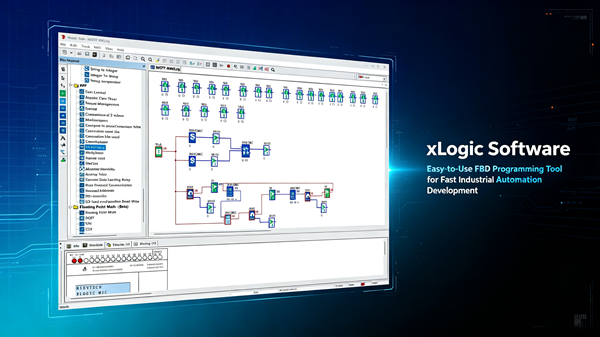
The software is free, so load it, build a prototype project, and watch the block counter. That takes thirty minutes and saves you a month of cabinet rework. Do that before you wire anything.