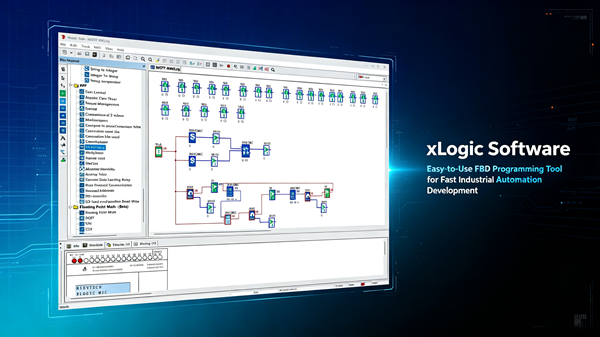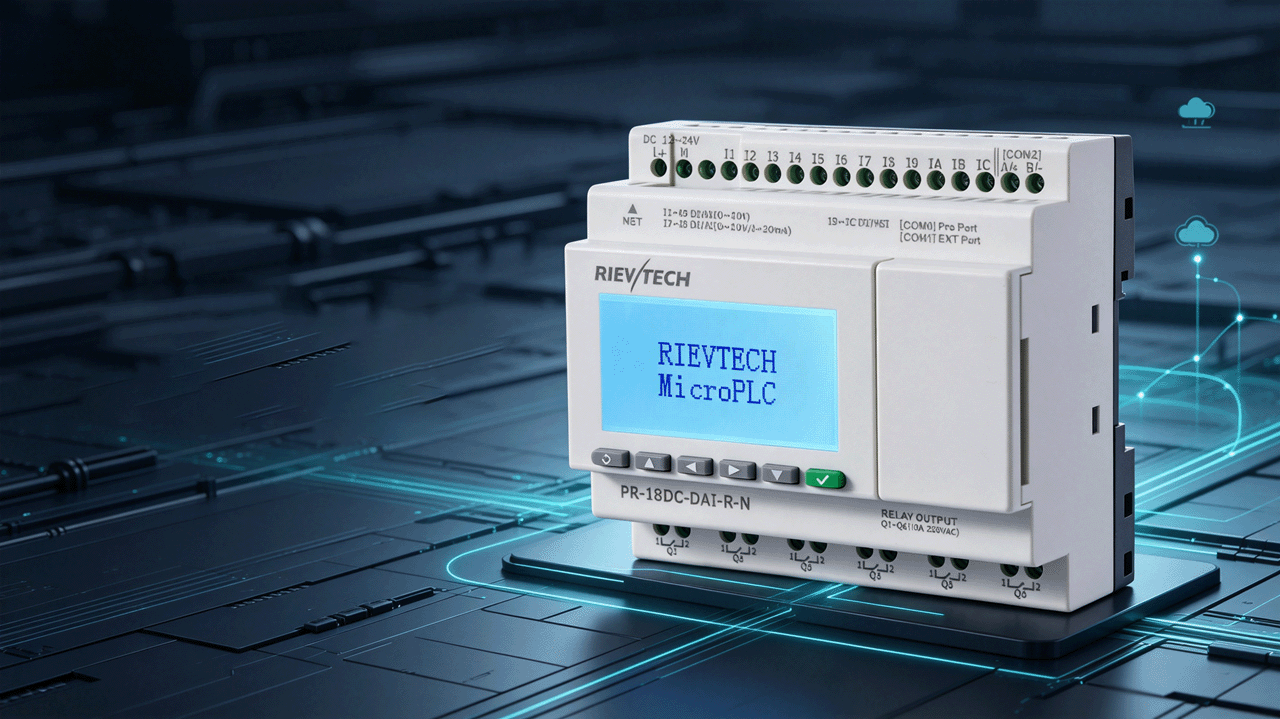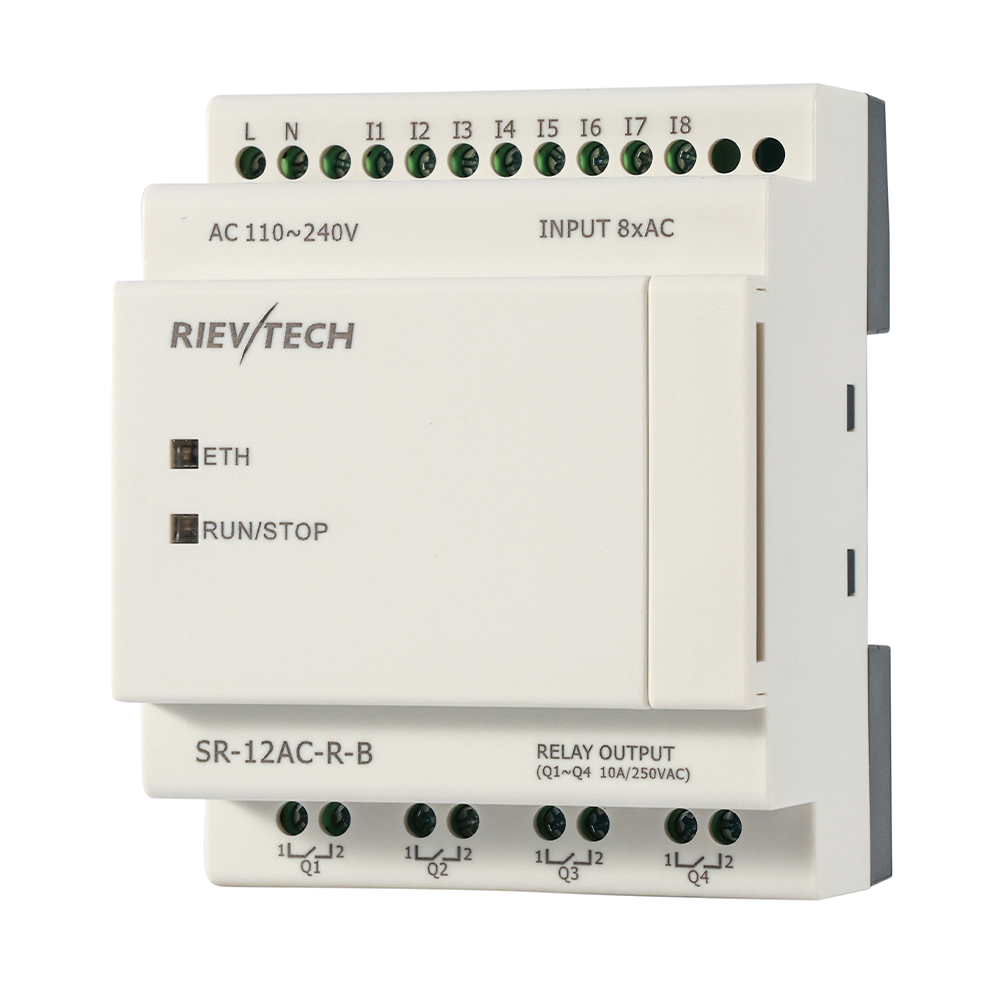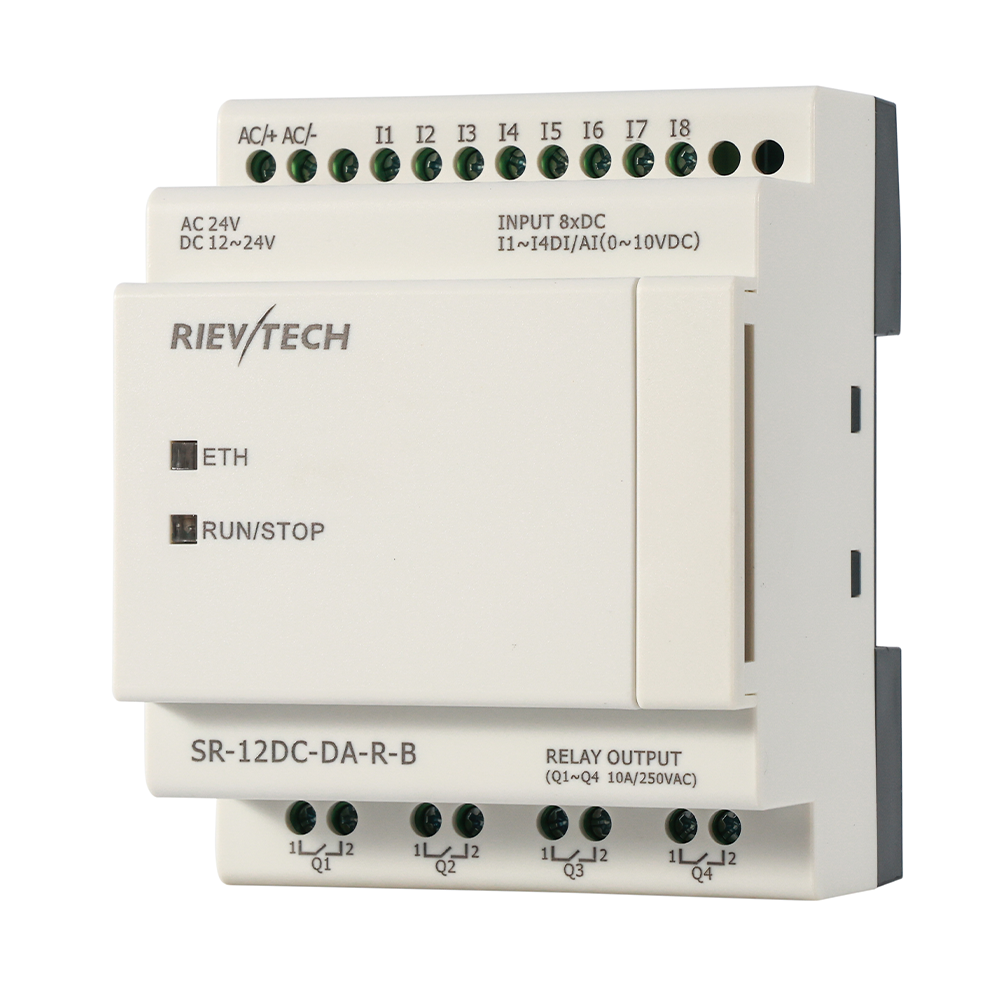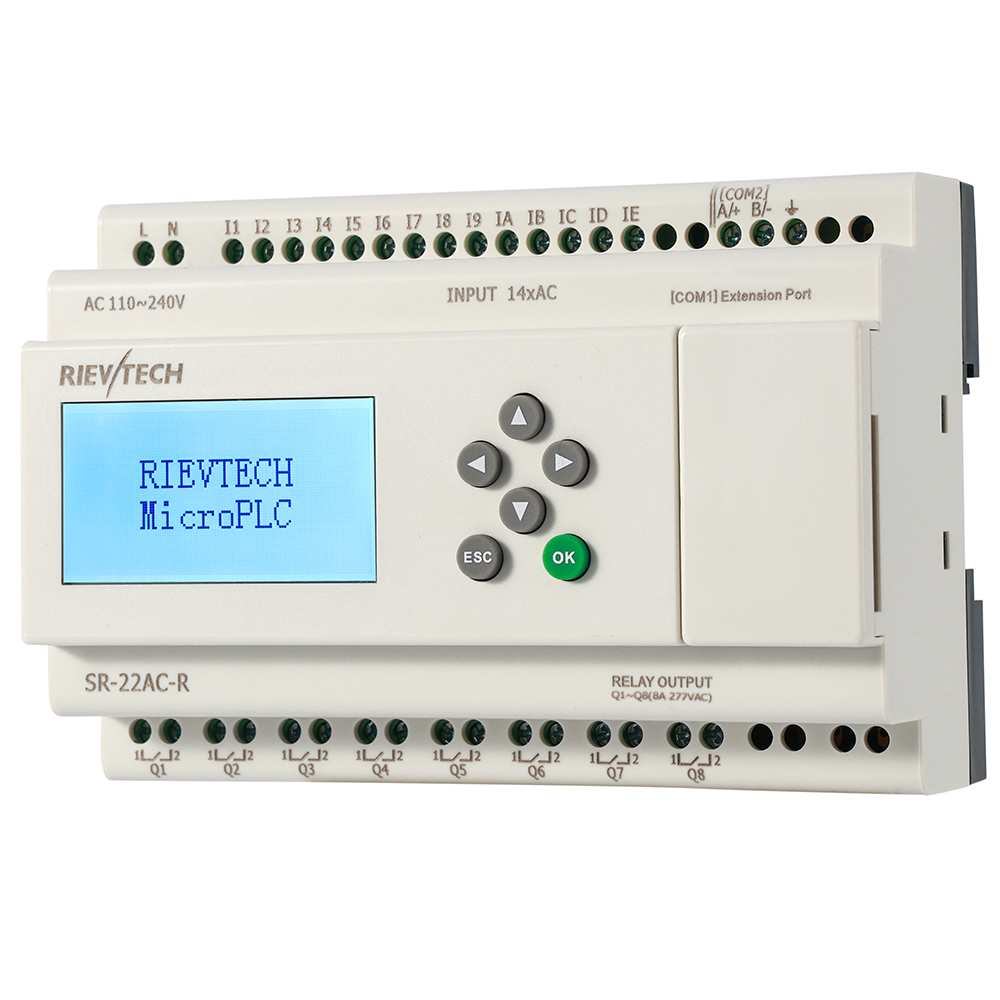
Here is a confession from an old hand: I learned control engineering on S7-200s, and I still think in SM bits. So when I found the xLadder editor using the same instruction family — SM special memory, ATCH/DTCH interrupts, CTU/CTD counters, SMB34 and SMB35 timed-interrupt registers — it felt like coming home. If you cut your teeth on Siemens, this Micro PLC speaks your dialect.
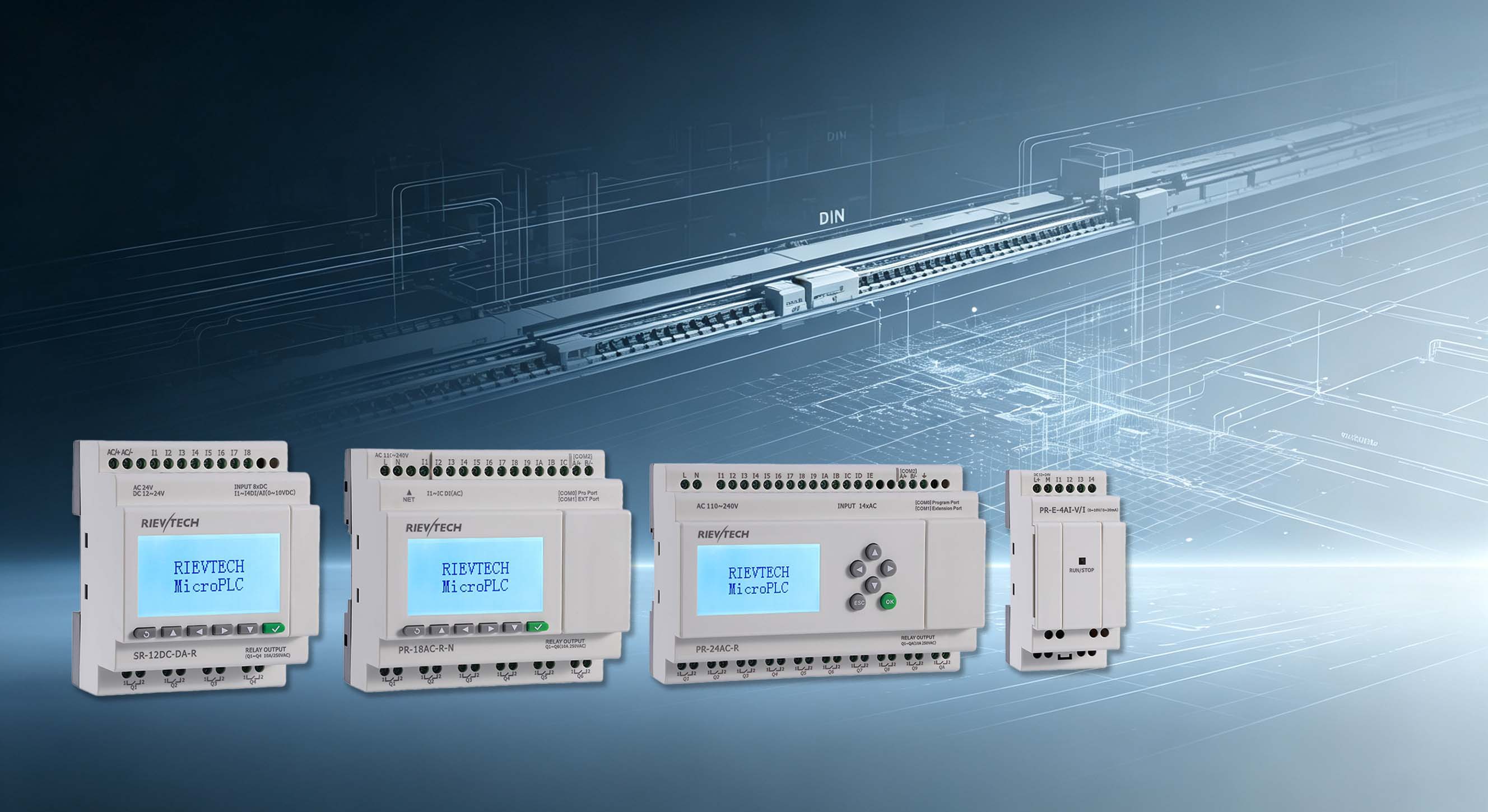
The xLadder package covers SR and PR series CPUs. New version even added Structured Text — ST programming on a budget nano-PLC. That is not something the big brands hand out at this price point.
The Instruction Set That Matters
Do not let the small footprint fool you. The ladder tree includes bit logic (normally open/closed, immediate I/O, rising and falling edges, set/reset, SR/RS, NOP), timers, counters, compare functions for bytes, integers, double integers, reals and even strings, plus a full conversion library — BCD, ROUND, TRUNC, ASCII, ATH/HTA, DECO/ENCO, seven-segment code.
Then come the heavy hitters: floating-point arithmetic (ADD-R through SIN, COS, LN, EXP), integer math, a PID block, interrupt control (ENI, DISI, ATCH, DTCH), logic operations (INV, WAND, WOR, WXOR), move instructions including BLKMOV and SWAP, and program control with FOR/NEXT loops.
String comparison on a Micro PLC . Let that sink in for a second. That used to be HMI territory.
Concrete Example: PID on a Test Bench
Take a simple PID temperture loop. In xLadder you wire a thermocouple signal into the analog input, scale it with the convert block, feed it to the PID instruction, and drive the heater output through a PWM-capable channel. Total rungs: about a dozen. Total time to first working loop: one afternoon, including coffee breaks.
The status chart and cross-reference tools make debugging tolerable. You can watch SM bits flip in real time while the PLC runs — the free online monitor does the job without a seperate SCADA license.
How It Connects
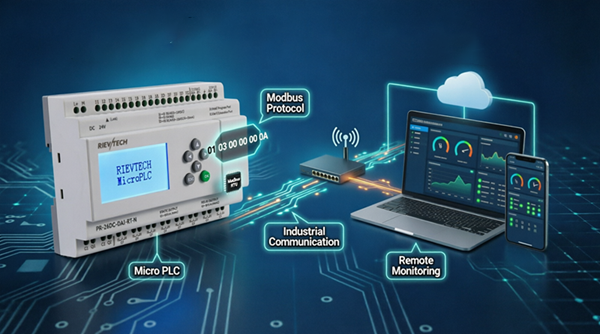
Communication setup follows the S7-200 pattern: pick the port, set the address, download. The RS232 and USB cables are photoelectrically isolated — that isolation saves CPUs when someone wires 220V where 24V should go. Ethernet-capable PR models download over the network, which means you can update a machine without opening the cabinet. Or a laptop with a cable, if you enjoy the classics.
Is Ladder Even the Right Choice Here?
Honest answer: for pure boolean logic, yes. For anything with analog scaling and math, FBD in xLogicSoft is leaner. But here is the real-world consideration — your customer's maintenance team. If they know ladder, ship the ladder project. Compatibility with the installed skill base is a feature that never appears on the datasheet.
Support for the SR-12 and SR-22 series landed in later xLadder releases, so check the version before you promise a customer anything. V2.0.0.8 added SR-22, V2.0.0.9 added ST. Version matters, and nobody reads the release notes until something breaks.
Migration from Real S7-200 Projects
If you are coming from a genuine S7-200 background, the migration is smoother than you expect — and rougher in exactly one place. The instruction mnemonics, the SM memory map, the interrupt concepts, the ladder editor habits: all familiar. The one place it bites is the address translation. S7-200 programs are written against specific I/O maps and V-memory layouts; your xLadder program must be re-addressed to the SR or PR CPU's own map — inputs, outputs, flags, analogs — before a single rung runs correctly.
Treat the first project as a rewrite, not a copy. Walk the old rungs one by one, note the logic intent, and rebuild against the new address map. The logic patterns carry over cleanly; the addresses do not, and pretending otherwise produces a program that compiles perfectly and runs nothing. I have watched that failure twice, and both times the engineer blamed the tool. It was the addresses.
Once the map is settled, the rest is fast: the instruction set covers bit logic, timers, counters, compares, conversions, math, interrupts and program control in the S7-200 idiom, so the translation is mechanical. Budget the first project at double time, the second at normal, and the third at half — that is the real migration curve.
The Debug Toolbox
Debugging ladder without live status is archaeology. With the online monitor and the status chart, it is conversation: you watch the SM bits flip, the counters climb, and the outputs change while the machine runs. The status chart shows the values you asked for, and the cross-reference tool answers the question that ends most debugging sessions — "where else does this bit get touched?"
That question is the one ladder novices forget to ask. A coil written in two places behaves differently from a coil written in one, and the cross-reference finds the double-write in seconds. On a relay panel that fault means tracing wires; here it means one tool click, which is exactly why the software debugging experience beats the hardware one.
Set the download discipline early: compile clean, download, verify the version shown on the CPU, and only then close the panel door. A machine that runs on a stale program is a machine with a story you will hear about in a month, from a customer who is not laughing.
One request to the R&D team, since I have a public microphone: give us a proper cross-reference view that jumps straight to the operand. The one we have is fine, but fine is not great. That is the difference between a tool people use and a tool people love.